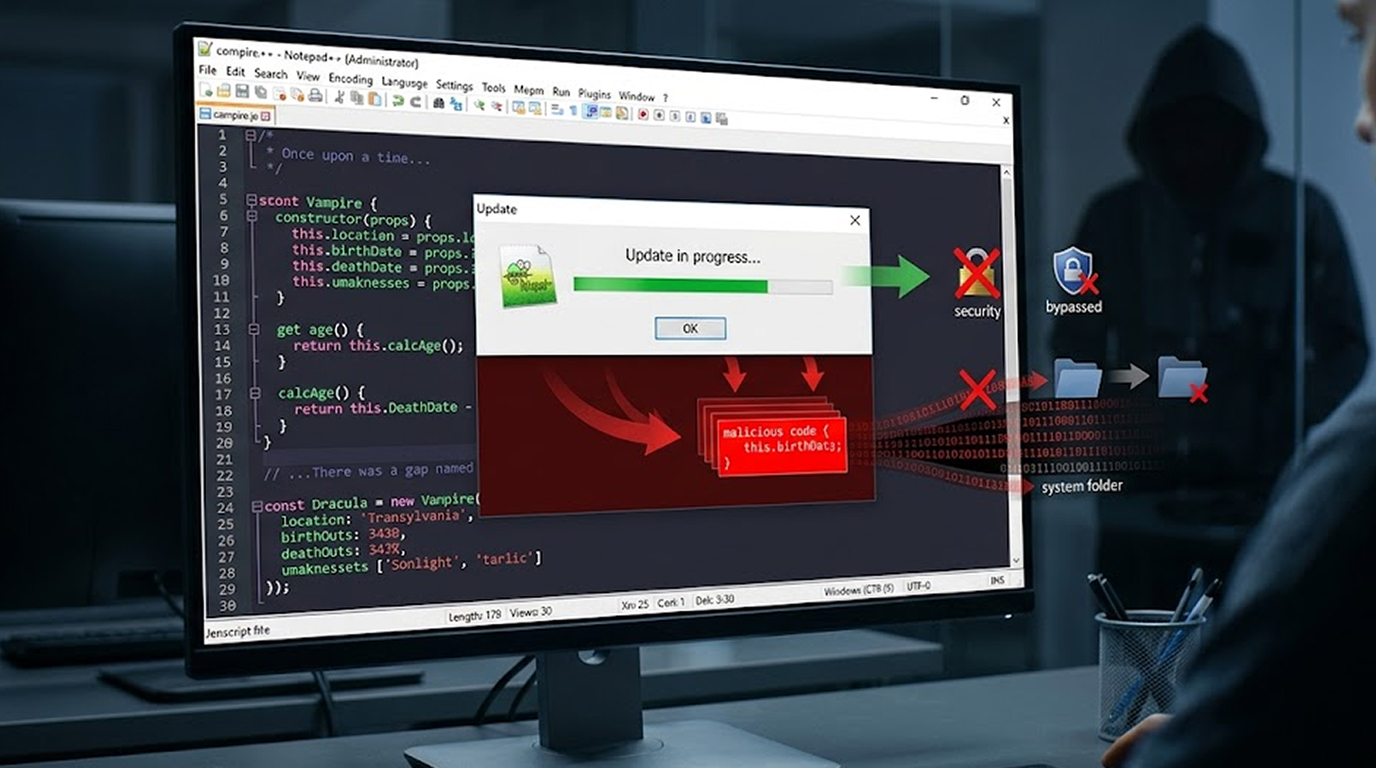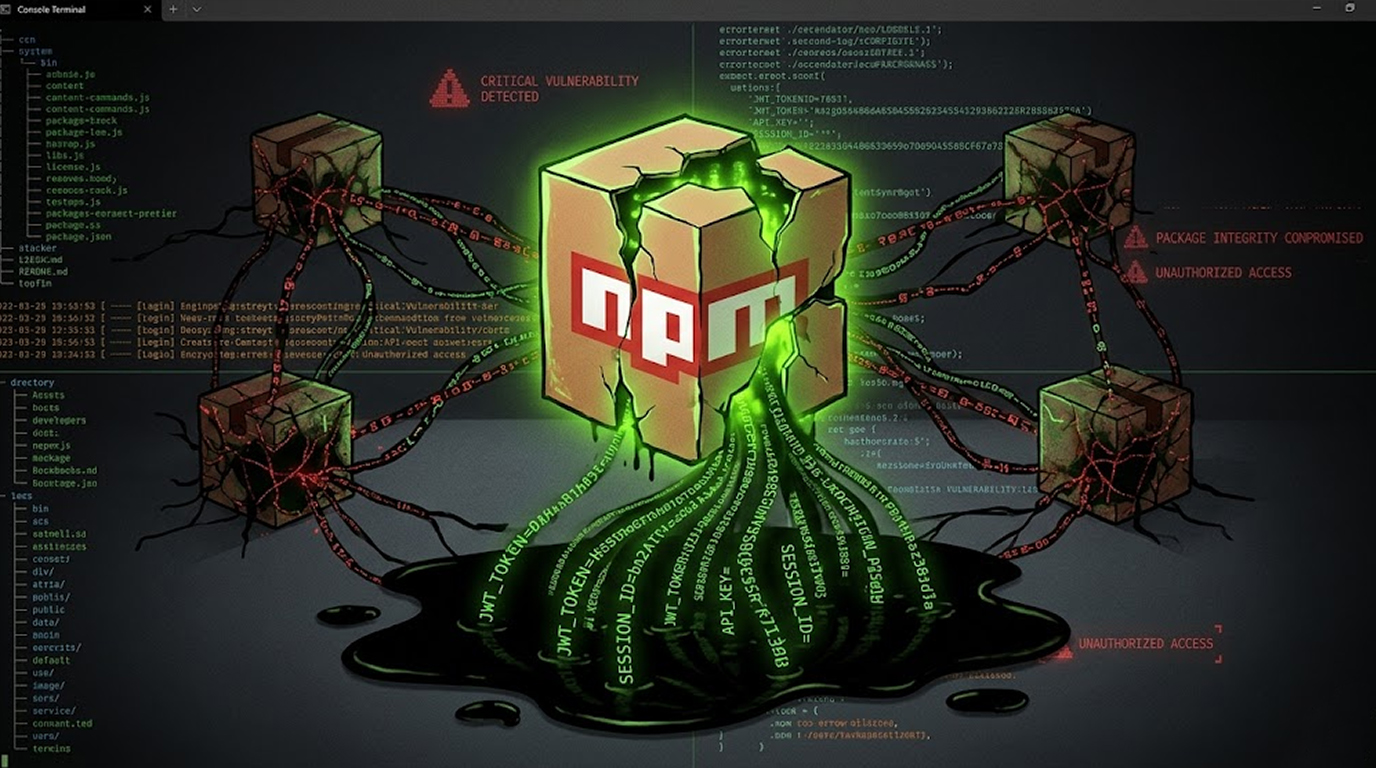
Open source security just got another wake up call. A self propagating worm has been quietly compromising npm packages, and its goal isn’t just to steal data, it’s to multiply.
Researchers have flagged a campaign where a npm worm steals tokens from developer environments, then uses those stolen credentials to publish poisoned versions of legitimate packages. Once installed, the malware keeps spreading, turning one compromised machine into a launchpad for broader supply chain attacks.
If you or your team publish npm packages or manage CI/CD pipelines, you need to understand how this attack works and fast.
What Is CanisterSprawl?
Quick Security Checklist
- Scan your system or website
- Update all dependencies
- Change passwords
- Enable 2FA
Security firms Socket and StepSecurity are tracking this activity under the name CanisterSprawl. The name comes from the attackers’ unusual choice of exfiltration infrastructure: an Internet Computer Protocol (ICP) canister.
ICP canisters are decentralized storage units that are difficult to take down. By routing stolen data to an ICP canister, the attackers make their command and control infrastructure much more resilient to traditional takedown efforts.
It’s a tactic previously associated with a group known as TeamPCP, though researchers haven’t formally attributed this campaign to them.
Which npm Packages Are Compromised?
If you have any of the following packages installed, check your versions immediately. The malicious versions were published within specific version ranges:
1. @automagik/genie (versions 4.260421.33 through 4.260421.40)
2. @fairwords/loopback-connector-es (1.4.3 – 1.4.4)
3. @fairwords/websocket (1.0.38 – 1.0.39)
4. @openwebconcept/design-tokens (1.0.1 – 1.0.3)
5. @openwebconcept/theme-owc (1.0.1 – 1.0.3)
6. pgserve (1.1.11 – 1.1.14)
These are not obscure hobby projects. Several are used in enterprise and government adjacent development workflows. That’s what makes this npm worm steals tokens scenario especially dangerous.
How the npm Worm Steals Tokens
The malicious code triggers during package installation. Attackers used a postinstall hook; a postinstall hook is a script that runs automatically when the npm install completes. Many developers do not review post install hooks and this makes it a great way to get infected.
When the attack occurs, the malware will systematically search the target developers machine. It will search for the following:
1. .npmrc files (these often contain Authentication Tokens)
2. SSH keys and SSH Configuration files
3. .git-credentials (Plain Text Git Passwords and Tokens)
4. .netrc Files
5. Cloud credentials for AWS, Google Cloud, and Azure
6. Kubernetes and Docker configuration files
7. Terraform, Pulumi, and HashiCorp Vault material
8. Local .env* files (environment variables with secrets)
9. Shell history files (which may contain accidentally typed passwords)
But it doesn’t stop there. The malware also attempts to extract credentials from Chromium based browsers and data associated with cryptocurrency wallet extensions.
After collecting this information, the npm worm steals tokens and exfiltrates everything to two locations:
1. An HTTPS webhook at telemetry.api-monitor[.]com
2. An ICP canister at cjn37-uyaaa-aaaac-qgnva-cai.raw.icp0[.]io
It Spreads to PyPI Too
Here’s where this campaign becomes particularly clever. The malware doesn’t limit itself to npm. Researchers found that the same script includes PyPI propagation logic.
If the compromised environment contains Python publishing credentials, the malware generates a Python .pth payload. That payload executes whenever Python starts. Then it uses Twine to upload malicious Python packages to PyPI.
In other words, one compromised developer environment can lead to compromised packages on multiple registries—npm one day, PyPI the next. That’s the hallmark of a well designed supply chain worm.
Why This Matters for DevOps Teams
If your team publishes npm packages, you are a direct target. The attackers aren’t after end users primarily. They want maintainers. Because once a maintainer’s npm worm steals tokens, the attacker can publish malicious updates to legitimate packages that hundreds or thousands of projects depend on.
That’s the nightmare scenario: trusted packages turning hostile overnight.
Even if you don’t publish packages, you’re still at risk if you install any of the compromised versions. The malware doesn’t need your publish permissions to steal your local credentials. It only needs a single npm install.
Related Supply Chain Threats You Should Know
CanisterSprawl isn’t an isolated incident. Several other supply chain attacks have surfaced recently that follow similar patterns.
Fake Kubernetes Utilities
Two malicious packages—kube-health-tools on npm and kube-node-health on PyPI—pose as legitimate Kubernetes tools. In reality, they install a Go based binary that sets up:
1. SOCKS5 proxies
2. Reverse proxies
3. SFTP servers
4. An LLM proxy router
That LLM proxy is particularly concerning. It accepts OpenAI compatible requests and routes them to upstream APIs, including Chinese LLM routers. Because every request passes through the router in plaintext, a malicious operator could inject harmful tool calls into responses before they reach the client.
Asurion Impersonation Campaign
Between April 1 and April 8, 2026, attackers published packages impersonating phone insurer Asurion and its subsidiaries. Names like sbxapps, asurion-hub-web, and asurion-core contained a multi stage credential harvester. Stolen data was exfiltrated first to a Slack webhook, then to an obfuscated AWS API Gateway endpoint.
GitHub Actions Exploit: prt scan
A campaign tracked as prt scan exploited the pull_request_target GitHub Actions workflow trigger. The attacker forked repositories, injected malicious payloads, and stole credentials when the workflow ran. Across over 450 exploit attempts, the success rate was below 10%, and most successful hits targeted small hobbyist projects. Still, the technique demonstrates how easily CI/CD automation can be weaponized.
How to Protect Your Development Environment
You don’t need to wait for npm or GitHub to fix these problems. You can take action today.
1. Analyze Your npm Tokens
Perform an npm token list to get all current tokens and revoke any you do not know of or do not need anymore. Make new tokens with the lowest necessary permissions.
2. Never Save Tokens in .npmrc on Shared Systems
A .npmrc file is very valuable to attackers. If you need to use tokens in a CI, use environment variables or secret managers instead of having them checked in files.
3. Check Postinstall Scripts Before Running npm install
Before running npm install on any suspicious, new, or updated packages, run npm install --ignore-scripts and then check the postinstall section of the package.json file for dangerous scripts. Use tools such as npm audit or Socket’s dependency scanner to automatically find unsafe scripts.
4. Keep Build Environments Seperate
Use ephemeral containers or CI runners to run installation and build packages, and do not keep the same containers that have continue access to the production credential
5. Monitor for Unexpected Outbound Traffic
The exfiltration domains in this campaign are specific. Block telemetry.api-monitor[.]com and the ICP canister domain at your network perimeter. More broadly, monitor developer workstations for unexpected HTTPS calls to unknown endpoints.
6. Rotate your Credentials often
Assume that most of your credentials have been compromised, and rotate your credentials often to reduce how long a stolen token can be used.
What npm and PyPI Are Doing
Registry operators are slowly improving their detection capabilities. npm has removed the malicious package versions mentioned above. PyPI has also taken down the compromised xinference versions identified by JFrog.
However, registry takedowns are reactive. By the time a package is removed, the npm worm steals tokens payload may have already infected hundreds of machines. The real solution lies in better developer hygiene and automated runtime detection.
A Copycat or the Real TeamPCP?
One interesting twist: JFrog discovered that compromised versions of the Python package xinference contained a decoded payload opening with the comment "# hacked by teampcp." That matches the signature of the TeamPCP group’s previous work.
But TeamPCP denied involvement on X, claiming a copycat is responsible. Whether it’s the original group or an imitator, the technique remains the same and equally dangerous.
Final Thoughts
Supply chain attacks are becoming more automated and more aggressive. The CanisterSprawl campaign shows that attackers are thinking like engineers: build a worm that spreads automatically, harvests everything valuable, and jumps between ecosystems.
The npm worm steals tokens because developers leave tokens lying around. It propagates because postinstall scripts are trusted by default. And it works because most teams don’t audit their dependencies closely enough.
You don’t need to become a security expert overnight. But you do need to treat every npm install as a potential risk. Audit your tokens. Review your scripts. And assume that if you haven’t checked yet, someone else already has.
FAQ Section
Q1: What are the steps to determine whether or not my npm tokens were compromised?
Use `npm token list` command to display your npm token list. Review this list of tokens checking for unidentified tokens and newly created tokens which were created at or around the same time period as when you installed either a potential malicious package(s). Also keep an eye on your npm account looking for unexpected package publishes.
Q2: Is it possible to have the npm worm spread to my account even if I did not end up publishing any code?
Yes. The npm worm is able to record your credentials in your local environment and is able to use those same credentials to compromise other systems (or registries). Therefore, once a malicious package is installed on your local environment, your environmental security has been compromised, allowing the npm worm to spread from your local system to another.
Q3: Are the compromised version of the npm packages still up on NPM?
Nope, NPM has taken down all of these packages as referenced in the article. However, if you had downloaded those packages before they were taken down, your environment is still compromised until you rotate any exposed credentials and remove any instances of the malware.
Q4: Does this attack affect Linux, macOS or Windows OS differently?
The attack affects developer environments across all platforms. This means that regardless of your operating system, your credential locations (.npmrc, .env, SSH keys, web browser data) exist on each of these platforms - No OS is immune to this attack.
Q5: Will traditional anti-virus software detect this virus?
Many traditional anti-virus protection mechanisms do not find this malware because the virus came via legitimate npm scripts, rather than a standalone executable type file. Specialized supply chain security tools (ie Socket, Snyk) are better for catching and reporting on postinstall scripts and suspicious exfiltration attempts.