VMware Workstation and Fusion
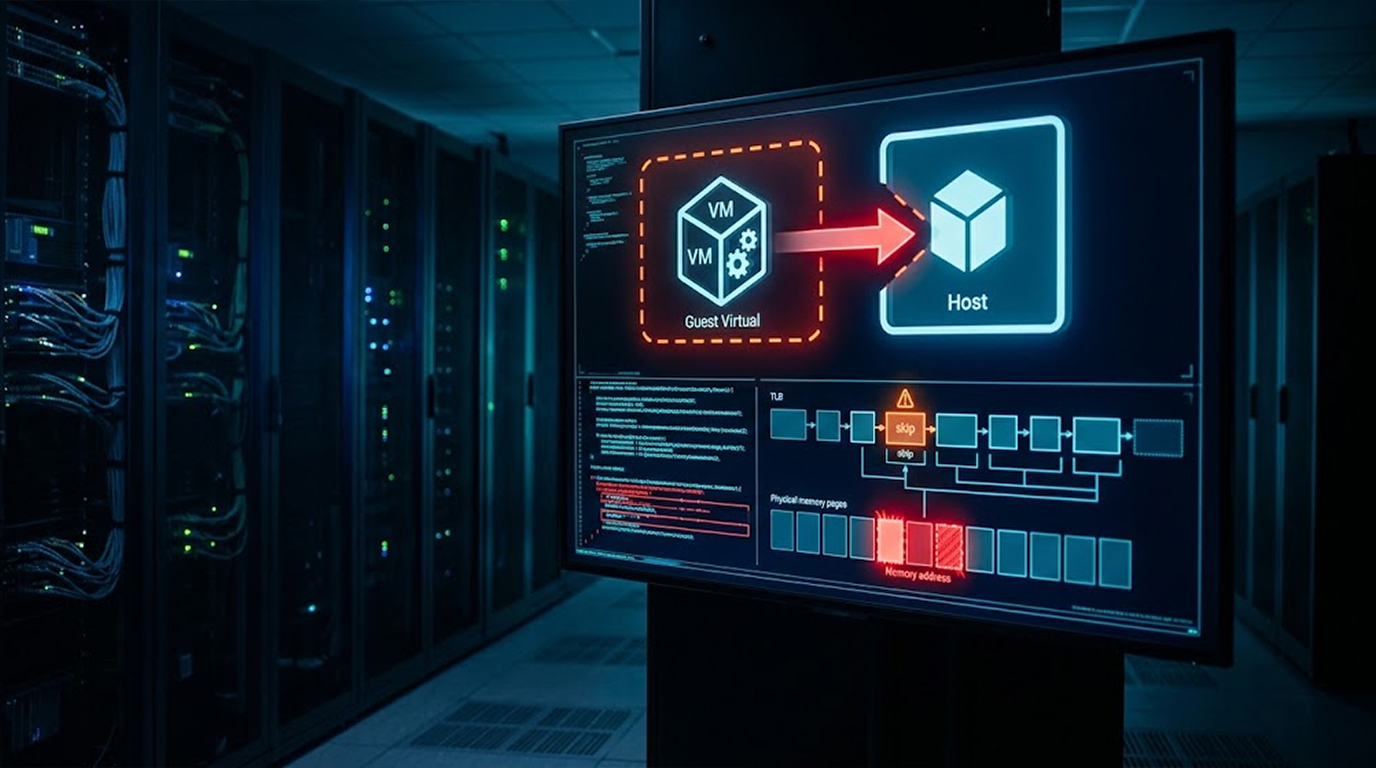
If you're running VMware Workstation or Fusion, you need to update right now. Broadcom just released patches for two security flaws. One is critical and could let attackers break out of a virtual machine and run code on your host system.
The vulnerability is tracked as CVE-2026-59346 and has a CVSS score of 9.3. It's an integer overflow bug that a local attacker with elevated privileges can exploit to run arbitrary code on the host. That's as bad as it sounds.
A second flaw, CVE-2026-59347, is a stack-based buffer overflow with a CVSS score of 8.1. Both require local administrative privileges on the virtual machine to exploit. But don't let that fool you, attackers can get those privileges through phishing or weak configurations.
Now let's see what is going on and what needs to be done.
Quick Summary
|
Vulnerability |
CVE |
CVSS |
Impact |
|
Integer overflow |
CVE-2026-59346 |
9.3 |
Host code execution |
|
Stack buffer overflow |
CVE-2026-59347 |
8.1 |
VMX process code execution |
The Vulnerabilities
CVE-2026-59346 (CVSS 9.3)
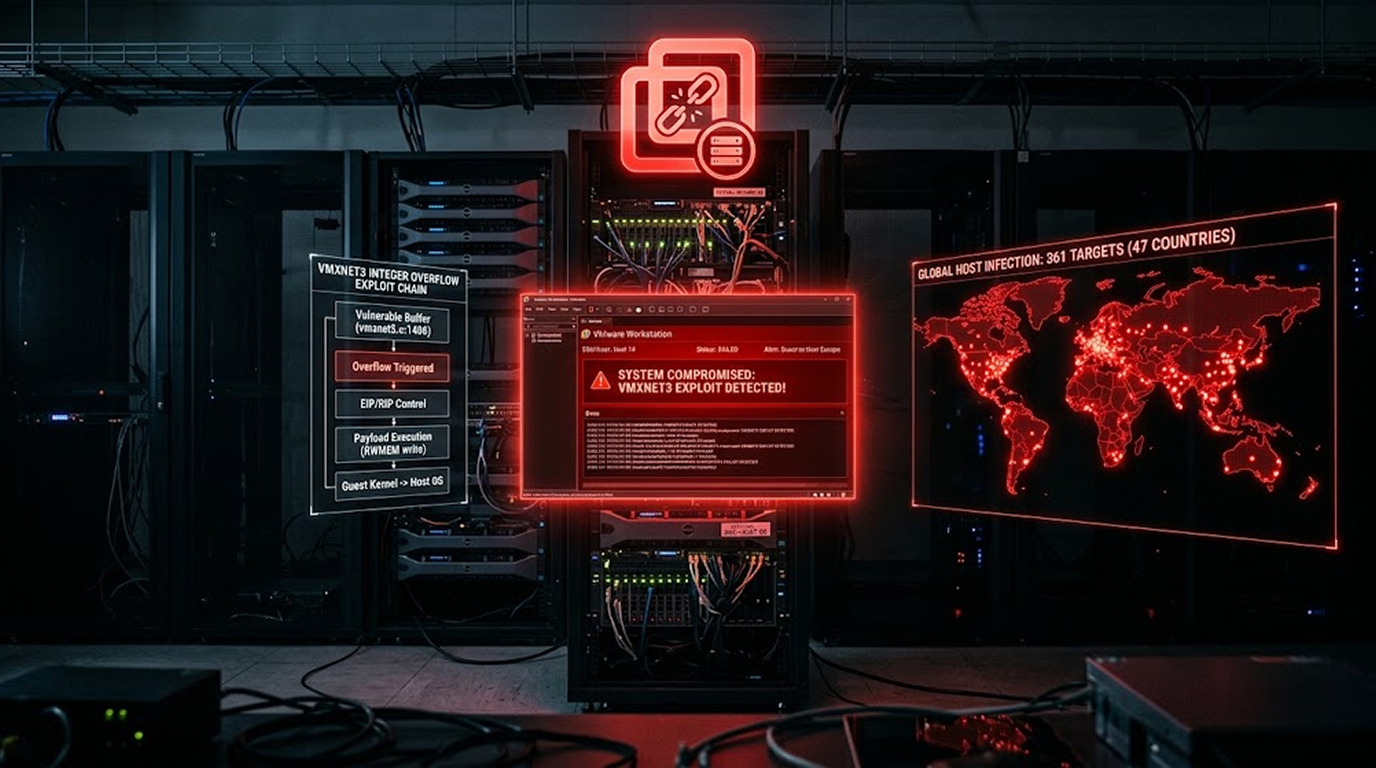
This is an integer overflow vulnerability affecting the VMXNET3 virtual network driver. VMXNET3, if you've never heard of it, is the default network driver used by VMware virtual machines to connect to the network.
How the Attacker Takes Advantage:
- They must have administrator access to the VM
- The VM should have a VMXNET3 virtual network adapter (and this is the default setting)
- They cause the integer overflow
- Code is executed on the host
The Risk:
An attacker can escape from the virtual machine and execute code on your physical host machine. This means you've been fully compromised.
Who Found It:
Broadcom credited @h4urek, @cameudis, and Stan S for discovering the issue.
CVE-2026-59347 (CVSS 8.1)
This is a stack-based buffer overflow in HGFS (Host Guest File System). HGFS is what facilitates file-sharing between the two operating systems – the host OS and the guest OS.
Exploitation:
- Local administrator access to the VM is required
- Attack takes advantage of the HGFS component
- Malicious code runs in the context of the VMX process on the host
The Risk:
The malicious code is run inside the VMX process on the host. The attacker now has control over the environment of the virtual machine.
Who Found It:
Yeonghyeon Choi and Tianchu Chen of Tencent Xuanwu Lab reported the flaw.
The Requirements
Both vulnerabilities require:
- Local administrative privileges on the virtual machine
- The attacker already has some level of access
The Risk:
While these aren't remote vulnerabilities, attackers can obtain local admin privileges through other means. This could happen through:
- Phishing attacks
- Exploiting weak user configurations
- Other separate compromises
The Bottom Line:
If an attacker can get admin on your VM, they can potentially escape to your host. That's a serious risk.
Affected Versions
The following versions are affected:
- VMware Workstation 25H2
- VMware Workstation 26H1
- VMware Fusion 25H2
- VMware Fusion 26H1
The Fix:
- VMware Workstation 26H1u1
- VMware Fusion 26H1u1
No Workarounds:
Broadcom said there are no workarounds that address the two vulnerabilities. You must update to the patched versions. There's no way around it.
Is This Being Exploited?
Broadcom said there is no evidence that the security flaws have been exploited in the wild. But here's the thing, vulnerabilities in VMware products have been an attack magnet.
Recent VMware Attacks:
Just last month, threat actors were observed actively exploiting two shortcomings in VMware vCenter:
- CVE-2026-59309
- CVE-2026-59310
The Damage:
The activity started five days after public disclosure. It's estimated to have breached 361 unique victim IP addresses across 47 countries.
Top Affected Countries:
- Germany: 55
- United States: 41
- Turkey: 38
- Iran: 26
- France: 25
What This Tells Us:
VMware products are a prime target. Attackers are quick to exploit new vulnerabilities. Don't wait for exploitation to be confirmed before you patch.
Administrators' Recommendations
1. Get Up-to-Date Immediately
- VMware Workstation: Update to 26H1u1
- VMware Fusion: Update to 26H1u1
2. Check User Privileges
- Restrict administrative privileges on the VM locally
- Adhere to the concept of least privilege
- Offer only the necessary privileges to the user
3. Identify Suspicious Activities
- Identify suspicious activities performed by the VM
- Identify any access to administrator
- Discover any unusual network activities
4. Take More Security Steps
- Use strong authentication
- Regularly apply patches
- Keep security software up-to-date
The Bottom Line
Broadcom patched two VMware Workstation and Fusion flaws. One is critical with a CVSS score of 9.3. Both require local admin privileges to exploit, but attackers can get those through other means.
What You Need to Know:
|
Key Point |
Detail |
|
Vulnerabilities |
CVE-2026-59346, CVE-2026-59347 |
|
CVSS Scores |
9.3 and 8.1 |
|
Affected |
Workstation 25H2/26H1, Fusion 25H2/26H1 |
|
Impact |
Host code execution |
|
Fix |
Update to 26H1u1 |
What You Need to Do:
- Update to VMware Workstation 26H1u1
- Update to VMware Fusion 26H1u1
- Review user privileges
- Monitor for suspicious activity
FAQ Section
What are the VMware Workstation and Fusion vulnerabilities?
Two flaws: CVE-2026-59346 (integer overflow, CVSS 9.3) and CVE-2026-59347 (buffer overflow, CVSS 8.1). Both allow host code execution with local admin privileges.
Which versions are affected?
Workstation and Fusion 25H2 and 26H1. Fixed in 26H1u1.
Do I need to update?
Yes. There are no workarounds. Update to 26H1u1 immediately.
Are they being exploited?
Broadcom said there is no evidence of exploitation. But VMware products are frequently targeted.
What should I do?
Update to 26H1u1. Review user privileges. Monitor for suspicious activity.