Most breaches don’t begin with malware detonating everywhere.
They begin quietly.
Someone logs in.
They look around.
They test limits.
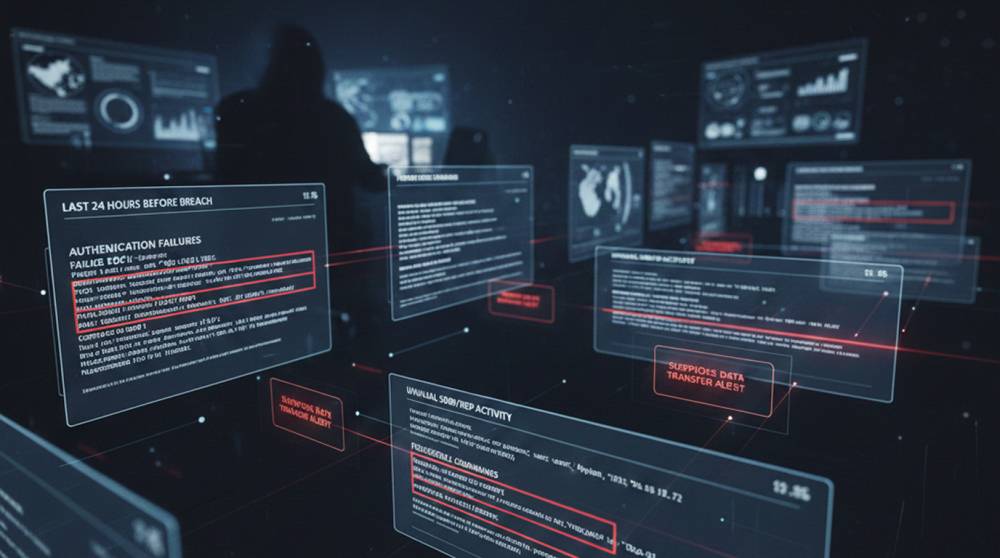
If you replay the logs from the day before a breach, the signs are usually there.
They’re just easy to dismiss at the time.
Hour 0–2: First Access Looks… Normal
The first event often looks boring.
1. A VPN login
2. A cloud console login
3. A service account authenticating successfully
Log example (Windows):
Event ID 4624 – An account was successfully logged on
Logon Type: 3
Source IP: external
Nothing screams “attack.”
The problem is context.
The account doesn’t usually log in at that hour.
Or from that location.
That’s your first quiet signal.
Hour 2–6: Recon Starts Showing Its Footprints
After access, attackers explore.
Not aggressively.
Methodically.
Common actions:
1. Listing file shares
2. Querying Active Directory
3. Checking which systems respond
4. Testing RDP access
Commands often used:
net view /domain
net group "Domain Admins" /domain
Get-ADComputer -Filter *
What logs show:
1. Many low-severity events
2. One account touching many systems
3. Access attempts outside the user’s normal scope
Individually harmless.
Together suspicious.
Hour 6–10: SMB and RDP Testing
Now comes access testing.
SMB behavior:
1. Attempts to access ADMIN$ or C$
2. Access denied, then move on
3. Repeat across multiple hosts
Log signals:
1. Event ID 5140 / 5145
2. Repeated failures from the same account
RDP behavior:
1. Short logins
2. Disconnect within seconds
3. Try the next system
Event IDs:
1. 4624 (Logon Type 10)
2. 4634 (Logoff)
3. 4778 / 4779
Real admins don’t bounce across servers every 45 seconds.
Hour 10–14: Credential Validation
At this point, attackers test what credentials really do.
1. Where does this password work?
2. What privileges are available?
3. Can this account reach production systems?
Common tools:
1. Native RDP
2. PowerShell
3. Built-in Windows commands
Log pattern:
1. Failed authentication on one host
2. Successful login on another
3. Same account, same source
This is how attackers find their “good” credentials.
Hour 14–18: Living Off the Land Begins
Now the attacker settles in.
No malware yet.
Just built-in tools.
Examples:
whoami
ipconfig
nltest /domain_trusts
Logs to watch:
1. PowerShell Script Block Logging
2. Command execution from unusual users
3. Admin tools used by non-admin roles
This phase looks like IT work.
That’s why it’s missed.
Hour 18–22: Staging and Positioning
This is where the attacker prepares.
1. Identifying critical servers
2. Mapping backup systems
3. Locating databases or file shares
4. Checking EDR coverage
Common indicators:
1. Access to backup servers
2. Enumeration of security tools
3. Queries about AV or monitoring services
At this stage, the breach is already decided.
Hour 22–24: The Last Quiet Window
Right before impact, things often go calm.
No scanning.
No log noise.
Attackers already know what to hit.
Then comes:
1. Data exfiltration
2. Ransomware deployment
3. Account takeover
4. Destructive actions
Defenders usually notice after this point.
Real Incident Snapshot
In one environment, the final 24 hours looked like this:
1. VPN login at 2:14 AM
2. AD enumeration from a finance account
3. RDP access to five servers, under one minute each
4. SMB access attempts to backup infrastructure
5. Silence for six hours
6. Ransomware deployment
Every step was logged.
None were blocked.
Why These Signs Are Ignored
1. Each alert looks minor
2. Logs live in different tools
3. No behavioral baseline exists
4. “Probably IT” becomes the explanation
Attackers rely on defenders being busy.
Practical Detection That Works
1. Correlate authentication, SMB, and RDP logs
2. Alert on accounts touching many systems quickly
3. Flag short-lived RDP sessions
4. Monitor admin tool usage by non-admin users
5. Treat unusual timing as a signal, not noise
Ask one simple question:
“What changed about this account today?”
A Simple Analogy
Imagine someone entering a closed office at night.
They walk every hallway.
Try every door.
Leave quietly.
Nothing breaks.
Until the next morning.
That’s what the 24 hours before a breach look like.
Breaches aren’t sudden.
They’re patient.
If you read logs as a timeline instead of a checklist, the story becomes obvious, before damage happens.
The attack didn’t come out of nowhere.
You just weren’t looking for the right clues.