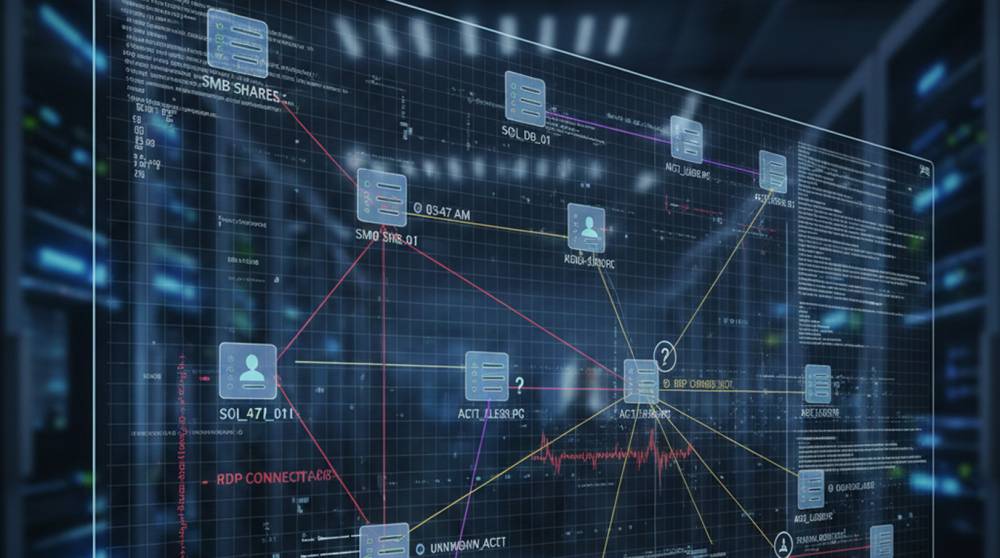
The Server Message Block (SMB) and Remote Desktop Protocol (RDP) are essential tools for the daily functioning of organizations. System Administrators use these protocols for several purposes such as file sharing and system management/administration and to perform remote troubleshooting of systems within an organization.
However, these same protocols are also common tools used by attackers. The abuse of these protocols can potentially appear as simple lapses in normal operations until you know what to look for.
So What is "Abnormal" Activity?
Abnormal activity/practices does not equal "bad activity/practices." "Abnormal" is simply an indication that the use of SMB/RDP does not conform to the normal business operated by the organization. The following indicators may indicate abnormal use of SMB/RDP protocols:
1. Connections that occur outside normal business hours
2. Access from unusual workstation or geographic locations
3. Large or repeated transfers of files over SMB
4. User account(s) accessing servers that they do not typically access
5. Multiple rapid login attempts to different systems from a single user account
6. Unexpected admin privileges being used
The signs listed above are often subtle, but they indicate that the attacker is exploring lateral movement within your organization.
How Attackers Use SMB and RDP
Abuse of SMB
1. Lateral movement between file servers.
2. Harvesting credentials stored in shared folders.
3. Covert copying of sensitive files.
Abuse of RDP
1. Accessing internal systems using remote desktop connections.
2. Privileged escalation through the use of exposed administrator accounts.
3. Persistence through the creation of scheduled tasks or backdoors.
Both protocols are trusted by default and, therefore, the abnormal behavior associated with each is more difficult to identify.
Examples of Real-World Abuse
1. The WannaCry and NotPetya events relied on the exploitation of SMB vulnerabilities for the rapid spread of ransomware.
The detection of the WannaCry and NotPetya attacks typically resulted from identifying atypical SMB traffic patterns before the deployment of ransomware.
2. The Ryuk and Conti Ransomware Groups have been documented to have:
1. Used RDP to create a way to establish the initial breach to facilitate lateral movement.
2. A significant number of RDP login attempts from unusual endpoints will usually suggest that the endpoint has been compromised.
3. Internal Misuse
1. A contractor used RDP to log into company servers after hours.
2. No malicious files were executed, however, the abnormal activity caused alerts to be generated by the Security Operations Centre (SOC).
Steps to Determine If There is Suspicious Activity Related to SMB and RDP
1. Create a Thursday's Baseline by Staying Aware of the Average Day- to-Day Actions of Employees and Systems
Monitor for the typical times, users, and devices associated with the SMB & RDP activities.
Identify the average quantity of files transferred and the frequency of transfer.
2. Maintain Logging and Alerts on SMB and RDP
SMB Logs - Audit file accesses, logon attempts, and changes to permissions for SMB shares.
RDP Logs - Logon/logoff events with dates and times, total amount of time connected to RDP servers, and source IP addresses.
3. Observe for Suspicious Behavior
Logins coming from outside of the office or at odd hours.
Fast connections to many different servers using the same credentials.
Transferring huge amounts of files using SMB to user workstations or external locations.
4. Reduce Access to the Least Amount of Permissions Possible
Restrict access to only the necessary SMB shares and RDP sessions.
Implement the principle of Least Privilege for service accounts.
5. Review and Remove Stale Accounts Frequently
When accounts are no longer needed, be sure to remove them from your systems.
For accounts that are used for short periods of time, make sure they expire per your company policy.
6. Cross-reference Logs Across All Systems for Lateral Movement
By correlating the RDP Logs with the SMB Activity and Authentication Logs, you are able to identify users who have moved laterally through your organization.
7. Create Mock Attack Scenarios to Check Detection of Abnormal Activities
Conduct red teaming exercises to see if you are detecting abnormal activities correctly.
Modify your alerts and baselines as done during these tests.
Real-World Analogy
Imagine a structure that has printers and office doors shared among users of that building.
People typically utilize them as intended.
However, someone walking through the structure late at night with large baggage may cause alarm.
Attackers are also "walking" through a facility, but they are using what appears to be "normal" access paths in an abnormal manner.
While SMB and RDP provide significant benefits, they also introduce the highest level of risk associated with accessing systems.
Being able to identify abnormal behavior on either SMB or RDP is dependent on how quickly you can act upon identifying that an attacker is taking advantage of these two access paths in an abnormal manner.
If you can identify what an organization considers to be "normal," and establish acceptable and practical means of detecting abnormal activity, then the organization will have an opportunity to stop an attack before it causes damage.