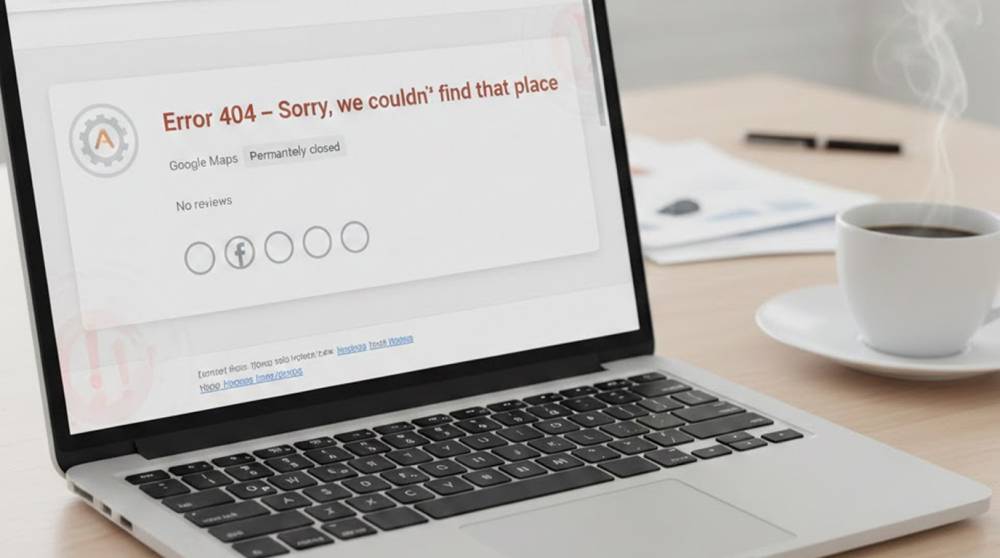
The message “Error 404: Page Not Found” is something we all see daily on websites. But when an entire business or critical parts of it suddenly becomes “not found” online, it’s usually not a glitch. It’s the result of a deliberate attack that has been quietly building for weeks or months.
In 2025–2026 this is happening more often than most executives realize. Attackers don’t always want ransom; sometimes they want to erase your digital existence, damage reputation, or force a competitor’s advantage. When your Google Business Profile, website, social accounts, email domains, and review pages all start disappearing or redirecting to competitors, you are already deep in trouble.
Real-World Scenarios That Actually Happened
1. Google Business Profile & Maps Vanish Overnight A mid-sized restaurant chain wakes up to zero stars, no photos, no phone number, no address on Google Maps. Search for the name → “Sorry, we couldn’t find that place.” Cause: Attacker gained access to the Google Business Profile (usually via stolen manager credentials from phishing), removed all listings, or reported them as “permanently closed” multiple times until Google suspended them.
Impact: 70–90% drop in walk-in traffic within days; reviews gone forever.
2. Domain Hijacking and DNS Poisoning : Your company website suddenly goes to a competitor's website or to a fake “under construction” page instead. Your email bounces back as “domain does not exist”. Cause: The attacker hacked into your registrar account (using weak passwords and not having two-factor identification) and then either transferred the domain name or changed the nameserver to point to another place.
Result: Your entire online presence has been killed. Impact: You will stop selling; your customers will think your company is shut down; your customers will no longer trust your brand after 24-48 hours from the time of the attack.
3. Mass Takedown of Social Media : All of your company's social media pages on LinkedIn, Instagram, Facebook and X / Twitter are disabled/suspended in an hour or so. Cause: The attacker mass reported all of the pages using fake accounts and filed coordinated complaints such as “impersonating,” “hating,” and “spamming.” Additionally, the attacker stole the administrator credentials creating a permanent loss of all pages with thousands of followers. Impact: All of your marketing channels are taken away from you and your ability to communicate with your customers has been eliminated.
4. Profile Deletion and Review Bombing : Hundreds of 1-Star Reviews Appear Within Minutes (AI-Generated Text) → Google Classifies Account as Spam → Profile Deleted/Suspended
Cause: Attacker Used Scraped Consumer Data Lists and Bought Fake Reviews to Initiate Automatic Moderation Processes
Impact: Enormous Trust Loss, New Clients Will Avoid Entire Business.
5. E-Mail & MS 365 / Google Workspace : Admin Account Compromised → All Mailbox Contents Deleted; All OneDrive/SharePoint Document Contents Deleted; All Teams Channels Deleted
Cause: Attacker Used Stolen Credential and Bypassed MFA Using Real-Time Phishing
Impact: Loss of Internal Communication; Loss or Destruction of All Client Contracts; Loss of All Invoices, Going Out of Business.
Early Warning Signs (Before the Full 404)
1. Substantial decline of your organic search visibility (Google Search Console).
2. Google Business Profile warnings, or that you received an email about your profile being suspended
3. Email logins from suspicious locations on Google/Microsoft accounts.
4. Multiple email account recovery attempts and password resets.
5. The quality of your review section has changed drastically and there is a surge of new one-star reviews.
6. Analytics on your site indicate a large increase in 404 error codes for major pages.
7. Individuals are regularly telling you “your site/email is not operating.”
What to Do Right Now (If You See 2–3 Signs)
1. Enable Advanced Protection on all Google accounts (requires physical security key).
2. Set up and enable 2-Factor Authentication for everything, preferably with the use of hardware keys and not SMS.
3. Review ownership of business profile from Google (transfer over to a company-managed account if it was previously owned by an individual).
4. Check for any unauthorized changes in your domain registrar (use a registry lock if available).
5. Receive and run a complete credential check (using Have I Been Pwned or Google to check themselves).
6. Monitor brand mentions across web on a daily basis (using google alerts & Brand24).
7. Establish an offline backup plan with paper copies of contracts & alternative methods of communicating.
When your business becomes “not found” online, recovery can take months and cost millions in lost revenue and reputation. The quiet 404s usually start long before the full blackout, pay attention to them.