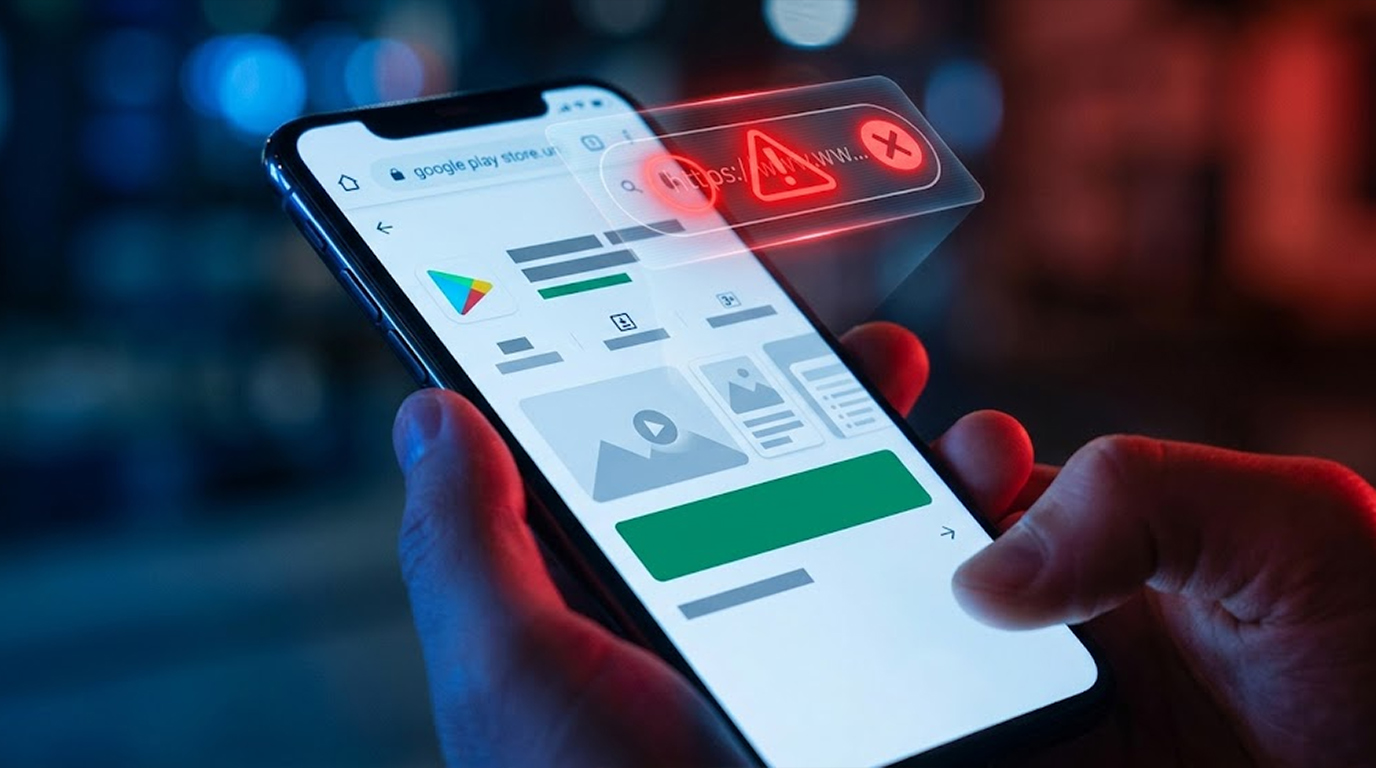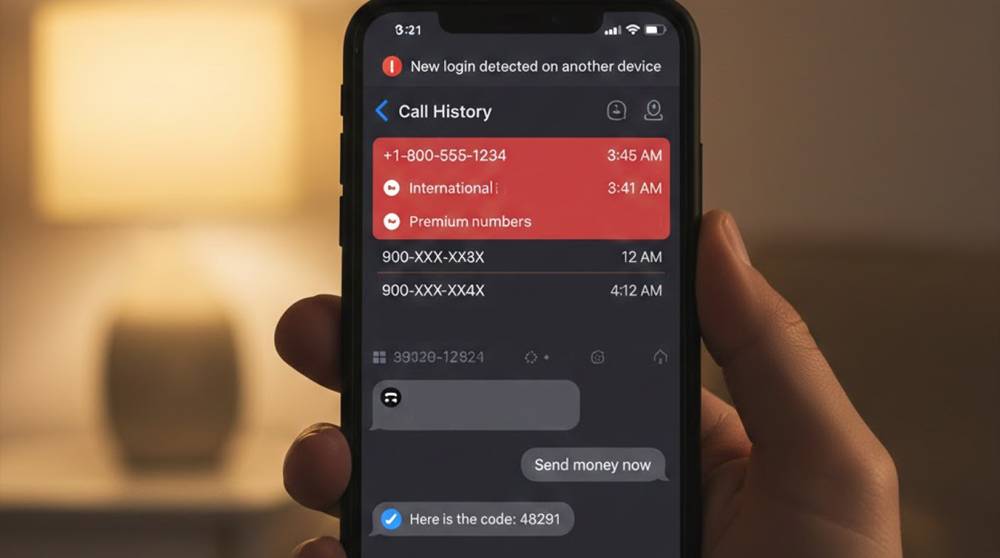
In your logs there may be references to outgoing calls or text messages that you have no actual record of sending. This could alert you to some type of problem with your phone. This is not just a simple problem! Additionally, this may be due to your phone has been infected by malware, spyware or stalkerware as well as being the victim of account takeover to utilize your phone and cellular number.
There are now several reports (including the 2025 AV-Comparatives Stalkerware Test and Zimperium alerts about Android threats like ClayRat) detailing the evolution of threats, including those that utilize methods for stealthy outgoing communication for the purpose of exfiltrating information, stealing money through premium-rate fraud or maintaining access for an attacker on your device.
Common Causes (2025–2026 Trends)
1. Commercial Spyware and Stalkerware (including mSpy, FlexiSPY, and recently introduced variants such as ClayRat resurgence late 2025) have the ability to initiate both phone calls and messages without user input. They require SMS/default messaging permissions as well as Accessibility Services on Android to provide users with the ability as well as permission to send bulk SMS to other contacts and premium message numbers.
For iOS devices Malware can use malicious configuration profiles and targeted exploits to do the same. There are many well known Android Security products (AV-Comparatives 2025) that have been unsuccessful in detecting these products, especially where the installation occurred physically by another person who just recently had access to the device.
2. Info-Stealers and Premium SMS Malware. Amongst Android Trojans (AntiDot for example increasing from Mid 2025) and otherwise bundled adware send premium SMS in the background (charging users for the service). ClayRat (with New features announced December 2025) sends out bulk SMS and call logs, makes calls and sends hundreds of Bulk SMS messages (the number of detected unique APK's quickly exceeds 700).
3. Intrusions into Messaging Apps (WhatsApp, Telegram, Signal, iMessage). These require the use of phishing techniques or sim-swaps to gain access to your device. The attacker will then register your mobile number to their device, allowing them to send messages and make calls that appear to come from you. Your friends may report to you that they have received messages from you asking for money or codes. Your phone may also log out or give you alerts stating "used on another device."
4. SIM Swap or Carrier Hijack. The attacker will port your sim card number to their phone and then use it to make calls and send text messages from their phone. Because of the ported sim card number, you will not receive some incoming calls/texts while your outgoing activity typically shows up in your carrier log, not necessarily on your phone.
5. Malicious Profiles or Exploits iOS: Phishing-delivered profiles force forwarding or silent sends. Android: Overlay/virtualization fraud (NFC theft variants) can trigger actions.
Real-World Scenarios
1. ClayRat Android Malware Example (Reported Dec. 2025): Infected APKs request access to SMS and accessibility services on victim devices which are then used to steal SMS messages from the device, place outbound calls from the device, and send bulk SMS to the victim's contact list. Victims then find unexpected invoices for international or short-code SMS messages and also call logs to unknown numbers.
2. Stalkerware Examples With Relationship Abuse (Ongoing 2025-2026): Abuser installs application to track victim through the device – application automatically sends SMS and makes phone calls to abuser to track victim's real-time location or automatically respond to incoming SMS from abuser. Victim will find outbound SMS messages that say things like "Where are you?" that they have never seen before on their device or SMS they have never seen inbound will be automatically replied to by application.
3. Premium SMS Fraud Example Through Malware: Background trojan installs application and subscribes to various "service" or sends SMS messages to premium short codes which is reflected in significant increase in cellular invoice amounts due to outgoing SMS messages sent on behalf of victim without knowledge or consent.
4. WhatsApp /Telegram Hijacking Example: Victim's friends contact them to say that they have received messages from the victim requesting OTPs and money; these notifications will appear in the SMS application after a remote attacker breaches the victim's device and sends WhatsApp and Telegram messages.
5. Example of Carrier Alert Message Hijacking (November 2025): Attacks through mass SMS service breaches (NY Alert compromise) send an SMS message from a trusted sender and are able to execute similar fraud using the victim's telephone number to initiate outbound fraudulent SMS messages after the victim's personal device has been hacked.
Red Flags For Identifying Spyware (Along With Outgoing Activity)
1. Increased battery drainage or heating of the phone while inactive (This could indicate that spyware is sending information).
2. Elevated values in data use and SMS text message count within phone settings.
3. Unfamiliar sounds or echoes present during voice calls (This may indicate that a phone call has been eavesdropped).
4. Unfamiliar applications accessing the phone's microphone/camera without valid cause (This implies that these application are recording information and sending it away).
5. Unfamiliar applications installed on your device that are given permission to send SMS text messages and view the device's call history.
Updated Immediate Steps to Investigate & Respond
1. Review All Logs
a) Message app, sent (filtered by date/time)
b) Call logs, outgoing tab (note date/time and phone number of calls made)
c) Carrier app/portal (provides detail of billable logs; indicates whether hidden premium SMS from the device is on the account)
2. Check All Hidden Apps/Profiles
a) Android: Settings ➔ Apps ➔ Show System Apps ➔ Check for strange name (update service, etc.) - Check their permissions (they shouldn't have SMS/Phone permissions).
b) iOS: Settings ➔ General ➔ VPN & Device Management ➔ Delete anything unknown
c) Both: Settings ➔ Battery/Cell Data Usage ➔ Look at running apps when the phone is idle
3. Secure Messaging App Accounts
a) WhatsApp/Telegram: Settings ➔ Devices/Sessions ➔ Log out of all other devices
b) Signal/iMessage: Check to see linked devices
4. Scan and Clean Device
a) Android: Malwarebytes/BitDefender Mobile/Zimperium are good "malware stalking" apps. Use these apps to run scans (online or full scans).
b) iOS: Update your iPod/iPhone to the latest iOS version to fix any potential security problems; check for spyware using Certo or iVerify.
c) If you believe your phone has been hacked or used without your permission, perform a factory reset. (Do not forget to back up your contacts/photos before performing the factory reset but verify the backups do not contain viruses before using those backups again.)
5. Carrier information and steps to take action
a) Contact your service provider to get outbound call logs, determine if there has been a SIM swap, and add a port freeze on the line/PIN.
b) Change all passwords (and use only 2FA through an application - do not use SMS).
6. If you suspect stalkerware:
a) Document anything you find (including screenshots of logs).
b) Do not confront the user; instead work with cybersecurity experts and resources to help gather evidence of the attack.
c) If you are unable to resolve the issue, consider changing your phone number and SIM card.
If any of these symptoms are present, there is a high probability that you were hacked and it is essential to take immediate action in order to limit the impact of the Hack on your life/career/etc.