Play Store URL
Someone sends you a link. It says it is a Play Store link. It has the right colors, the right font, and the right little Android logo. Your thumb is already moving toward it.
Stop. Give it two seconds. That is all it takes, and those two seconds are the difference between installing the app you wanted and handing your phone to someone else.
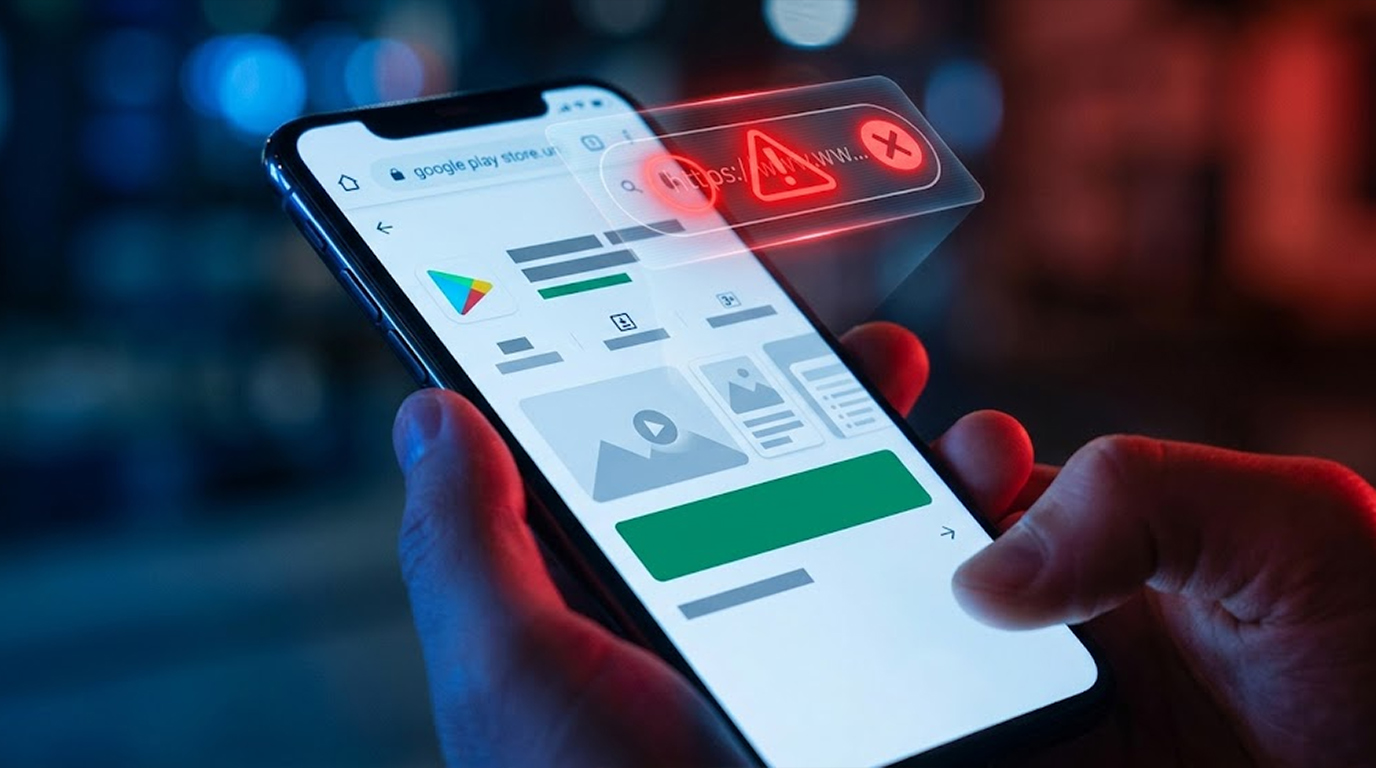
Fake Play Store pages are not a niche problem anymore. They show up in text messages, in social media ads, in messaging apps, and in browser popups. The pages look real. The domain is what gives them away.
Here is the fastest way to catch them.
Important Disclaimer
This article is intended for educational and defensive purposes only. The techniques described here are shared to help everyday users understand how to protect themselves from mobile threats.
Do not use these techniques against systems you do not own or do not have explicit written permission to test. Unauthorized testing is illegal in most jurisdictions.
The author assumes no liability for any damages, legal consequences, or other outcomes resulting from the use or misuse of this information. Always obtain proper authorization before conducting any security testing, and stay legal, stay ethical, stay responsible.
The Two-Second Rule: Check the Domain
This is the whole trick, and it takes about two seconds once you know what to look for.
A real Play Store link starts with one thing and only one thing.
play.google.com
That is it. That is the only domain Google uses for the Play Store web experience. Every legitimate Play Store link begins with https://play.google.com/store/.
If the domain is anything else, it is not the Play Store. It does not matter how the page looks, how official the logo is, or how convincing the button is. It is a copy.
Here is what fake domains typically look like.
- Lookalike domains. Something like play-google.com, googleplay.store, play.google-apps.net, or playstore-download.com. All of these contain the right words, and none of them are Google.
- Subdomain tricks. Something like play.google.com.secure-download.xyz. The real domain is at the end, not the beginning. The actual domain in that link is secure-download.xyz, and the play.google.com part is just a label the attacker set up to look convincing.
- Unrelated domains entirely. Something like apk-download-free.com or getapp-now.net. These do not even pretend to be Google. They just promise a download and hope you do not look.
- So the two-second check is this. Does the link start with play.google.com? If yes, continue. If no, stop.
The Second Check: Look for the Package ID
If the domain is correct, there is a second thing to verify, and it is just as fast.
A legitimate Play Store link for a specific app looks like this.
https://play.google.com/store/apps/details?id=<package_name>
That ?id= part matters. It is the package name, and it is the unique identifier for the app. Every real app on the Play Store has one. It looks like com.whatsapp, com.instagram.android, or com.spotify.music.
However, if the link leads to an application, but there is no id= parameter included, then there must be a problem. The link may be a legitimate link leading to the page of the developer or it may just be a fake that will lead you to the download button.
You can also use the package name to verify you are installing the real app. If you are looking for WhatsApp and the package name is com.whatsapp, that is correct. If it is com.whatsapp.free or com.whatsapp-messenger, it is a copy.
What a Fake Play Store Page Looks Like
Fake Play Store pages have gotten good. They copy the layout, the fonts, the review sections, the screenshots, and the install button. Some of them even replicate the exact listing pages used by real apps.
But they have tells, and once you know the domain is wrong, the rest becomes easier to see.
The install button does something different. On a real Play Store page, the install button opens the Play Store app or begins a download through Google's systems. On a fake page, the button might trigger a direct APK download, or it might open a permission prompt that asks for something unrelated.
The URL changes when you interact. If you tap a button and the page navigates to a different domain, that is a red flag. Legitimate Play Store pages stay on play.google.com.
There is no package ID in the URL. As covered above, a specific app page without a package ID is suspicious.
The page asks for something it should not. A Play Store page does not ask for your Google password. It does not ask you to install a helper app first. It does not ask for payment outside of Google's billing system.
Real Scenarios
Scenario 1: SMS with a Link
The Setup
You receive an SMS saying that one of the most popular apps is now available free for a limited time and includes a link.
The Attack
This link takes you to a page that looks exactly like the Play Store. It has the app icon, the screenshots, the reviews, and a big green install button. The domain, however, is a lookalike that has nothing to do with Google.
The Result
If you tap install, you download an APK from a third-party server. That APK might be a banking trojan, an infostealer, or something worse.
The Two-Second Fix
Look at the domain. It is not play.google.com. Do not tap anything. Delete the message.
Scenario 2: The Social Media Ad
The Setup
There is an ad for some kind of game or tool. The link appears to be a Play Store link in the preview.
The Attack
Although the preview displays the logo of the Play Store, the actual link leads to spoofed page on a lookalike domain. The page is designed to look identical to the real thing.
The Result
You install an app that was never reviewed by Google, and it runs with whatever permissions you grant it.
The Two-Second Fix
Before tapping, long-press the link or hover over it on desktop. The real destination appears. If it is not play.google.com, skip it.
Scenario 3: Update Required Popup
The Setup
You are on a website and the popup indicates that your application needs an update.The popup has the Google Play Store logo and an install button.
The Attack
The popup is not from the Play Store. It is from the website. The install button downloads an APK directly, and the APK is malware dressed as an update.
The Result
You install a malicious update over a legitimate app, or you install a fake app entirely.
The Two-Second Fix
Real app updates come through the Play Store app, not through browser popups. Close the popup. Open the Play Store yourself and check for updates there.
Why This Keeps Working
The reason fake Play Store pages keep succeeding is that most people never look at the URL.
On mobile, the address bar is often hidden or minimized. The page loads, it looks right, and the install button is right there. The browser does not always make the domain easy to see.
Attackers know this. They design the page so you never need to scroll up. The whole experience is built to keep you from checking the one thing that would give it away.
So the habit worth building is this. Before you tap an install button on a page that claims to be the Play Store, glance at the address bar. If it is not play.google.com, you are done.
Quick Reference: Play Store URL Verification Checklist
|
Check |
What to Look For |
|
Domain |
Must be play.google.com |
|
Subdomain trick |
The real domain is the last part, not the first |
|
Package ID |
Specific apps include ?id= followed by the package name |
|
Package name match |
The package should match the official app |
|
Install behavior |
Should open Play Store, not trigger a direct download |
|
Page requests |
Should never ask for your Google password |
The Bottom Line
Verifying a Play Store URL takes two seconds, and it is the single most effective thing you can do to avoid fake app pages.
Check the domain. play.google.com or nothing. If there is no package ID on an app-specific link, be suspicious. If the page asks for something a store would never ask for, walk away.
The fake pages will keep getting better, the logos will keep getting sharper, and the install buttons will keep getting greener. The domain is the one thing they cannot fake. Learn to look at it, and you are already ahead of most people.
FAQ Section
What is the official Play Store URL?
The official web address is play.google.com. Any link that does not start with that domain is not a real Play Store link.
Can a fake Play Store page look exactly like the real one?
Yes, visually it can be nearly identical. The difference is the domain, which is why checking the URL is the fastest way to tell.
What is a package name in a Play Store URL?
It is the unique identifier for an app, appearing after ?id= in the URL. For example, WhatsApp is com.whatsapp. It confirms which app the link points to.
What should I do if I already tapped a fake link?
Do not install anything. If a download started, cancel it. If you installed an app, uninstall it immediately and run a security scan.
Do fake Play Store pages work on iPhone?
The technique is used against iOS users too, with fake App Store pages instead of Play Store pages. The same domain-checking habit applies.
Is it safe to download APKs from third-party sites?
No. Third-party APK sites are a common delivery method for malware. Go with the Play Store, except where there is a very good reason not to do so.