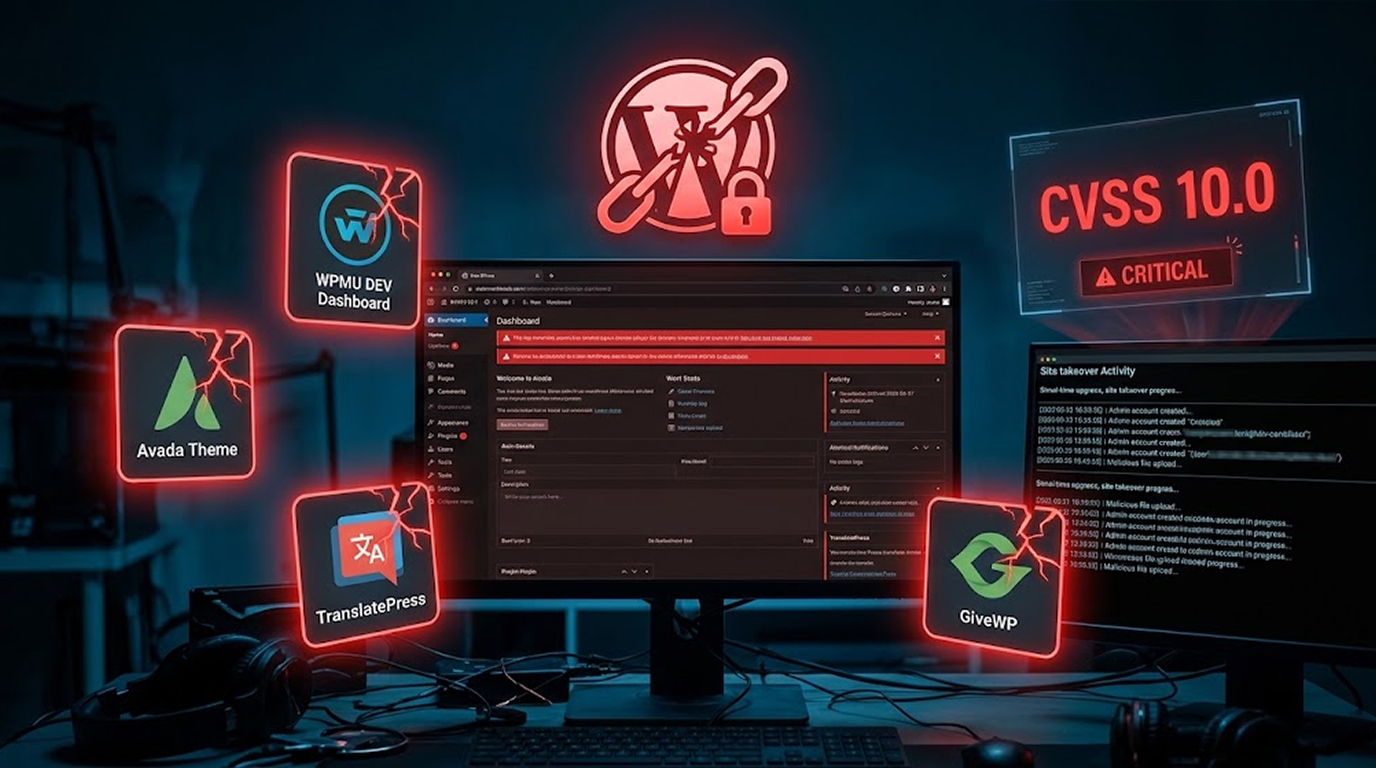
If you run a WordPress site, you need to read this. Five critical security holes were just found in some really popular plugins and themes. We're talking about the kind of flaws that let attackers walk right in and take over your entire site.
Wordfence and Patchstack dropped the news. The affected ones are WPMU DEV Dashboard, Avada, TranslatePress, Pods, and GiveWP.
If you've got any of these installed, stop what you're doing and update. Seriously.
Here's the rundown.
Quick Summary
|
Plugin/Theme |
The Problem |
CVSS |
|
WPMU DEV Dashboard |
No password needed? |
9.8 |
|
Avada Theme |
Writes files on your server |
9.8 |
|
TranslatePress |
Leaks password reset links |
9.8 |
|
Pods |
Makes anyone an admin |
9.8 |
|
GiveWP |
Runs code on your server |
10.0 |
Let's Walk Through Each One
WPMU DEV Dashboard (CVSS 9.8)
The plugin has an authentication bypass bug. If you've turned on Hub Single-Sign On and tied it to an admin account, attackers can just log in. No password required. That's bad.
What to do: Update to the latest version. Versions up to 5.0.1 are vulnerable.
Avada Theme (CVSS 9.8)
This is a popular theme, and it's got a file write flaw. Attackers can drop malicious files onto your server. Once that happens, they can execute PHP code and completely own your site.
What to do: Update. Versions up to 7.16 are affected, but only if Fusion Builder is installed and active.
TranslatePress (CVSS 9.8)
This one leaks password reset URLs. Plaintext. The whole thing. Attackers can grab the reset key and take over an admin account.
What to do: Update. Versions up to 3.3.1 are affected. Only if automatic string saving is on and the admin's language is set to a secondary language.
Pods (CVSS 9.8)
This plugin lets attackers escalate their privileges. They can make themselves an admin. Or overwrite any user's password. Even the site owner's.
What to do: Update. Versions up to 3.3.9 are affected.
GiveWP (CVSS 10.0)
This one's the worst. It's got a CVSS score of 10.0, the highest possible. Attackers can execute commands on your server. This site requires only one donation form and one payment gateway.
What to do: Update. Versions up to 4.16.7.1 are affected.
How it works:
- It's a PHP object injection attack. Three things happen:
- The attacker stores a malicious object
- The code later pulls it from the database and unserializes it
- A gadget chain runs the attack
What Patchstack said:
"The root causes are common: trusting a serialization sanitizer that doesn't actually sanitize, unserializing data from the database as if it were safe, and shipping dev libraries to production where they become attack tools."
What This Means for You
Here's the reality: if you're running any of these plugins or themes, your site could be compromised right now without you knowing it.
The biggest risks:
- Admin takeover – WPMU DEV and Pods let attackers become admins
- Data theft – TranslatePress leaks password reset info
- Full site compromise – Avada and GiveWP let attackers execute code
Who should be most concerned:
- Site owners using any of these five plugins/themes
- Agencies managing multiple WordPress sites
- E-commerce sites using GiveWP for donations
What to prioritize:
Fix the GiveWP flaw first. It's a CVSS 10.0. Then hit the others. All of them are critical.
The Bottom Line
Five critical vulnerabilities. Five popular plugins and themes. Attackers can bypass login, take over accounts, and run code on your server.
Important Information:
|
Plugin/Theme |
The Problem |
CVSS |
|
WPMU DEV Dashboard |
Password bypass |
9.8 |
|
Avada Theme |
File write |
9.8 |
|
TranslatePress |
Password reset leak |
9.8 |
|
Pods |
Privilege escalation |
9.8 |
|
GiveWP |
Remote code execution |
10.0 |
What Should be Done:
- Everything needs updating
- Watch for anything suspicious
- Website Protection
FAQ Section
What vulnerability from the above list is the most dangerous?
GiveWP CVE-2026-82222. It has a CVSS score of 10.0, which means that an attacker can perform code execution on your server and do whatever he wants with your website.
How will I determine whether I use those plugins?
Navigate to the WordPress Dashboard, click "Plugins" and then "Themes." You will see those plugins there – WPMU DEV Dashboard, Avada, TranslatePress, Pods, and GiveWP. Check the version numbers against the affected versions listed above.
Can attackers exploit these without knowing my password?
Yes. That's what makes them so dangerous. WPMU DEV and Pods let attackers log in as admins without credentials. TranslatePress leaks password reset links. No password needed for any of these.
I'm on a managed WordPress host. Am I safe?
Probably not. Your host handles server-level security. But these are plugin and theme vulnerabilities. You need to update them yourself. Unless your host manages plugin updates for you, you're responsible.
Is there any way to tell if my site has already been hacked?
Check for unfamiliar admin accounts. Look for files you didn't create. Look through your server logs for any suspicious redirects or unexpected content changes.
What if I can't update right away?
You need to update. There's no workaround for these. If you can't update, consider disabling the plugin until you can. It's better to lose functionality than to get hacked.
Which one should I fix first?
GiveWP. It's a CVSS 10.0. Then fix the rest. All of them are critical. Don't wait.
Do I need to do anything besides updating?
Yes. Be careful about any compromises. Check admin accounts. Change passwords. Enable two-factor authentication. Stay on top of future updates.