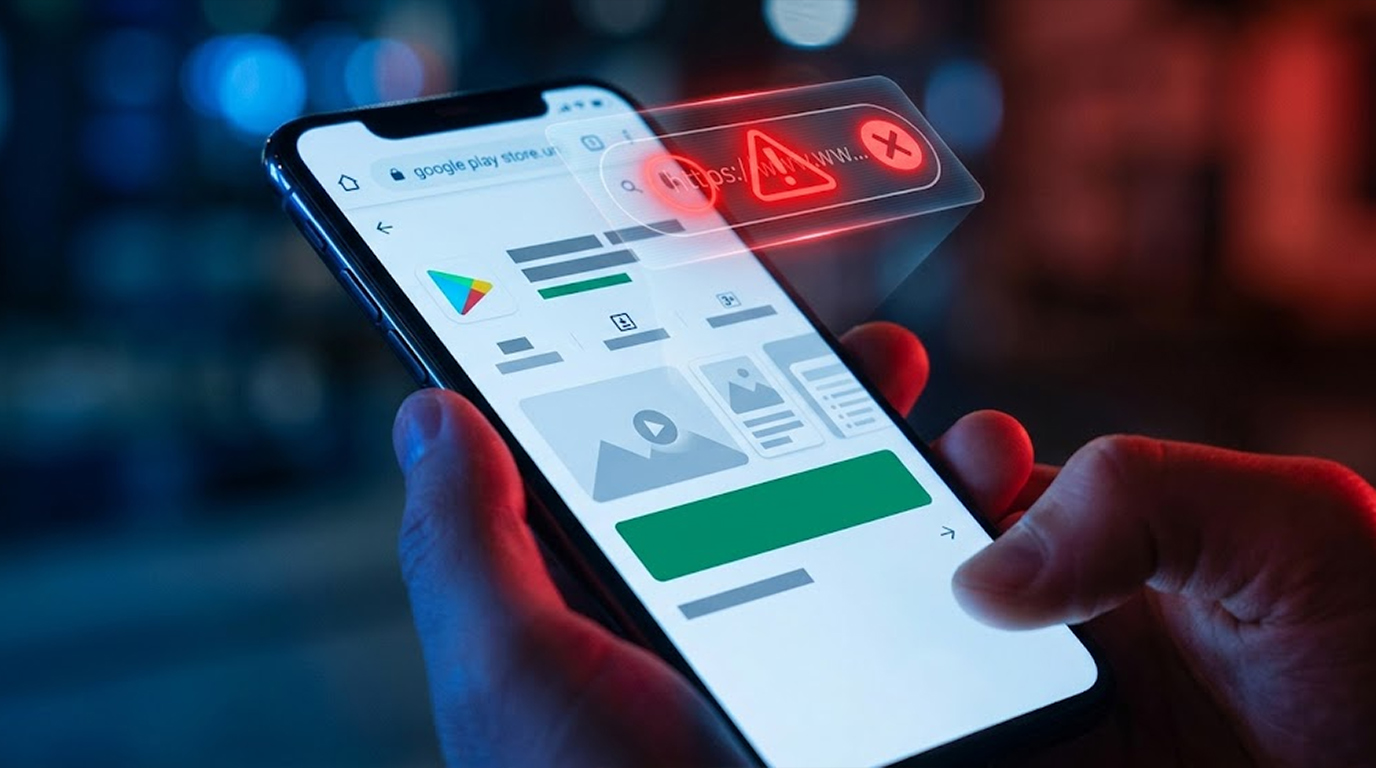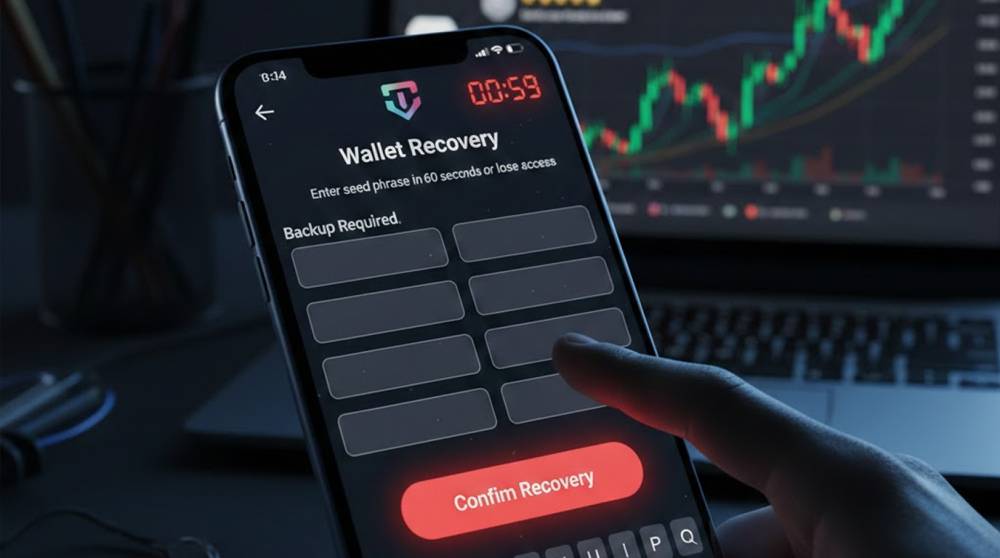
Fake wallet apps are one of the fastest ways people lose everything in crypto right now. They look almost identical to MetaMask, Trust Wallet, Phantom, Exodus, or Rabby, same colors, same layout, same icons but the moment you enter your seed phrase or private key, it’s game over.
The good news is that most fake wallets leave several clear signs if you slow down and check carefully before installing or using them. Here’s a practical, step-by-step checklist you can run through every single time.
1. Never Download from Anywhere Except the Official Link
The #1 rule: only install from the official website or the official app store listing.
Red flags you’ll see in scams:
1. Google Play or App Store link sent via Telegram/Discord/email/WhatsApp (“Download here for free airdrop”)
2. “Direct APK download” button on a random website
3. “Latest version” mirror sites (metamask-app[.]io, trustwallet-download[.]com, phantom-wallet[.]app)
Quick check:
1. Only download your MetaMask, Trust Wallet or Phantom from their official website (metamask.io, trustwallet.com, phantom.app). Copy and paste the links from those sites before downloading any wallets.
2. Be sure to delete any text message that has a link to download a wallet that isn’t from the respective official website.
3. Make sure the developer name/ID matches what is listed in the App Store for that wallet before proceeding with the installation process.
2. Check the Developer Name & App ID in the Store
Real wallets are published by their companies. Use the following developer names to help identify your real wallet :
1. MetaMask - "Consensys" or "MetaMask"
2. Trust Wallet - "Trust Wallet"
3. Phantom - "Phantom Technologies Incorporated"
4. Rabby - "DeBank"
5. Exodus - "Exodus Movement, Inc."
Red flags:
1. The developer is using a non-specific name (i.e., “Crypto Tools”, or “Wallet Development Team” or an arbitrary letter/numbers)
2. The ID or package number is incorrect (i.e., com.metamask.fake or io.trustwallet.clone123)
3. Publishing date of the app is very recent (all legitimate wallets have been updated for years)
Quick check: After going to Google Play → Scrolling down to the developer section at the bottom of the page, click on the developers name and then check other applications they have published. If the company is legitimate, it will most likely have similar branding for their products as well as a history to back it up.
3. Look at the reviews and ratings paid very careful attention to detail
Examples of fake apps/companies:
1. Thousands of five star reviews within an hour to a day
2. Several reviews have all nearly identical comments “best wallet ever”, or “so easy to use”.
3. A sudden flood of one star reviews after three or four weeks of no reviews (because a real user realized it was a fraud).
Quick check:
1. Select “See all reviews” then sort them by the most recent first
2. Read ten – fifteen of the recent reviews from REAL users and look for specific problems mentioned i.e., “high gas fee”, or “slow connection”.
3. Fake apps at first do not have many negative reviews.
4. Do not provide your seed phrase or private key to any developer. Legitimate wallet apps do not request your seed phrase after setup.
Red flags:
1. If the app's "Restore Wallet" or "Import Wallet" screen comes up immediately after it installs (this happens with real apps if you select import).
2. If you see a "Security Check - Enter Seed Phrase to Verify" pop-up message.
3. If you see any prompts that say "Enter Seed to Activate Airdrop" or "Sync Wallet."
Quick check: If the app is requesting your 12 or 24-word phrase after you've downloaded it, close it and uninstall it immediately.
5. Be Cautious of Suspicious Permissions and Behavior
Verify Permissions Immediately.
Red flags:
1. The App will be requesting Accessibility Service. (This can be used to READ the clipboard, Overlay False Screens).
2. The app will be requesting Read SMS and/or Read Contacts with No Clear Purpose.
3. The app launches your browser opening to a Phishing Site.
4. The May show high battery/ Data use immediately once the app is opened.
Quick check: Android: Settings: Apps: [Fake Wallet Name] : Permissions: Does it have Accessibility, SMS, or Overlay.
6. Test with A Small Amount First
If you’re unsure but already installed:
1. You'll need to create a new empty wallet in the app.
2. Send $1-$5 from your real wallet as a test transfer.
3. Wait 5-10 minutes then check blockchain explorer (Etherscan, Solscan, etc.).
4. If funds show up at the correct wallet address, you can assume it is likely to be a safe app.
5. If the receiving address changed after copying/pasting, then it’s probably malware and uninstall immediately!
Quick 30-Second Checklist Before Installing Any Wallet App
1. Did I manually type in the URL of the wallet I am attempting to install (i.e., metamask.io or trustwallet.com)?
2. Is the developer name exactly the real company?
3. Are there years of updates and real user reviews (not just 5-star spam)?
4. Does the app ask for seed phrase right after install?
5. Did I check permissions after install?
If you answer “no” to any of these , delete and don’t use it.
One wrong wallet app can drain your entire portfolio in minutes. The extra 30 seconds of checking the source and developer name stops almost every fake-wallet scam out there.