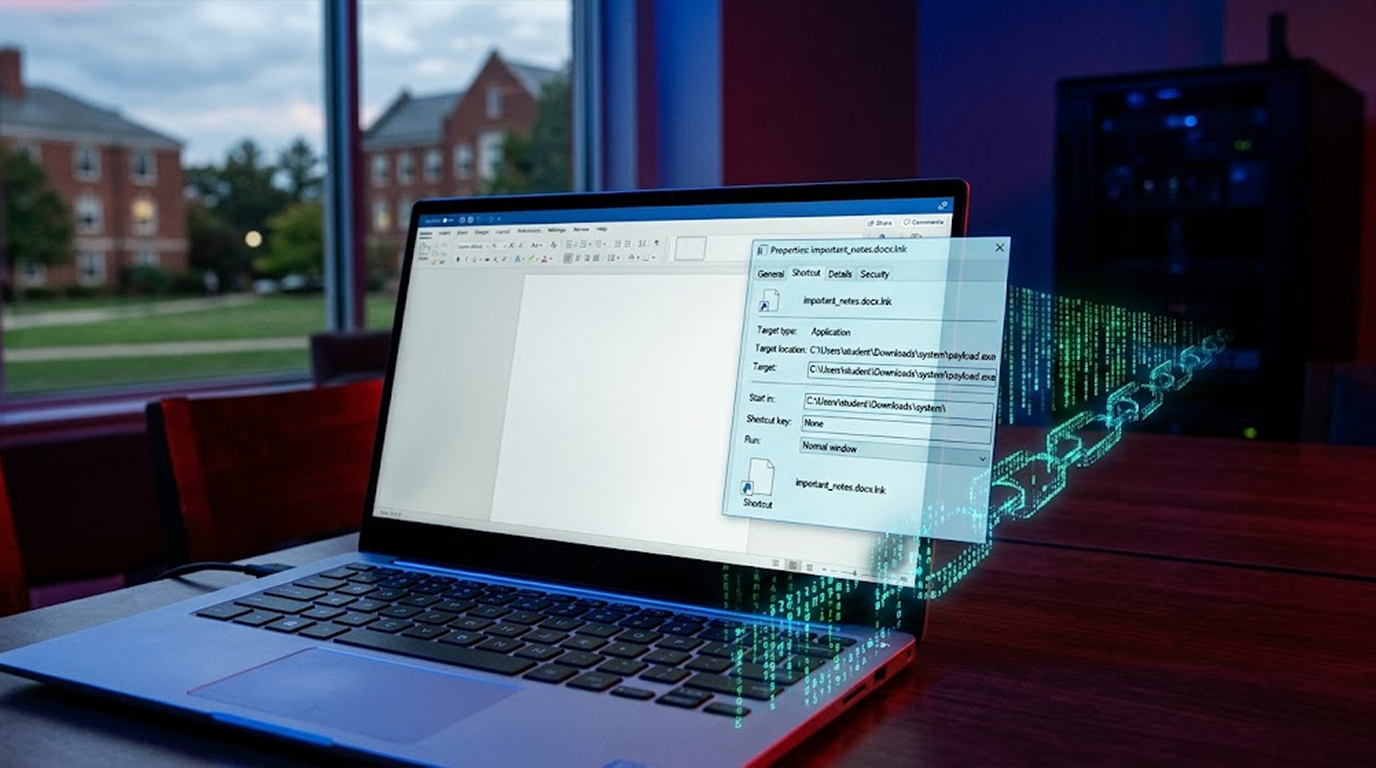
Some of the most important evidence never touches disk.
Credentials, tokens, injected code, decrypted network traffic, and live command history often exist only in memory. Once a system is powered off or rebooted, that evidence is gone.
Many investigations fail not because attackers were careful, but because memory was not preserved in time.
What “Evidence in RAM” Really Means
RAM evidence includes:
1. Decrypted credentials and session tokens
2. Injected shellcode and fileless malware
3. Command-and-control addresses
4. Process injection artifacts
5. In-memory configuration changes
6. Decrypted network payloads
This data is volatile. It decays naturally, even while the system stays online.
When Memory Is the Only Source of Truth
From real incidents, RAM was the only place to find:
1. OAuth tokens used for cloud takeover
2. Cleartext database credentials loaded by apps
3. Malware that never wrote a file
4. Commands executed via in-memory shells
Disk analysis alone would have shown nothing suspicious.
The Biggest Mistake: Shutting Down First
A common response pattern still looks like this:
1. Incident suspected
2. System isolated
3. System powered off
That sequence destroys memory evidence.
If the system is stable, memory must be preserved before shutdown.
Step 1: Decide If Memory Capture Is Safe
Memory capture is not always appropriate.
Capture RAM when:
1. The system is stable
2. Malware is suspected to be fileless
3. Credentials may be exposed
4. Lateral movement is suspected
Avoid capture when:
1. The system is actively crashing
2. Capture tools may disrupt operations
3. Legal approval is missing
Decision-making should be documented.
Step 2: Capture Memory Correctly
Windows Memory Capture Tools
Commonly used in real investigations:
1. WinPMEM
2. Magnet RAM Capture
3. Belkasoft Live RAM Capturer
Example: WinPMEM
winpmem.exe --format raw --output memory.raw
Run as administrator.
Store output on external media if possible.
Linux Memory Capture Tools
There are many tools available for Linux that capture memory. Memory is a resource on a computer that is very often overlooked.
Some examples of tools available to capture memory on Linux are
1. LiME
2. AVM
This example shows how to use LiME to capture physical memory:
insmod lime.ko "path=/mnt/usb/memory.lime format=lime"
Step 3: Preserve Context With the Dump
Capture context (e.g. running processes, network connections, logged in users and system time) to provide the necessary context when interpreting memory artifacts:
Example command for Linux:
To capture running processes:
ps aux > processes.txt
To capture network connections:
netstat -anp > connections.txt
To capture everything since last boot:
who > users.txt
To capture system time:
date > capture_time.txt
Step 4: Protect the Evidence
Memory dumps are sensitive.
They often contain:
1. Passwords
2. API keys
3. Private data
Best practices:
1. Hash the file immediately
2. Store securely
3. Restrict access
4. Document chain of custody
Hash Example
sha256sum memory.raw > memory.raw.sha256
This protects evidentiary integrity.
Step 5: Analyze Without Altering the Original
Never analyze the original dump.
Make a working copy.
Common Analysis Tools
1. Volatility / Volatility3
2. Rekall
3. WinDbg
Example: Basic Process Review
volatility3 -f memory.raw windows.pslist
This often reveals injected or hidden processes early.
Example: Catching Fileless Credential Theft
Seen repeatedly in real cases:
1. No malware present on disk.
2. Suspicious logins occurring.
3. No alerts generated from EDRs.
Memory analysis reveals:
volatility3 -f memory.raw windows.malfind
volatility3 -f memory.raw windows.lsadump
Injected code and cleartext credentials appear immediately.
Without RAM, the case would stall.
Why RAM Evidence Is Often Missed
Common reasons include:
1. Fear of impacting production systems;
2. Lack of familiarity with the tools;
3. Uncertainty over the legality of using memory;
4. Overemphasis on the relevance of disk-based artifacts;
5. Incident response plans that were developed many years prior.
Because new attack vectors generally expect that memory will not be examined, investigators often fail to obtain these types of evidences.
Practical defenses for memory include:
1. Training incident responders in the use of live memory capture tools.
2. Pre-approval for tools for legal/operational.
3. Availability of capture software on site at the command center.
4. Practice memory collection using live memory collection drills.
5. Treat RAM as a dedicated evidence source (i.e., like logs) rather than an accidental source (i.e., like malware).
The success of a Memory Capture can only be achieved through preparation.
Key Takeaways
1. Evidence is found in memory that cannot be located on Disk.
2. Disabling the [computer's] operating system will eliminate evidence/remnants of a successful attack.
3. Time is of the essence when collecting memory.
4. To collect memory you must have the context of how and where the memory was used.
5. Properly process the collected memory as a [valuable] piece of physical evidence, which is legally and forensically safe to use.
If the attack occurs without public knowledge, then it is likely that the evidence will exist in the suspect or suspect's memory.