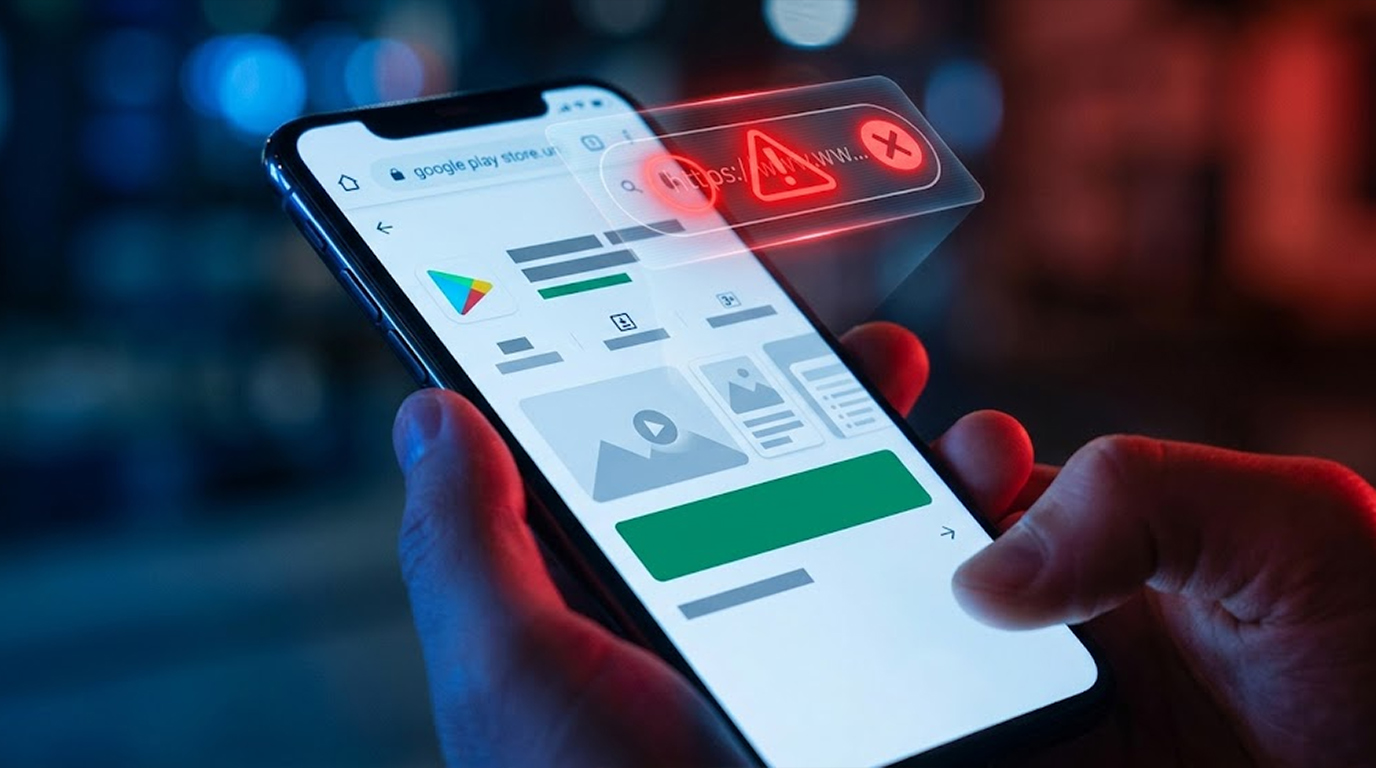
The modern reality is that geopolitical tensions are increasingly being played out through cyber-attacks, which can impact everyday citizens. The year 2026 has brought about several scenarios that can put everyone at increased risk, including supply chain attacks, disruption of infrastructure via cyber-attacks, mass data leaks, outages of the financial system, and targeted disinformation campaigns against specific populations. Fortunately, there are steps you can take today to improve your personal security and make yourself more resilient.
The following is a practical and realistic checklist of things that you can do today to increase your personal security, ordered from highest to lowest impact.
Secure your core digital identity (highest priority)
The email address, phone number and major accounts that you use to access the Internet all serve as your keys to everything else. You should:
1. Switch all of your critical accounts to hardware-based 2FA (YubiKey, Google Titan, etc.): e-mail, banking, crypto-exchanges, government portals, and social media.
2. Stop relying on SMS-based 2FA; it is easily hijacked by a hacker with a SIM-enabled mobile phone.
3. Use a different, strong password for each of your critical accounts (a password manager is very helpful).
4. Enable passkeys wherever possible. They are many times more secure than traditional passwords.
Keep devices and data secure
1. Update your devices regularly. Many cybercriminals will try to take advantage of devices that do not have security patches or are outdated; therefore, having an up-to-date device is the best way to stop them.
2. Use trusted security software to protect your devices. The most common security software for Windows OS is (Malwarebytes and Windows Defender), and for Android devices, it is (Google's built-in security plus Malwarebytes). If you're an Apple user, then you can use the security that comes with macOS with Malwarebytes.
3. Enable full disk encryption on your devices. Most modern devices have either BitLocker (Windows), FileVault (Mac), or some other built-in security features that offer this functionality. Android and iOS devices will typically come with encryption enabled by default or will require enabling encryption through device settings.
4. Back up your essential files regularly to an external (offline) drive or to a third-party cloud service that you have control over. Always test your backups to ensure they are working correctly.
5. Avoid sideloading APKs or installing “free AI tools,” “offline trading bots,” and “cracked” software. This type of application is a common way that local AI malware and stealers gain access to your device.
Make Sure You're Not Exposed Digitally
1. Take the time to review your OAuth/app permissions on your Google, Microsoft, Apple, and social media accounts, and revoke any permissions you no longer need.
2. Reduce the number of pieces of personal information you publish on the internet, especially on public profiles.
3. If you're using public Wi-Fi, use a VPN to ensure your data remains secure. Even if you're not using public Wi-Fi, but you live in a high-risk area, consider using a VPN on a daily basis.
4. Be extremely cautious with any links, attachments, or images from anyone (even people you know) because they are likely compromised.
Prepare for Disruptions
1. Make sure you have a paper or non-digital version of your critical contacts, medical info, and critical documents, to be prepared for disruptions.
2. Know alternative ways to contact your bank or government services (by phone or in person) as a backup to your primary ways you normally contact them.
3. Set aside cash and store some emergency supplies because a cyber incident could temporarily result in disruption to payment, power, or communications systems.
4. Acquire basic skills to be able to navigate outside of Google maps, to communicate outside of the internet, and to verify information outside of social media.
Stay updated on the latest cyber security threats but don't become panic-stricken about them
1. Follow legitimate sources of information that provide updates on both new cyber threats (e.g., National CERT's Wordpress blog, reputable security researchers, and reputable and unbiased news sites).
2. Understand the difference between real cyber security threats and sensationalized hype. Not every power outage is the result of a cyber security compromise.
3. Participate in community discussions regarding how to prepare for wide-scale disruptions by getting to know your neighbors and knowing the resources available in your area.
Final Thoughts
You don’t need to become a cybersecurity expert to be safer. The biggest difference comes from consistent, practical habits: strong unique passwords with hardware 2FA, keeping systems updated, careful app hygiene, and having basic offline backups and plans.
Cyberwar as a citizen isn’t about building a bunker, it’s about reducing single points of failure in your digital life and building quiet resilience. Start with the highest-impact items (hardware 2FA and device updates) and work your way down.
Steps taken today, no matter how small, can make you much less of a target for future events. You do not aim to be invincible; rather, you try to have enough pre-planning so that when disruptions occur, you feel less panic and can recover more quickly.