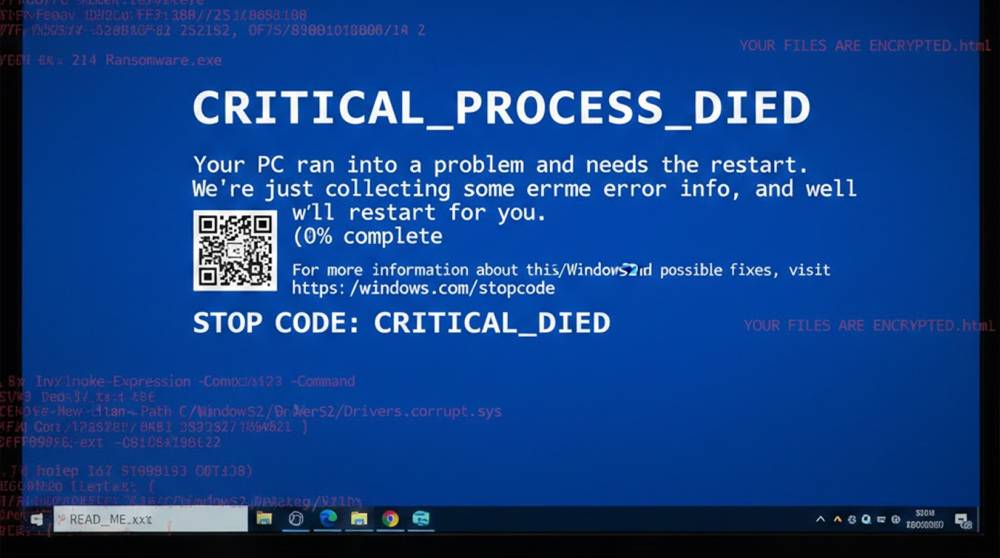
Malware sometimes deliberately triggers a Blue Screen of Death (BSOD) on Windows systems. It’s not a bug , it’s a tactic. The crash either hides what the malware just did, disrupts forensic analysis, buys time during encryption, or simply makes the environment unusable for defenders.
In practical terms this is still seen in 2025–2026, especially in ransomware families, spyware, and payloads designed to evade sandboxes or reverse engineering. Below are the main ways it’s used, together with real-world examples and scenarios.
Causing a BSOD through malware
1. To hide tracks left from data being stolen Theft of credentials or files --> crash the machine => a reboot will erase any evidence of what was stored in RAM
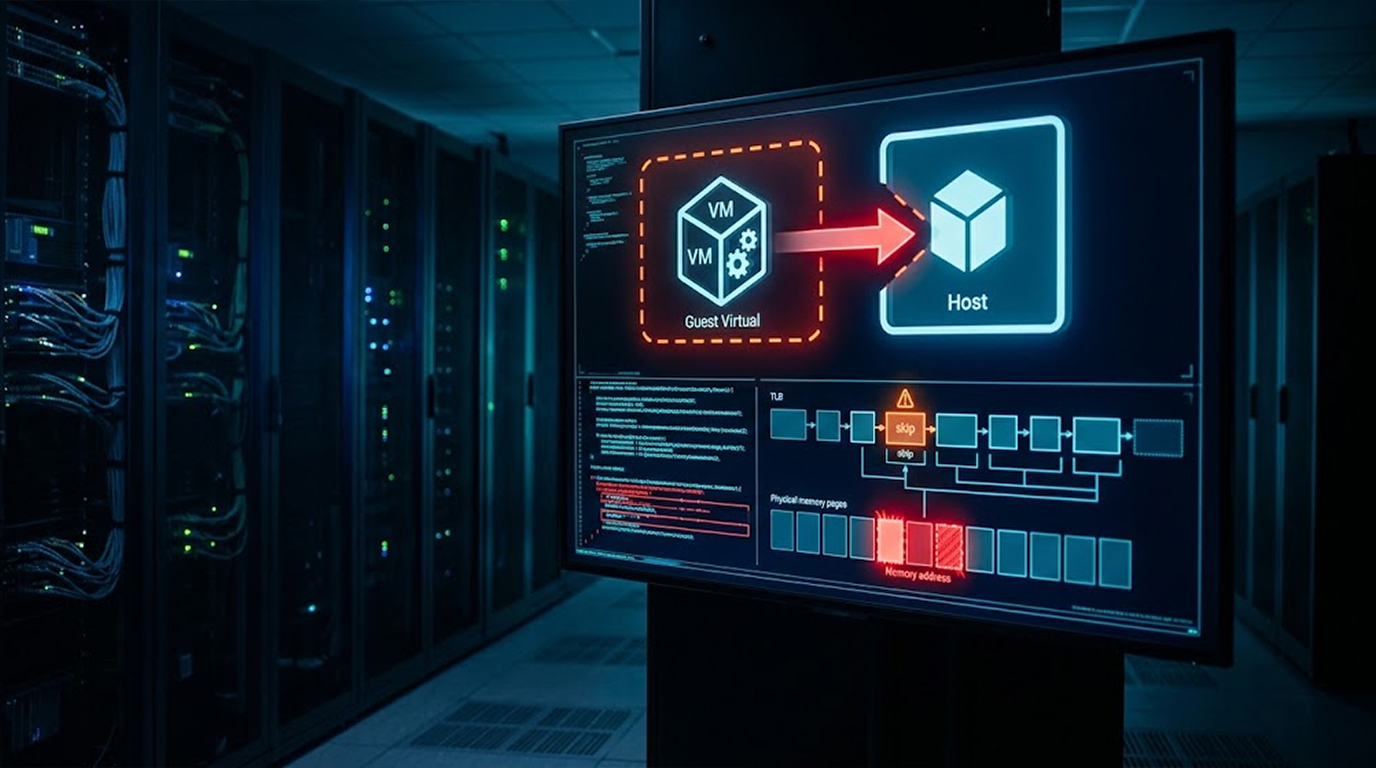
2. To avoid being analysed / to evade detection in a VM Check for signatures indicating VM has been used for testing, flag for use of debuggers and monitoring tools; --> initiate panic on the kernel so that the sample cannot be analysed by anyone else potentially.
3. Disrupting response during ransomware Encryption in progress → detect EDR/antivirus interference → BSOD to stop process termination.
4. Creating confusion/distracting the end user by forcing downtime in a critical environment (e.g., hospital or a trading floor) will prevent timely detection and recovery of an infected system.
Real Examples from Recent Years
1. NotPetya (2017, technique reused in later wipers) Showed a fake BSOD message (“Repairing disk errors… please wait”) while actually wiping the master file table and encrypting the drive. The crash screen bought time for destruction to finish. Hospitals lost access to patient records; shipping/logistics firms were paralyzed for days.
2. Hermit / Predator-style spyware (2022–2025 Windows variants) If the sample detects analysis tools (OllyDbg, x64dbg, common VM drivers) it injects bad code into a kernel driver → immediate BSOD. The crash terminates the sandbox/VM session; malware self-deletes on reboot.
3. LockBit & RansomHub affiliates (2025–2026 observed variants) Some builds monitor for EDR hooks or process-kill attempts. If interrupted during encryption → force BSOD → system reboots into recovery mode → encryption resumes on restart.
4. CrowdStrike global outage (July 2024) , non-malicious parallel Faulty kernel driver update caused millions of BSODs. Hospitals diverted ambulances, airlines grounded planes, banks froze transactions. Malware using the same technique would create similar chaos intentionally.
Practical Scenarios
1. Credential stealer finishing quietly Malware runs → dumps browser cookies / saved passwords → detects antivirus scan → triggers BSOD. Machine reboots → user sees “Windows recovered from an unexpected shutdown” → thinks it was a random crash → data is already exfiltrated.
2. Sandbox / VM detection Sample in a malware analysis lab detects VirtualBox/VMware drivers or low RAM → corrupts a loaded driver → BSOD crashes the environment. Analyst loses the live session; malware deletes itself on reboot.
3. Ransomware interrupted mid-encryption Encryption starts at 3 a.m. → admin notices high disk I/O → tries to kill the process. Malware detects kill attempt → BSOD → system reboots → encryption continues after login.
4. Hospital workstation compromise Malware on a nurse’s PC detects EDR activity → crashes the system during a busy shift. EHR access was lost in the middle of a procedure so doctors had to use paper notes, creating a higher chance of making medication errors or missing allergy information.
Tips and Exercises
To identify this in the environment:
1. Look for abnormal crash dumps (C:\Windows\Minidump) or Event Viewer entries (Event ID 41, Kernel-Power).
2. Use tools like BlueScreenView to help investigate minidumps for potentially malicious drivers.
3. When running samples in a laboratory setting use isolated VMs and capture snapshots for easy roll back.
Exercise 1: Create a BSOD Trigger
1. Create a new VM, run a test script (a safe, non-malicious script), by using PowerShell Stop-Computer -Force (this will reboot but it will not create a full BSOD).
2. Monitor the Event Viewer→System→look for crash entries.
3. Compare your event logs against an actual sample of the NotPetya malware (use the VirusShare website).
Exercise 2: Analyze A Known Malware Sample
1. Get your locally acquired copy of the NotPetya malware from MalwareBazaar.
2. Run NotPetya in an isolated VM and save a screenshot of its "BSOD" (Blue Screen of Death) screen.
3. After rebooting check for over-written files (like damaged Master Boot Record).
These tactics make malware harder to catch, but awareness of crashes as red flags helps. If your system BSODs unexpectedly, isolate it and scan deeply, it might not be a coincidence.