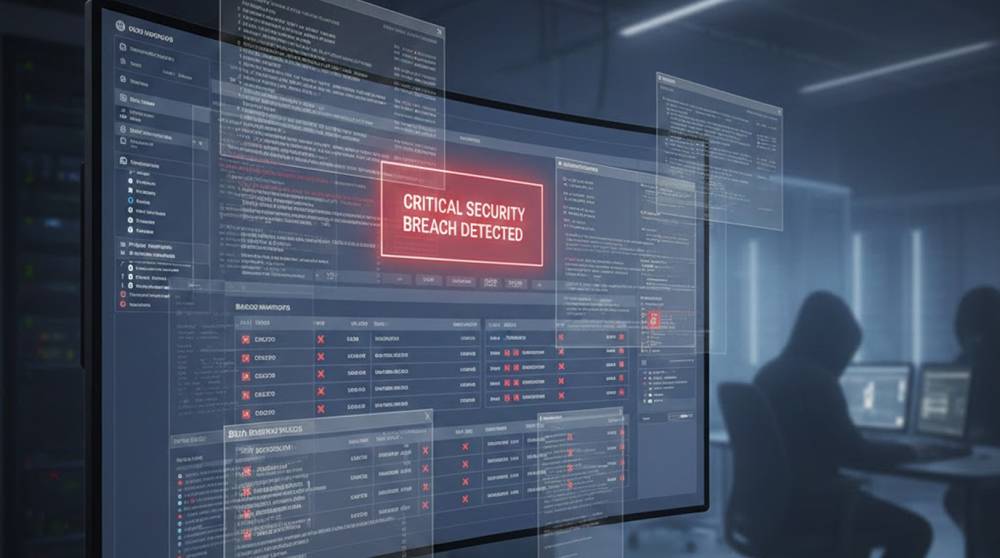
Organizations use Backups as a contingency plan to restore from the unforeseen.
Cybercriminals know this; it is typical for many type of ransomware/blackmail attack to find and erase or encrypt ALL backups within the first step after the incident. Without backups, restoring data from a ransomware infection will take longer, cost more, and may be impossible to do.
This is especially an issue for organizations that store their backup data in the cloud. Although the backups may appear to be isolated, they are still available to those who have access to the right credentials.
How to identify backup storage in Cloud by Cybercriminals.
Organizations that understand how the cybercriminals identify companies Cloud Backups also can often miss the opportunities that are provided by these methods.
Some of the more common Reconnaissance techniques used to locate an organization's backup location include:
1. A review of the organization's Cloud Console Permissions
2. A review of the organization's User Accounts and Storage
3. A review of the organization's Cloud storage locations such as Snapshots, File Shares, etc.
4. A review of the third-party tools used for back-up and recovery
Examples of some tools utilized by Cybercriminals to locate the backup locations of organizations.
1. Cloud provider CLI tools (i.e., aws, az, gcloud, etc.)
2. PowerShell and/or Bash Scripts
3. Poorly configured IAM Roles/Policies.
Example command
# List AWS S3 buckets accessible with current credentials
aws s3 ls
Even read-only access may allow attackers to identify which buckets are used for backups.
Deleting or encrypting backups
Once attackers are identified, they would take their backups action:
Common Methods of Attackers
1. Directly deleting backups from the console or CLI
2. Using API permissions to delete snapshots
3. Encrypting backups to prevent restoration
4. Hacking into third-party backup applications
Practical command examples
# Delete all objects in a bucket (AWS example)
aws s3 rm s3://critical-backups --recursive
# Remove Azure snapshots
az snapshot delete --name critical-snapshot --resource-group Backups
Even a single misconfigured credential can make this possible.
Real-world examples include:
"Misconfigured Cloud Storage"
1. Internal backup bucket access was made public.
2. An attacker deleted snapshots before they had time to encrypt the production system.
3. Recovery would take several days and cost millions of dollars.

"Compromised Service Account"
1. Backup Tools provided extensive API access and authorization via 3rd party vendor.
2. The attacker was able to enumerate the snapshots and delete older versions of them.
3. Incident Response was limited to using offline media.

"Automated Snapshot Removal"
1. Lifecycle management scripts written to automate the management of snapshots were abused by the attacker.
2. Scheduled deletion of the snapshots was executed by the attacker immediately prior to the scheduled deletion of the snapshots.
3. Recovery to the last known good state was unachievable unless ransom was paid.

What leaders need to know
When we think of the cloud, we often think it is secure and protected from unauthorized access.
However, this assumption may not hold true in reality. As such, Leaders need to carefully examine:
1. Who has access to their cloud backups and who is monitoring them?
2. Are they being given too broad of an access permission?
3. How quickly can they restore from backups stored offline or isolated?
4. How might third-party integrations expose their backup to being accessed by someone not authorized?
Best practices for reducing risk or exposure:
1. Implement strict least privilege access to cloud backups
2. Preserve clear immutably or store copies of backups offline
3. Regularly perform audits of backup access logs for suspicious activity
4. Separate the backup storage from the cloud-related and main networks of the organization
5. Regularly tests restoration capabilities and procedures, including isolated recovery scenarios.
By implementing these practices, an attack’s effectiveness can be reduced and the recovery time greatly improved.
Takeaway
Backup deletion is often the most overlooked stage of a ransomware or cloud attack, the ability to neutralize backups increases attacker leverage and prolongs recovery.
Organizations that treat backup access, monitoring, and restoration as a governance concern not just a technical one limit both financial and operational impact.