Your website is down. Customer data is leaking. Orders have stopped. Google has flagged your site as unsafe. For thousands of small-to-medium businesses and e-commerce owners in 2026, this scenario isn’t hypothetical, it’s Tuesday morning.
Recent industry reports show phishing now triggers 36% of data breaches, stolen or compromised credentials account for 29%, and small businesses represent over 70% of all incidents. Ransomware still hits 24% of breaches, while supply-chain compromises via plugins and third-party scripts continue to surge. The average cost of a website breach for an SMB easily tops £25,000–£75,000 when you factor in downtime, lost sales, regulatory fines, and reputational damage.
The painful truth? Most of these attacks succeed because of preventable mistakes; outdated plugins, weak passwords, or a single misconfigured setting. Yet many owners only discover the breach weeks later when customers complain or revenue plummets.
In this article, you’ll learn the exact 10 most common ways websites get hacked in 2026, complete with real-world warning signs, step-by-step prevention checklists, and practical recovery advice. Find out when it is time to get professionals involved after DIY fails; at Red Secure Tech we've done this numerous times for hundreds of companies often recovering in under 24 hours using our 24/7 SLA and secure client portal. In the end, this will give you a full action plan to stay ahead of other cyber threats.
The 10 Most Common Ways Websites Get Hacked in 2026
1. Weak or Reused Passwords and no Multi‐Factor Authentication(MFA)
Being able to gain access to an account by using credential-based attacks is the quickest method. Hackers will use large databases of stolen records to run automated credential stuffing attacks against all sites that use the same username or user account; if the account was compromised prior, the hacker now has access to all accounts that share this username or that have a common association (such as email or password) with a prior account.
Signs of this happening: Login attempts from international IP's or random IP addresses not normal for your account, password reset notifications you did not initiate, or sudden admin login logs from IP addresses that are not normal for you.
How this happens: E-Commerce store owner uses the same credentials to access their hosting panel, store, and e-mail. The hacker logs into one platform and has the information needed to log into the other two platforms.
How to protect your e-commerce store and its assets: (11-14 are more for e-commerce site owners than the average user)
1. Enforce unique, complex passwords (16 or more character length) using a Password Manager.
2. Enable MFA on all accounts, however especially where Admin/Root accounts and e-mail accounts.
3. Utilize Passkeys and Hardware Tokens where available.
4. Implement Account Lock Outs after 5-10 failed login attempts.
2. Brute-Force & Dictionary Attacks on Login Forms
Attackers are trying millions of login attempts every hour at login pages (such as (wp-login.php, /admin)
warning signs include increased login-attempts, increase on login attempt by an attack, and higher measured CPU load.
Prevention:
1. Install CAPTCHA or Rate Limiting on Login Forms to Limit Login Attempts
2. Change Default Admin URLs (Hide Them)
3. Implement a WAF (Web Application Firewall) that blocks brute-force style attempts in real-time
3. Exploitation of Outdated Plugins, Themes & CMS Versions
According to Wordfence and Sucuri reports, the most common issue for WordPress compromises is open plugins. One unpatched plug-in can give access to the attackers an entire server.
Warning signs include unknown files within wp-content; mysterious redirects; and websites that have been defaced.
Prevention Steps:
1. Automatically Install Updates for Core Code Plugins, and Themes when update issue is resolved.
2. Delete Any Unused Plugins Immediately
3. Subscribe to a vulnerability report service (WPScan, Patchstack, or your Security Plugin provider).
4. Monthly Scanning for vulnerabilities.
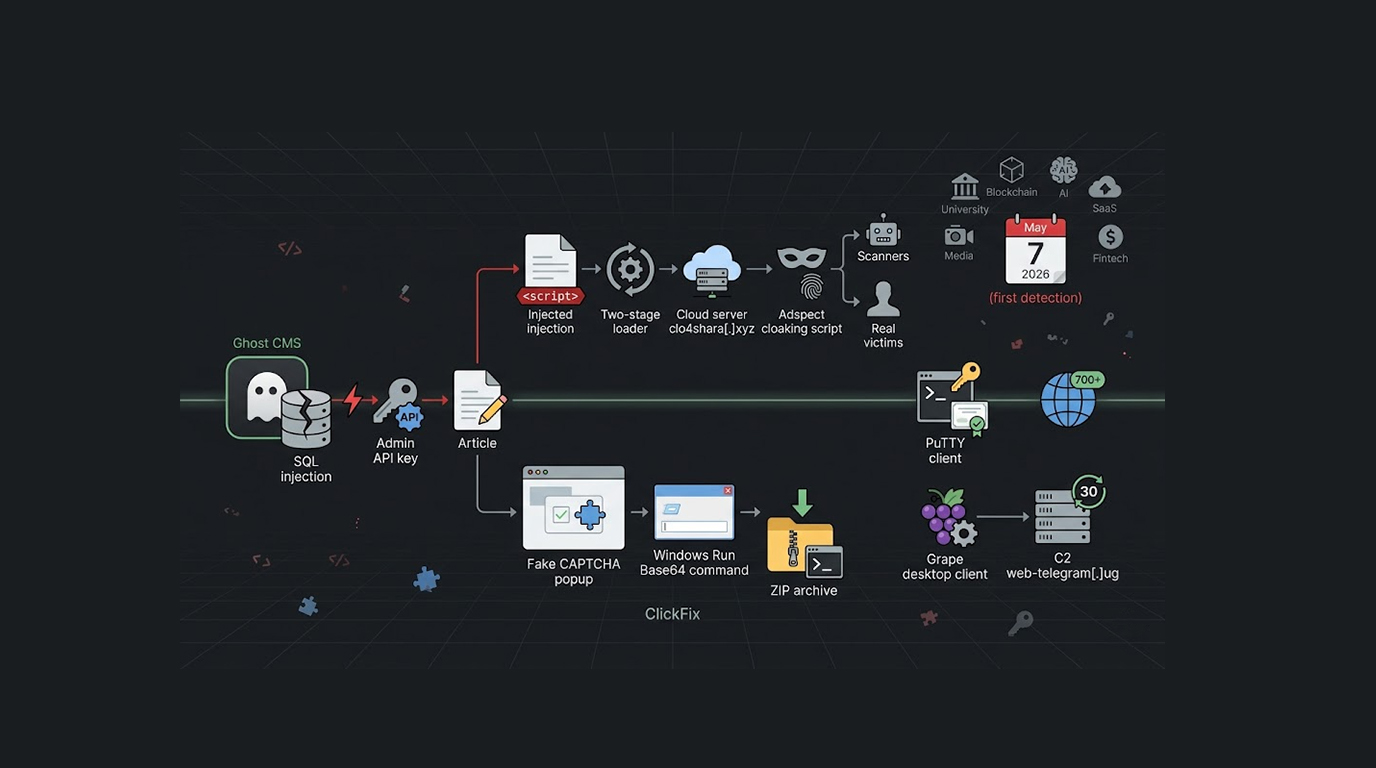
4. SQL Injection & Code Injections
Attackers insert malicious SQL code/injection commands into forms, search boxes and URL Parameters to try to gain access to databases or create unauthorized entry into systems.
Warning signs include errors in standard tables, unusual database output or searching stolen customer records on the internet dark web.
Prevention Steps:
1. Use Prepared Statements and Parameterized queries
2. Sanitize and Validate User-Input Data
3. Enable Referrals WAF Rules Specifically related to SQL and Code-Inject Attempts
5. Cross-Site Scripting (XSS)
Comments, reviews and product descriptions can contain malicious scripts which execute in visitor's browsers.
Signs that you could have XSS: Popups on your own website, stolen session cookies or unusual redirects.
Preventing XSS:
1. Using Content Security Policy (CSP) headers so only authorized resources can be executed in the browser.
2. Creating encoded output to prevent rendering in the browser.
3. Only using modern frameworks that escape by default.
6. Security Misconfiguration
It is quite common for organizations to use default configurations (especially related to hosting), unintentionally expose sensitive information (e.g. .env files) or leave their cloud storage buckets overly permissive (e.g., S3 buckets).
Signs that you could have security misconfigurations:
Those who use directory listing errors, publicly accessible backups or live test directories.
Preventing Security Misconfigurations:
1. Only provide least-privilege access to users, services and applications.
2. Use automated configuration scanning tools (e.g. OWASP ZAP or cloud security posture tools) to check for misconfigurations.
3. Disable directory indexing and other unnecessary types of service in your web applications.
7. Malware & Persistent Web Shells
Backdoors can be created by downloading files from malicious websites, uploading infected files or using infected themes to gain unauthorized access that persists through updates to your web applications.
Signs that you could have Malware or Persistent Web Shells:
You are experiencing slow application performance, see unknown admin users in your application or you are mining cryptocurrency in the background or see seo spam in search results.
Preventing Malware and Persistent Web Shells:
1. Use antivirus or malware signature-based scanning for any uploaded files
2. Implement file integrity monitoring
3. Install a web application firewall (WAF) with real-time malware scanning
8. Social Engineering (Phishing), Admins or Users
Phishing attacks through email generated using artificial intelligence continue to overwhelm traditional email filtering systems at an alarming rate. One click on a fraudulent email containing a link to a "hosting renewal" can allow the attacker to gain access to the target's account or environment due to the successful execution of the phishing scam.
Warning signs:
Staff members report receiving suspicious emails or have implemented a password change without prior notice to them.
How to Prevent Phishing Scams via Email:
1. Conduct regular phishing simulation training.
2. Verify all urgent requests made via email through a secondary communication method (e.g., telephone) and verify in-person.
3. Use email security gateways with artificial intelligence-based detection methods.
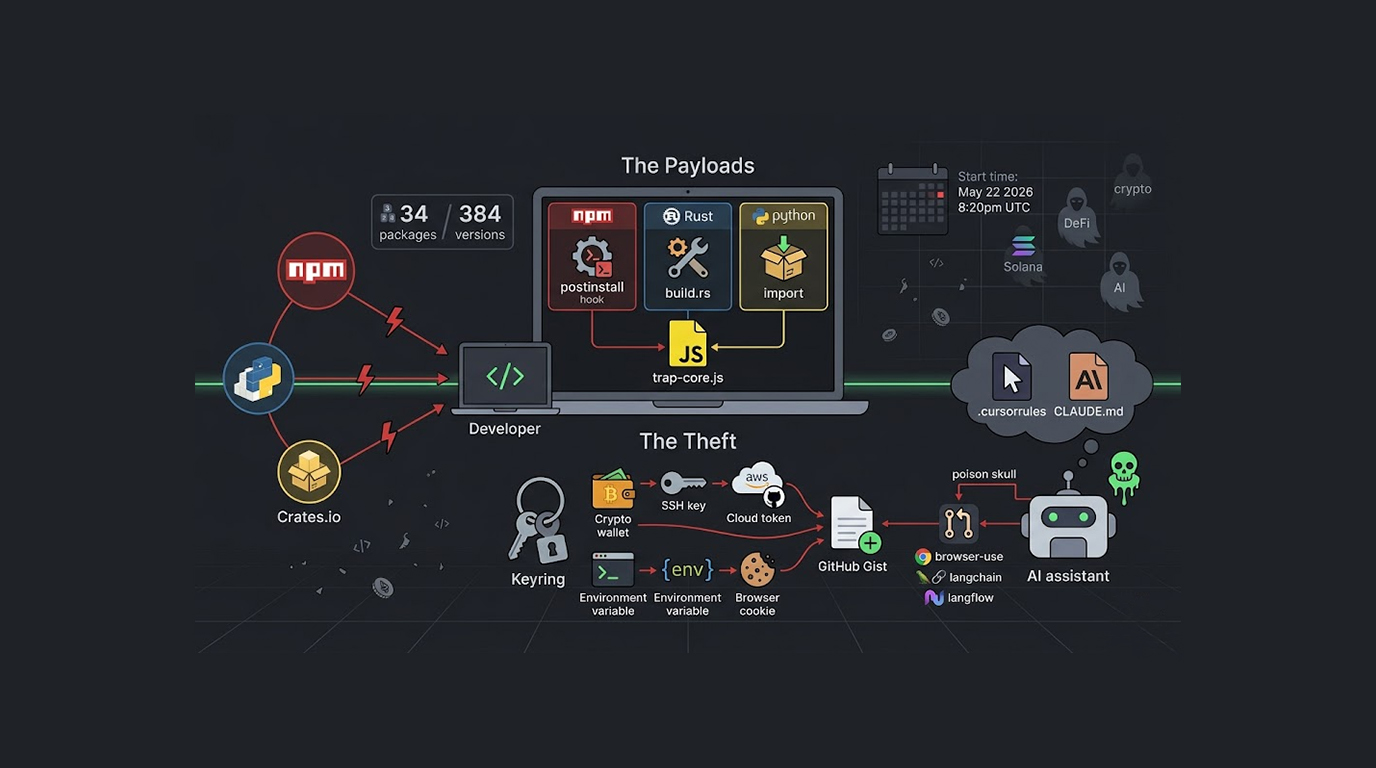
9. Supply Chain (Third Party) Attacks
A single compromised third party component (Web application plug-in, theme, or JavaScript library) can cause significant risk to the entire third-party application ecosystem. An attack of this nature could compromise all applications using the compromised component in a matter of hours.
Warning signs:
Identical malware is found on multiple unconnected third-party applications using the same vulnerable component.
How to Prevent Supply Chain (Third Party) Attacks:
1. Vet third-party suppliers/partners using a defined due diligence process.
2. Use automated dependency scanning tools (e.g., OWASP Dependency-Check).
3. Use active third-party components that have been continually maintained and have established good security practices.
10. Exploitation Ownership and Automated Intelligence
By 2026, adversaries can use artificial intelligence to enhance the speed of scanning for zero-day vulnerabilities, create tailored exploits as well as dynamically change their payloads while under attack.
Warning signs of these attacks include very sophisticated, covert, slow moving attacks that bypass normal detection methods.
Prevention steps:
1. Add multiple levels of behavior analysis/anomaly detection.
2. Conduct very frequent penetration testing that will simulate an AI-based attack.
3. Ensure ongoing access to up to date information regarding potential threats.
Common Warning Signs That Your Website Has Been Hacked
Watch out for these telltale signs of hacking immediately:
1. You see unexpected redirects or your site has been defaced.
2. There has been an abrupt drop in traffic, and you have received warning from Google about your site/trust.
3. You suddenly notice new files or database tables that are unfamiliar.
4. You are utilizing unusual amounts of server resource.
5. You have received customer complaints about strange pop-up windows or customers reporting their credit cards were stolen after you had processed their information.
6. You have seen irregular login activity from an unrecognized location.
Step-By-Step Recovery Instructions in Case You Have Been Hacked
1. Place your site in maintenance mode or take it down entirely.
2. Change all passwords and revoke any and all API keys.
3. Restore a clean/verified backup (one from before the breach).
4. Scan for and completely remove any and all malware.
5. Patch every single vulnerability that was exploited in the hack.
6. Take 30+ days to monitor your logs post-clean up.
When attempting to recover from a hack without assistance you tend to overlook hidden persistence mechanisms. Due to this fact, a lot of businesses opt for the assistance of professionals when recovering from a hack.
When to Call Professionals: Red Secure Tech’s Expertise
If you are facing multiple warning signs, have customer data involved, or simply do not have the time or tools to do an in-depth forensic-level cleanup, quit guessing. Red Secure Tech can help you recover from a hacked site with a guaranteed emergency turnaround of 24 hours. We will use our proprietary tools and the secure Red Secure Tech client portal to restore your site quickly, retain evidence for insurance or legal purposes, and make long-term improvements to your security.
Mini case study example
A fashion e-commerce company experienced a supply-chain attack as a result of a compromised WooCommerce plugin. The malware was able to take and exfiltrate credit and debit card information for at least 24 hours before they called us for help. Our team was able to remove all evidence of the malware, restore their site functionality and put safeguards in place within 4 hours of receiving the call. They were able to start making sales again the same day, and they avoided any penalties for not following the rules and regulations. We can also perform regular penetration testing and vulnerability assessments to ensure that you never find yourself in this position.
Key Takeaways
1. Always provide proactive security instead of reactive recovery.
2. Update everything monthly.
3. Enforce MFA everywhere.
4. Run regular malware and vulnerability scans.
5. Use a reputable WAF.
6. Test your backups quarterly.
7. Train your team on phishing.
8. Schedule an annual penetration test.
9. Know your emergency response partner in advance.
Quick checklist table
|
Action |
Frequency |
Done? |
|
Update core/plugins |
Monthly |
☐ |
|
Enable MFA |
Immediately |
☐ |
|
Run malware scan |
Weekly |
☐ |
|
Review access logs |
Daily |
☐ |
|
Test backup restore |
Quarterly |
☐ |
|
Penetration test |
Annually |
☐ |
Conclusion
Digital safety in 2025 will not require paranoia but preparation. The attacks are cleverer/faster than ever, automated as well. Nonetheless the basics still apply; keep software current, control access, monitor continuously & always have a reliable contingency/recovery partner available.
Don’t wait for a breach to learn these lessons the hard way. Take one action from the checklist today. If you suspect that your website was compromised, please reach out to us at Red Secure Tech as soon as possible so that we can assist you with 24-hour urgent technical assistance. Our trained personnel are available for quick recovery from the breach, ensuring compliance with current regulations, and giving you one less thing to worry about during this difficult time.
Ready to secure your site? Book a free 30-minute consultation or request emergency recovery support through our secure portal. Your website and your business deserves expert protection.