
your device is overheating fake error
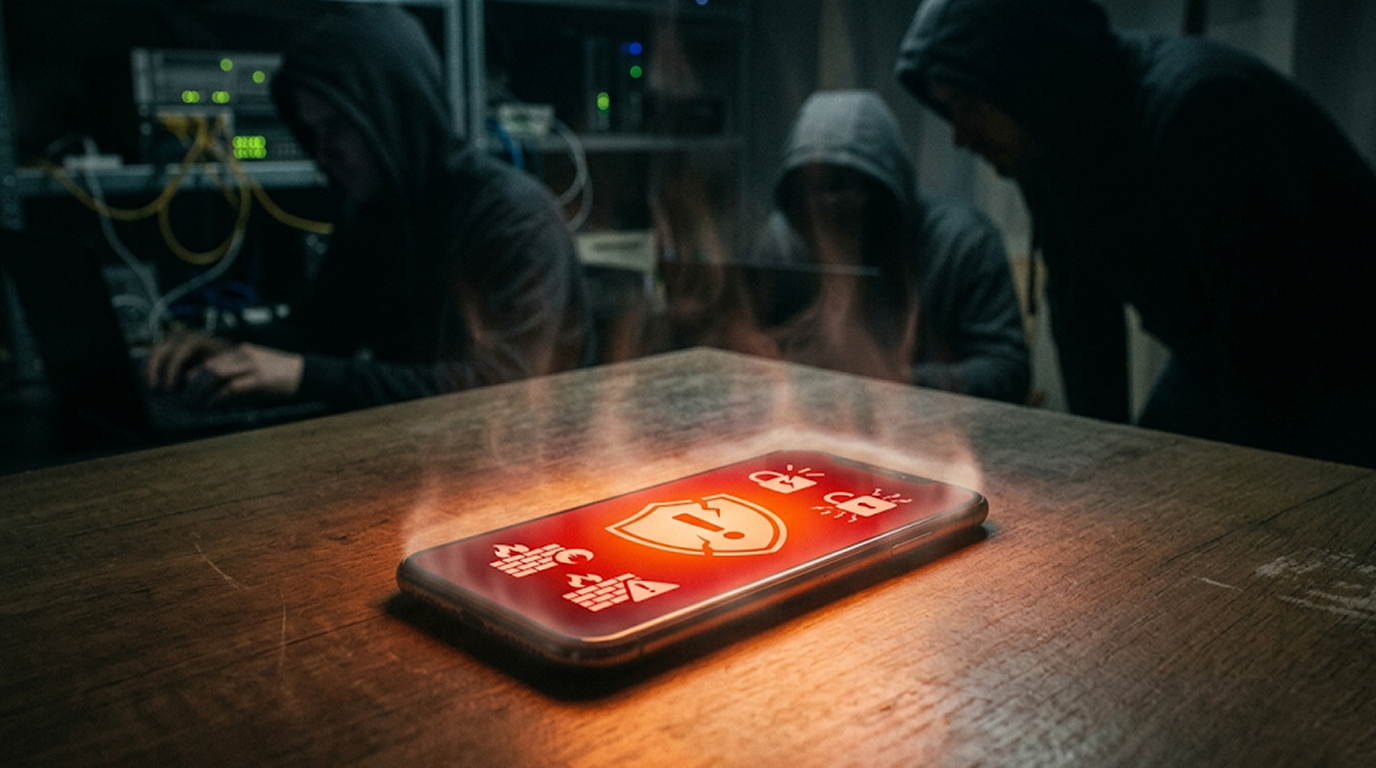
Whether you are scrolling, playing games, or checking email, it will happen to you: a loud siren goes off and you get a very scary red banner saying, “Your Device Is Overheated”. It warns you that your phone is about to shut down and you might lose everything on it or do irreversible damage to it. You get the option to do a “fix now” or to call a support number.
Don’t believe it. Your phone is NOT really overheating. That is a fraudulent scam designed to make you panic and either give them your credit card number or give them control of your phone remotely. Scammers use it because fear makes people act fast without thinking.
In this complete guide, you’ll discover exactly what the “Your Device Is Overheating” fake error is, why it works so well, and most importantly how to remove it safely on both Android and iPhone.
Why Scammers Use the Fake Overheating Warning
Tech support scams remain one of the fastest-growing threats in 2026. The overheating message exploits a common real issue, phones do get warm during heavy use, making the fake alert feel believable.
Typical scare tactics include:
1. Loud alarm sounds or voice warnings
2. Fake gauge of temperature or fake diagnostic information for the system.
3. Fake urgent countdown timers (time left until data erased).
4. Buttons that are too obvious with “call support now” and toll-free number.
Once you click on these buttons and interact with the scammers, it is possible for them to infect your device with malware, steal your banking information or charge you hundreds of dollars for non-existent repairs. The main objective for the scammers is to create pure panic in you so that you comply quickly.
How to Spot the Difference: Real vs. Fake Overheating
A real overheating warning from either Android or iOS looks like this:
1. A different type of notification/message (ex. notification icon)
2. Your device automatically slows down (ex. via performance throttling).
3. No loud alarms, no phone numbers, and no demand for immediate calls
If the message pressures you to call strangers, download software, or grant remote access, it is almost certainly a scam.
Immediate Actions When the Fake Error Appears
If you see a Fake error message, you should stay calm and take these steps to resolve the issue as quickly as possible:
1. Do not immediately click on anything of the pop-up; don't hit any buttons.
2. Force close (exit) the web browser that you were using at the time. This could be Chrome or Safari, as examples, but it could also be an app such as a game.
3. Restart your phone , This clears most temporary overlays.
4. Do not call the displayed number under any circumstances.
Quick restart often resolves the issue. If the fake message returns, proceed to full removal.
How to Remove “Your Device Is Overheating” Fake Error on Android
Android devices are most commonly hit by this scam as a result of aggressive advertising networks and also from app installations (sideloading) that put your device at risk of being hacked by malware.
Steps to remove it:
1. Boot into Safe Mode (hold power button, then long press reboot, then press Safe Mode)
2. Remove newly downloaded apps especially if they are "cleaner," "security," or free game type apps.
3. Go to Settings > App (open either Chrome or Samsung Internet) > Storage > Clear Cache and Clear Data.
4. Scan your device using Google Play Protect and a second reputable antivirus program (for example, Malwarebytes).
5. Look for any unknown applications with non-descriptive names like "System Optimizer" and remove them from your device.
After you have completed these steps, restart your device and update your operating system and the applications on it.
How to Stop Fake Overheating Pop-ups on iPhone
For most iPhone users, the experience of a hijacked browser will happen while using the Safari web browser.
If you are an iPhone user, here are some quick fixes you can try:
1. Force close all tabs you have open in the Safari app.
2. Navigate to Settings > Safari, then select Clear History and Web Data from that screen.
3. In the Settings app, under General, select VPN & Device Management and delete any profiles you do not recognize.
4. Never click on "emergency" links in text messages or advertisements.
While Apple devices tend to be more secure than Android-based devices, there still are people who use social engineering techniques to trick Apple users into contacting a scammer or downloading a fake support tool.
Why This Scam Creates a True Mobile Panic Attack
The loud sounds accompanied by a bright red color and a very urgent form of communication all create a real feeling of fear. Many victims including seniors and parents call the number out of worry for their expensive device or family photos.
Scammers then pretend to be from Microsoft, Google, or Apple support, take remote control, and either demand payment or steal data. Recognizing it as a panic-inducing tactic is your best defense.
Prevention Tips to Avoid Future Fake Overheating Warnings
Stop the cycle with these habits:
1. Keep your phone’s operating system and apps fully updated.
2. Download applications solely through official sources (Google Play Store or Apple App Store).
3. Utilize a trustworthy ad blocker for your web browser.
4. Activate phone security settings (Google Play Protect on Android, Safari Flash on iPhone).
5. Educate your family: "Legitimate" alerts will not provide you with a telephone number for calling.
6. Use extreme care when using free gaming sites, free streaming apps, or clicking on an unknown link.
If you're a parent share any scary pop-ups you encounter so your children can report them to you, rather than click on them.
What to Do If You Already Fell for the Scam
If you called an unprotected number or gave someone permission to use remote access to your phone, follow these steps:
1. Immediately change all of your passwords (especially bank and other email accounts).
2. Talk to your bank about monitoring/freeze accounts if necessary.
3. Run full security scans and perform a factory reset if needed
4. Report the incident to local authorities or cybercrime units.
5. Acting fast limits the damage.
Conclusion
The fake "Your Device Is Overheating" system error is ultimately a clever mobile panic attack that preys on your fear. You've now learned that it was a fraud, how to recognize it right away and how to safely remove it from your Android or iPhone device.
Keep your cool, don't call random support numbers, and always keep your devices current. Share this information with your friends and family, the more people who know about these types of scams the less successful these types of scams will be in 2026.
Your phone most likely is completely safe, the real danger was the panic, which you just conquered.
FAQ Section
Q1: Is the "Your Device Is Overheating” alert Real or a Scam?
Nearly all cases where you see this warning on your phone are a scam. Real overheating notifications are usually quiet, generated by your phone’s operating system, and they never ask you to download an app or call a specific number.
Q2: What do I do when I see the "Overheating" message on my Device?
If you see this type of error message, take a deep breath, stop using the browser or app you just opened, restart your phone, and do not click on anything or call the number provided in the message.
Q3: How can I stop the "Your Phone is Overheating" message from showing On My Android?
You will need to reboot your phone into Safe Mode, remove any recent apps that look suspicious, clear your browser’s history and cache, and scan using trusted antivirus programs.
Q4: Can you get the “Overheating” Stimulation on an Apple?
Yes, the fake alert appears on Apple devices in Safari most of the time. To prevent getting stuck in a scam while using your web browser, make sure to clear your browser history and all other website data often (Settings > Safari > Clear History and Website Data), find any unknown profiles (Settings > General > Profiles), and never click on anything that looks suspicious (you could get a virus).
Q5: How to avoid being scammed/defrauded by a fraudster attempting to sell you their tech support?
The best way to avoid being defrauded is to keep your device updated; only download applications from trusted developers; install an ad blocker; never trust a company that has alerted you about an emergency warning and provided you with their contact information.