Windows logs aren’t flashy. They don’t glow red when something bad happens.
They just sit quietly, collecting details about what your systems are doing.
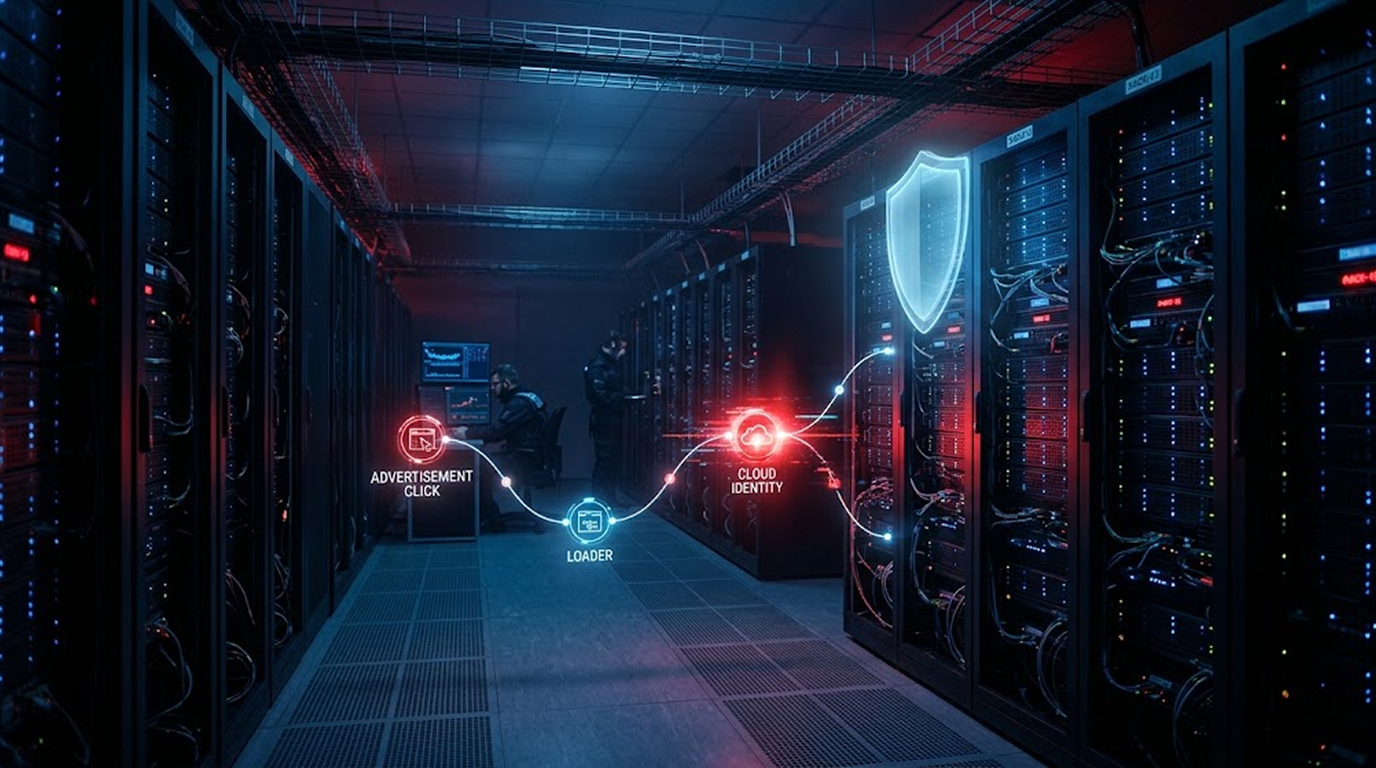
But whenever a security incident lands on our desk, logs are usually the thing that tells the real story, who logged in, what process launched, what changed, and when it happened.
Think of them as that coworker who doesn’t talk much but notices everything.
What Windows Logs Actually Help With
Most teams know logs exist. Fewer teams use them before something goes wrong.
Here’s where they make the biggest difference:
1. Spotting Suspicious Logins
Brute-force attempts, weird login times, remote logins from unexpected machines, it’s all in the logs.
Windows doesn’t hide this information; it just waits for someone to look.
2. Following an Attacker’s Path
When attackers move across a network, they leave footprints:
1. new services created
2. PowerShell executed
3. privilege escalation attempts
4. lateral movement
Without logs, you're guessing.
With logs, you're reconstructing the incident step-by-step.
3. Detecting Persistence Tricks
Registry changes, scheduled tasks, odd services, logs record all of it.
Attackers love persistence, but logs make it harder for them to stay hidden long-term.
4. Catching “Small” Issues Before They Become Big
Failed updates, disabled security controls, repeated authentication errors, logs point out problems early.
The Logs That Matter Most
You don’t need to watch everything.
Just keep an eye on a few high-value sources:
1. Security Log – authentication events, privilege use
2. System Log – service failures, driver issues, suspicious system changes
3. Application Log – errors in critical apps
4. PowerShell Operational Log – script activity, even obfuscated commands
5. Sysmon (if installed) – detailed process, network, and file activity
Common Mistakes We See With Logging
Logs are powerful, but only if they’re usable.
Here are the slip-ups we run into most often:
1. Logging turned on… but no one looks at it
2. Critical logs overwritten because retention is too short
3. Logs stored locally and wiped after an incident
4. No forwarding to a central location
5. Teams enabling some logs but not the ones that actually matter
It’s the equivalent of installing security cameras but forgetting to press “record.”
A Few Simple Wins
You don’t need a massive SIEM project to get value from logging.
Start small:
1. Forward logs to a central server — so they don’t disappear.
2. Increase retention — 30 days isn’t enough for many incidents.
3. Enable PowerShell logging — it’s surprising how much you learn from it.
4. Use lightweight alerting — even basic rules catch a lot of nonsense.
5. Review logs weekly — not everything needs real-time analysis.
These steps take far less work than cleaning up after a breach.
Why Logs Make Life Easier
When something goes wrong, logs are the one thing that gives you clarity.
They cut through guesswork.
They help teams move quickly.
And they turn security incidents into solvable puzzles rather than blind chaos.
If your Windows environment could talk, logs are the part that never forgets the details.
That’s what makes them your best friend in cyber defense.