Smartphones are still the most personal devices people own, which makes them very attractive targets. This month, the attacks we’re seeing aren’t new or flashy. They’re familiar, effective, and quietly successful.
Most of them rely on trust, convenience, and the fact that phones are always on and always connected.
1. Spyware Hiding as Legit Apps
Spyware continues to be one of the biggest mobile threats. These apps often look harmless and sometimes even useful. Once installed, they quietly monitor messages, calls, locations, or microphone activity.
What makes this worse is that many don’t behave like classic malware. They don’t crash the phone or show obvious alerts. They just sit there, watching.
If an app wants access to everything and gives very little in return, that’s usually a bad sign.
2. Phishing via SMS and other messaging programs
Phishing attempts using mobile devices often appear less suspicious than email attempts. As people use short messages, experience urgency, and communicate via known application interfaces on a familiar device, their defenses drop.
1. Some of the more commonly seen 'phishing' themes for this month are:
2. Misrepresentations of package delivery and billing
3. Warnings regarding account verification
4. Messages designed to look like they're from banking institutions or IT Support Departments.
Because mobile devices have smaller displays than traditional computer screens, users are more likely to overlook misspelled URLs or incorrect spelling of words. Scammers use that fact to design their phishing messages.
3. Malicious Apps That Steal Banking Data
Financial malware on smartphones is still thriving. These apps often:
1. Overlay fake login screens on top of real banking apps
2. Record keystrokes or screen activity
3. Intercept one-time passwords
They usually arrive disguised as games, utilities, or “security” apps. Once installed, the damage can happen quickly.
4. Exploited System Vulnerabilities
Unpatched phones remain a soft target. Attackers actively look for devices running outdated operating systems.
Sometimes, users don’t even need to click anything. A vulnerable component is enough. That’s why system updates matter more than most people think.
Skipping updates is like leaving your phone’s door unlocked because it’s inconvenient to find the key.
5. Software for stalking and monitoring
Stalkerware will always be found on personal devices, particularly in relationships or at work.
These programs usually provide:
1. All access to the locations of users
2. Access to messages and phone calls
3. The ability to hide their location under certain circumstances
In many cases, these programs are not installed remotely; it almost invariably requires physical access to a user's device to install stalkerware.
6. QR Code and Short-Link Scams
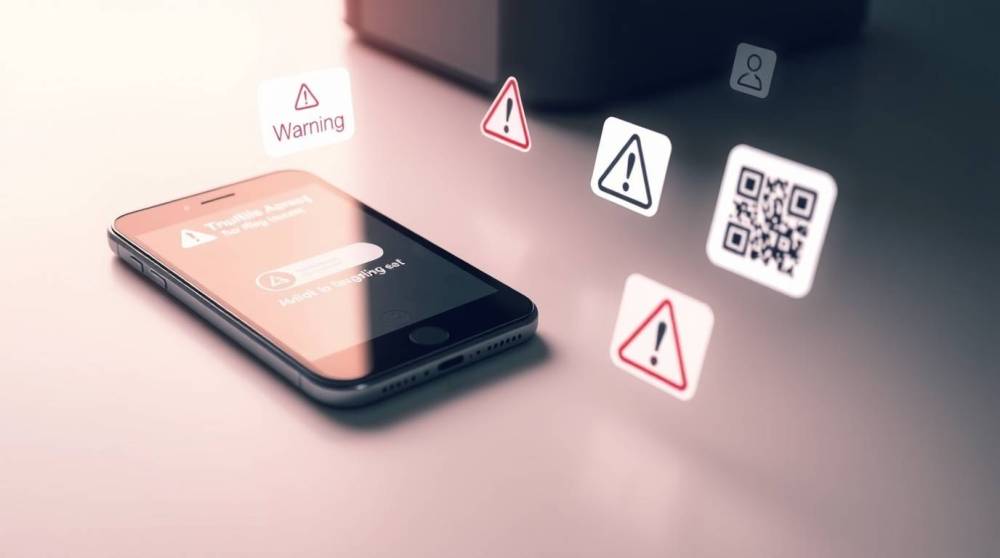
QR codes and shortened links are convenient and that’s exactly why attackers love them. People scan first and think later. Some of these codes redirect users to phishing pages or malicious downloads. No typing required. Just trust.
Things That Truly Work:
1. Regularly update your device
Updates help mend items which attackers are already aware of.
2. Frequently check the permissions of your applications
For instance, the permissions of an application's access to your messages/folders and if it can use your assistive options.
3. Exercise caution about links/QR codes
If it seems to be a quick or unexpected process, slow down and take some time.
4. Uninstall any unfamiliar programs
If you don't recall installing or using an app, you should investigate its installation.
5. Utilize unlock screens and device encryption
Using these two basics can provide protection against a wide variety of threats.
Mobile attacks don’t rely on complexity. They rely on habits.
Most of the threats this month succeed because they blend into normal phone use. Staying safe isn’t about fear or technical skill, it’s about slowing down, checking permissions, and not assuming every tap is harmless.