You have just recovered your hacked Instagram account. You changed the password. You enabled two-factor authentication. You are relieved.
Three days later, your best friend calls you. "Hey, did you send me a weird link? It said you needed help with a payment."
Your stomach drops. Your account was hacked days ago, but the damage is still spreading.
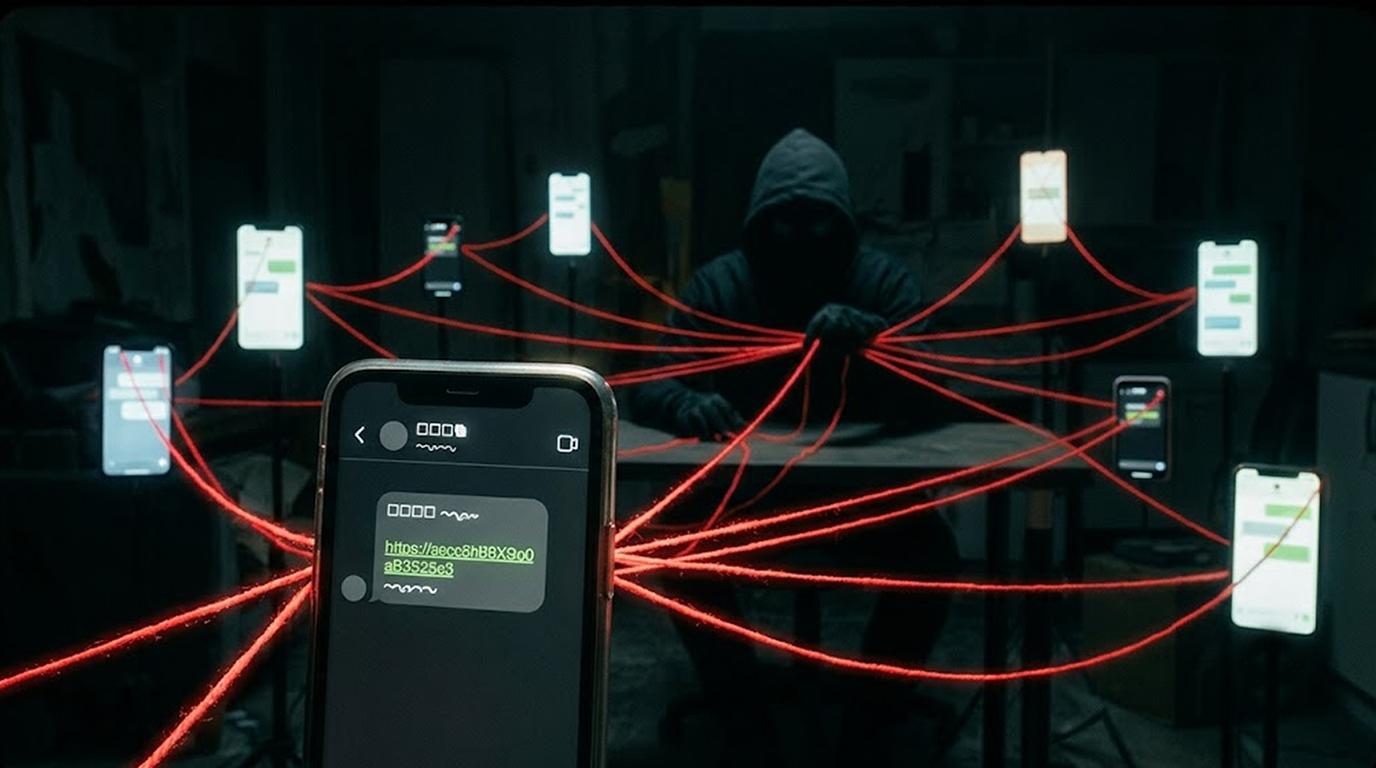
This is the phishing link that spreads after your account is hacked. It does not stop when you recover your account. It continues to reach your friends, your family, and your followers.
Let me now demonstrate how this is done, why it is extremely dangerous, and how you can prevent it.
How the Attack Works
Step 1: Account Takeover
This attack is started by taking over your account using phishing links, credential stuffing, or just a weak password.
Step 2: Reconnaissance
The hacker scans your account. They look at your recent messages. They see who you talk to most. They see what you post. They learn your communication style.
Step 3: The Phishing Link
The hacker will send a phishing link to your contacts, The message looks like it is from you. It sounds like you. It references things you would reference.
Messages’ content:
"Hi, I need your immediate assistance in one matter only. “Could you please check the validity of this link?”
“URGENT!!! My account needs verification.Kindly check this link.”
“I have found this fantastic offer.Could you please check this link?”
The message is convincing. It sounds like you. It uses your language. It references your interests.
Step 4: Propagation
Your contacts click the link. They enter their credentials. Their accounts are now compromised. The cycle repeats.
The Role of AI in Spreading Phishing Links
Attackers are using AI to make these messages more convincing.
- The AI analyzes your writing style. The AI searches through all your previous messages. It knows how you speak. It knows your tone, and it knows your phrases.
- AI personalizes the messages. AI looks at your contacts. It sees who you talk to most. It generates messages that reference your shared interests.
- AI adapts in real time. If a contact responds, AI can continue the conversation. It can answer questions. It can build trust. It can keep the scam going.
Scenario Example: Attack on Instagram
Emma’s Situation:
Emma is a freelance graphic designer who has built up an impressive Instagram following of 5,000. In addition to sharing her portfolio online she also makes regular contact via Direct Messages (DMs) with potential clients. Then one day, a message popped into her inbox, appearing to be from "Instagram Support." The message says her account will be suspended for "unusual activity." She clicks the link and enters her credentials.
Her account is hacked.
The Aftermath:
The first thing they see when visiting her profile page is that she has 20 clients with which she regularly communicates.
She also posts about design tips and keeps up a pleasant and professional tone.
The hacker prepares a message from Emma to her clients:
"Hey there, I have a new design project and would like to get your opinions about the following link!"
Hacker then sends this message to each one of her 20 clients.
The Spread:
Three clients click the link. They enter their Instagram credentials. Their accounts are now compromised.
One of the clients is a small business owner. Their account has 10,000 followers. The hacker now has access to that account. They send the same phishing link to the business's customers.
Within 72 hours, 15 accounts are compromised. All because Emma clicked one link.
The Hidden Danger of AI-Generated Phishing
Attackers are not just using AI to sound like you. They are using AI to sound like the people you trust.
Scenario:
Sarah, the client of Emma, gets the phishing message from Emma. She is careful regarding the email. “Are you sure that this link is safe?” asked her
AI reply:
"Please don’t judge by its appearance because I assure you it’s legit. I’ve used this tool to build my new project, which helped me a lot. Just click on it and tell me what you think."
Sarah clicks the link. She trusts Emma. She does not realize she is talking to a machine.
How to Stop the Spread
Step 1: Warn Your Contacts Immediately
What to say:
The moment you recover your account, warn your contacts. Do not wait.
“I’m sorry but my account got hacked. If you have gotten some message from me containing any kind of link please don’t click on those because i didn’t send them. Delete all such suspicious messages as soon as possible.”
How to send it:
- Post it on your story
- Send it in a group chat
- Message your close contacts individually
Step 2: Check Your Sent Messages
After you recover your account, check your sent messages. Look for messages you did not send. Delete them.
If you find any, you know who received the phishing link. Warn those contacts directly.
Step 3: Monitor for Suspicious Activity
Keep an eye out on your account for:
- New devices logged in
- Messages you did not send
- Posts you did not make
- Followers you did not add
If you notice anything suspicious, please change your password ASAP!
Step 4: Use Two-Factor Authentication
Two-factor authentication takes things up by taking yet another layer with your account's security. That means, while an attacker may know your password, they’ll need your other key before they can break through into your account.
For two-factor authentication, we also recommend opting for an authenticator app instead of getting your one-time verification codes sent to you via SMS, where there exists a chance that someone intercepts them.
Step 5: Protect Your Account Recovery Options
Ensure that your recovery email and number is correct, if someone attempts to recover your account with hack, you’ll be informed.
What to Do If Your Contact Clicks the Link
If you clicked on the phishing link, chances are that you’ve already lost your account. That’s why it’s important to help you recover it.
You can follow these steps:
- Change Your Password Immediately
- Enable Two-Factor Authentication (2FA)
- Warn Your Contacts
- Report It To The Platform
- Monitor Their Accounts For Suspicious Activity
The Bottom Line
The phishing link that spreads after your account is hacked is a real threat. It does not stop when you recover your account. It continues to spread to your friends, your family, and your followers.
Attackers are using AI to make these messages more convincing. They are analyzing your writing style. They are personalizing the messages. They are adapting in real time.
Warn your contacts immediately. Check your sent messages. Monitor for suspicious activity. Use two-factor authentication. Secure your recovery options.
The link is still out there. Make sure your contacts know not to click it.
FAQ Section
How does a phishing link spread after my account is hacked?
After your account was hacked by an attacker, they send phishing links using your compromised account. Your contacts will receive those messages as if they came from you. They will be convinced that the message comes from you since you are one of their contacts and thus click on this malicious link. As soon as they have clicked, their accounts get compromised too!
How is AI used in these attacks?
AI analyzes your writing style and past messages to generate convincing phishing messages. It personalizes the messages for each contact. It can even continue the conversation in real time.
What should I do if I already sent a phishing link to my contacts?
Warn your contacts immediately. Tell them not to click any links from you. Ask them to delete suspicious messages. Help them recover their accounts if they have already been compromised.
How can I prevent this from happening again?
If you want to avoid falling victim to similar attacks in the future, consider enabling two-factor authentication on accounts where it’s supported, using only strong, unique passwords for your accounts, being wary of clicking on links, and warning your contacts right away once you’ve recovered your account.
Can my contacts see that this message isn’t real?
The short answer is no! AI-generated messages will be super convincing. These bots will know your style, your references (to your common interest), and your contacts won’t have a clue they’re talking to an AI!