Steganography conceals information within "normal" or "harmless" files (images, audio, or video) and makes it difficult to tell there is a secret hidden within. In 2025-2026.
PNG files are one of the most frequent types of steganography carriers because:
1. PNG is a lossless format and allows saving data to an image without reducing its overall quality.
2. Images that have PNG extensions are found plenty of times on sites such as websites, IM products, and email attachments.
3. Images that have PNG extensions have a large number of individual pixels and, therefore, can contain a considerable amount of "invisible" data.
4. Many tools for hiding or finding data within images are free to use (StegHide, OpenStego, SteganoGAN, etc.)
Here are some ways in which malware can use PNG files:
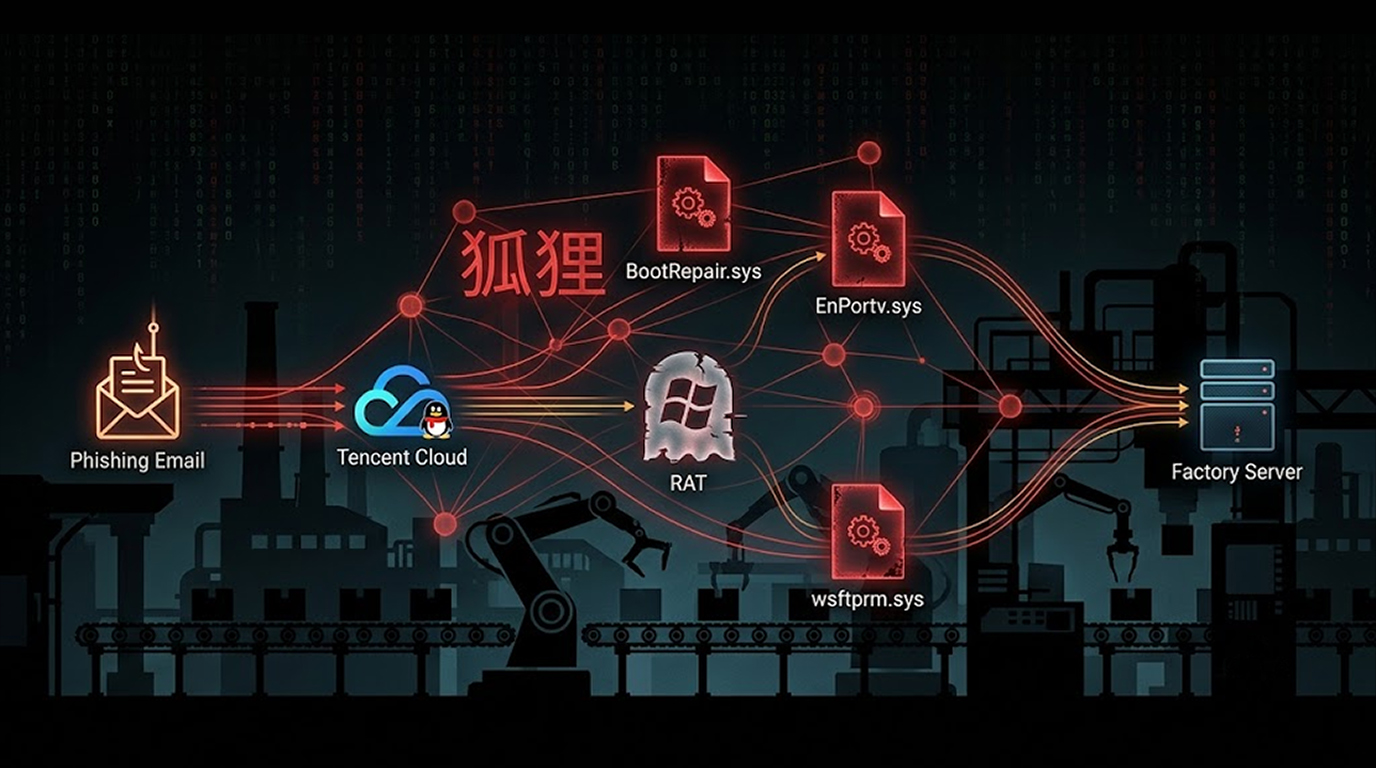
1. Dropper/Downloader: A PNG file contains a malicious executable or script. The victim receives the PNG file through phishing emails or by visiting websites with malicious content and/or downloading the PNG file. Then, at some point after receiving the PNG file, the victim will open the PNG file by double-clicking it, which activates the embedded executable or script and utilizes the data hidden within it.
2. Command and Control (C2): Malware collects data by creating a PNG (or other) file of collected data; then, it can upload that image to a "legitimate" image hosting service (e.g., Imgur, Discord CDN, Telegram). The malware can later download and open the PNG file and use its contents to perform additional actions.
3. Data Exfiltration: Malware (such as Lumma, RedLine, and various Vidar forks) stores collected information about user accounts (usernames and passwords) and cookies and other user credentials (e.g., cryptocurrency wallets) in a PNG file that is uploaded to the attacker’s server.
4. Polymorphism/Evasion: The PNG file created contains random noise; therefore, no two PNG files created will be identical in appearance. However, all of the files have the same embedded information and therefore cannot be detected by hash value during malware analysis.
Main Types of PNG Steganography in Malware Campaigns
1. The most widely used and easiest form of PNG Steganography is Least Significant Bit (LSB). With LSB encoding, the least significant digit of each RGB(A) color is altered to store hidden data. LSB is very difficult to detect visually, because the colours are impacted the least, and can be performed using Steghide, OpenStego, and other custom Python scripts that use either Python Imaging Library or Stepic.
2. Palette / Transparency Abuse utilizes the colour palette or alpha channel of the PNG to hide the presence of the data from non-experienced individuals using basic tools.
3. Metadata / Chunk Abuse embeds data within a virtually empty portion of the PNG’s metadata, or PNG chunk, i.e. non-standard chunks such as `tEXt`, `zTXt`, or `iTXt`. Most antivirus software ignores these chunks. One example of chunk abuse is embedding an instance of Base64-encoded shellcode within the `iTXt` of a custom malware variant.
4. GAN / Deep Steganography is a relatively new method of hiding data using Generative Adversarial Networks (GANs), which will appear in malware steganography between 2025 and 2026; it will be effective enough to be undetectable even using the best available steganalysis tools.
5. Steganography + File Format: creates an example of a polyglot file (a FILE TYPE). A polyglot file is created from a single file that can be opened as two (or more) file formats; the PNG file can also be a valid ZIP or RAR file. The use of double extension (photo.png.zip), when the user expanded the PHOTO to the ZIP or RAR format, will also extract malware.
Recent Malware-Based Examples
1. Stegano-based Infostealers; Components Used were LummaC2 & Vidar which used LSB Steganography within their PNG OUTPUTS as a means of executing their final payload on the end user’s machine (2024-2025).
2. Discord CDN C2 (ongoing 2025–2026) Several RAT families (AsyncRAT forks, XWorm) exfiltrate stolen data by embedding it into PNG screenshots and uploading to Discord channels. Discord serves as free, high-bandwidth C2 because images are rarely scanned deeply.
3. Telegram avatar steganography Telegram bots used to distribute malware by hiding payloads in profile pictures or stickers (PNG format). Victim adds bot → bot sends PNG “meme” → embedded script extracts and runs trojan.
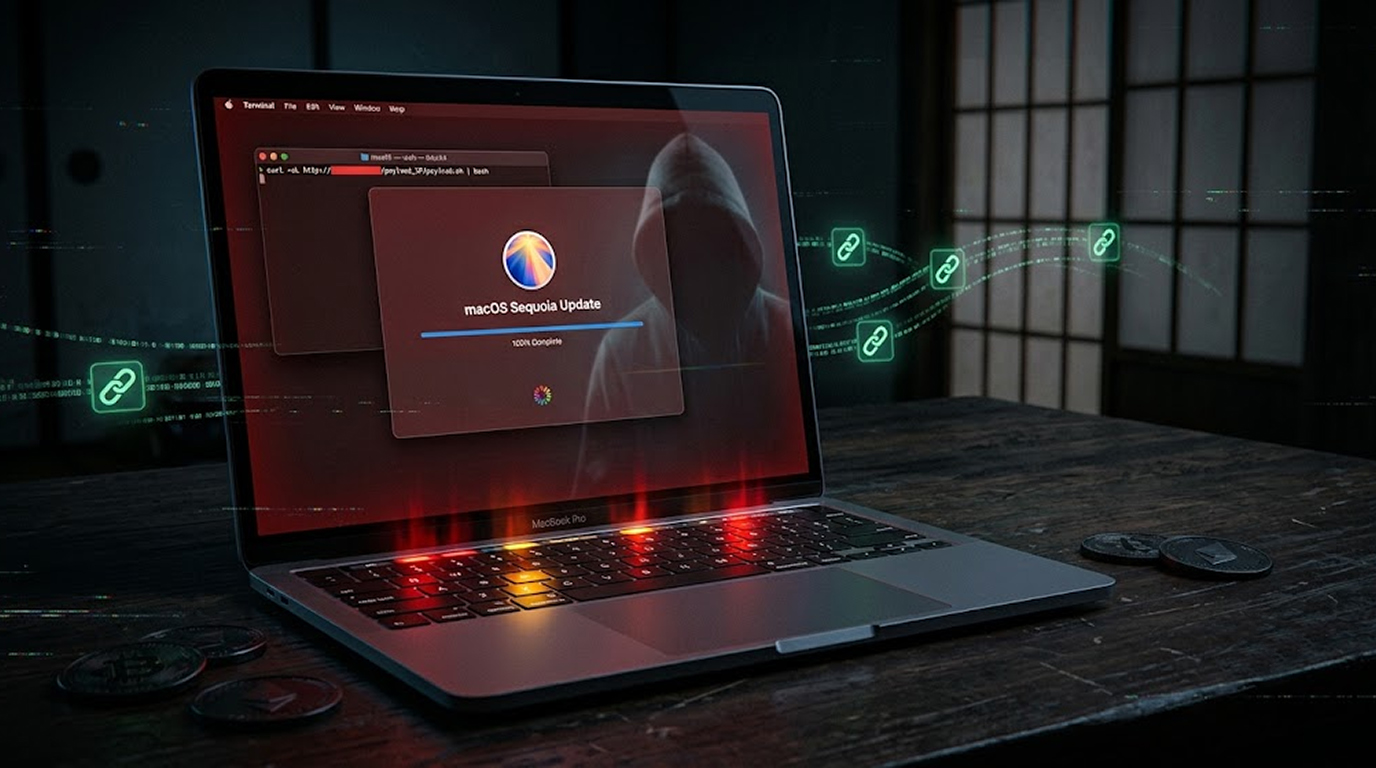
4. Fake CAPTCHA / ClickFix PNG campaigns Fake browser error pages instruct user to save a “fix.png” image → right-click save → run hidden script inside the PNG (polyglot technique).
Practical Detection & Prevention
Detection Indicators:
1. Unexpected PNGs received through email/messaging apps
2. Large PNG file sizes without any corresponding visible content
3. Steganographic Detection Software:
4. Stegdetect, zsteg, pngcheck, StegExpose, Aperisolve.com (Web-Based Steganalysis)
5. Fast Self-Check Command (Linux/macOS or WSL)
6. zsteg suspicious.png (to run install Type gem install zsteg)
Prevention Measures:
1. Do not open/run attachments found in unsolicited messages, even if the PNG looks harmless.
2. If available, turn off the auto-download of images on WhatsApp and Telegram.
3. Use virus protection with Behavioral Monitor (i.e. Microsoft Defender, Bitdefender, Kaspersky) installed.
4. Be sure to have "Install Unknown Apps" restricted on Android devices.
5. Avoid double-clicking on files ending in multiple extensions (i.e. file_name.png.exe file_name.png.zip).
Important Points:
Steganographic malware hides C2 communications or payloads within normally appearing files (usually photos) using PNG images, Steganographic malware is difficult to detect with AV tools because it is typically low noise, uses non-signature detection methods and is delivered via phishing.
Steganographic malware is more prevalent in RATs, ClickFix-type scams and the best way to protect yourself from steganographic malware is to treat all unexpected image attachments as possibly malicious and do not open or run them.