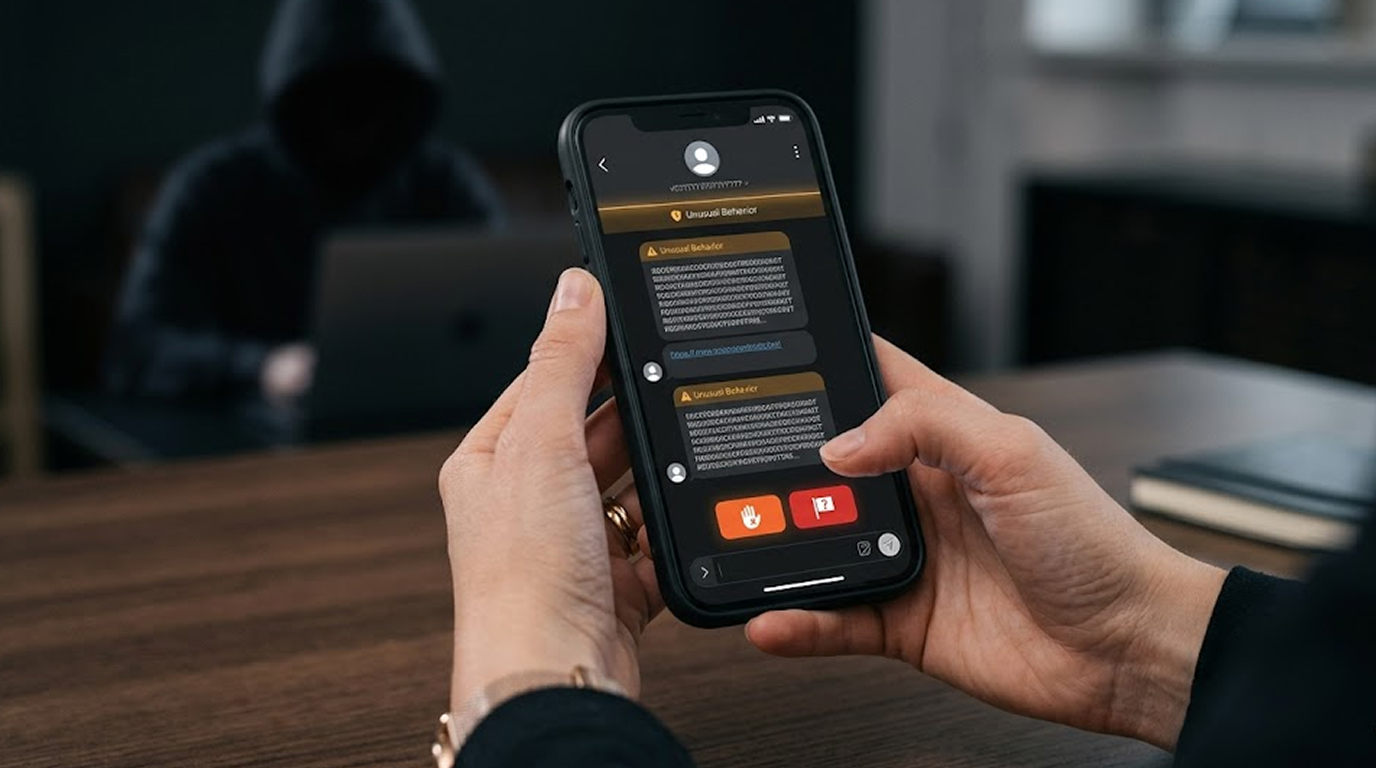
As scammers and fraudsters continue to use WhatsApp as a means of scamming users by creating fake support calls, OTP (one-time passwords) scams and sending phishing links, it is essential to know how to report to WhatsApp's customer service and how to block suspicious numbers. Knowing how to report to WhatsApp's customer service and block suspicious numbers is one of the best ways to help yourself avoid falling victim to a scam, as well as helping to stop scammers from using the app for illegal activities.
WhatsApp has an improved reporting process as of 2026. However, many users still do not know the proper procedures. This article will walk you through how to report to WhatsApp's customer service, how to block unwanted contacts, and what happens when you file a report with WhatsApp.
Why Reporting to WhatsApp Support Matters
The purpose of reporting to WhatsApp's customer service is so that WhatsApp can evaluate the number and conversation to see if there was a violation of its Terms of Service. If multiple users report that the same number is sending out spam, defrauding people and/or harassing others, WhatsApp has a policy whereby they will permanently ban the account that the offending number is connected to.
In addition, by reporting suspicious activity to WhatsApp's customer service, they are able to continuously enhance their ability to detect spam and fraud. Each valid report that is filed by a user assists WhatsApp in creating a safer environment for all users.
Step-by-Step: How to Report to WhatsApp Support
Android Device:
1. Go to the chat containing the person you want to report.
2. Tap on the three dots in the upper right corner of the screen.
3. Select 'More' then 'Report'.
4. Select the reason for reporting this person:
A) Spam
B) Scam/Fraud
C) Block and Report
D) Other (Type in any additional information needed)
5. Tap ‘Report’ to confirm your choice
By selecting the 'block' option, WhatsApp will automatically block this person from being able to contact you again. Furthermore, WhatsApp will also send the chat log (including all messages and phone numbers) to its support staff for their review.
iPhone (iOS) Device:
1. Find the chat for the user you wish to report.
2. At the top of that chat, tap the user's name.
3. Scroll down until you see the option to Report that user.
4. Choose whether you want to Report and Block or Report without Block
5. Choose the reason for your report and then press Report
On WhatsApp Web / Desktop
1. Start the chat with the person you'd like to report
2. Tap on the three dots (⋯) on the right side of their name.
3. Choose "Report."
4. Select a reason for reporting, and tap to confirm.
Tip: If you suspect a number is fraudulent, use the "Block & Report" option. You will be prevented from receiving any further phone calls or text messages from that number.
To quickly block a number:
1. View the chat with the number to be blocked
2. Tap on either the three dots (⋯) on the right side of the name or on the actual name.
3. Choose "Block," and tap to confirm.
To block a number from the Contacts list:
1. Go to your Settings app, open Privacy, and tap on Blocked Contacts.
2. Press the Add icon, then select the number to be blocked
Once you block a number you will no longer receive any future calls or messages from that number. The blocked number will not be able to see your last seen status.
What Happens After You Report to WhatsApp Support?
1. Once you have reported the person, WhatsApp will investigate the chat history and determine if any WhatsApp policy is being violated (spam, fraud, bullying, impersonating another person).
2. If the above policies have been violated, that number will be banned from using WhatsApp.
3. High-volume reports speed up the review process.
4. You will not receive personal feedback on the outcome, but repeated reports from many users are very effective.
As part of an ongoing initiative to stop the spread of spam and fraud via users’ reports, WhatsApp has banned millions of accounts in 2026 for these purposes.
Common Types of Suspicious Numbers to Report
Report these immediately:
1. Numbers that claim to be “WhatsApp Support”/ ”Customer Care”
2. Messages that contain a second-factor confirmation number.
3. Messages requesting a ‘click here’ for account verification.
4. Messages that state that you have a fake prize or lottery win.
5. Messages that are an attempted romance scam or an investment scam.
6. Bulk / commercial / adult content messages.
Safety tips when reporting on whatsapp
1. Don't click on links from unknown users
2. Never share your OTP/verification code
3. Use Two-Step Authentication (WhatsApp Settings > Account)
4. Activate 'silence unknown numbers' in Privacy Settings
5. Don't save unknown/suspicious users in your Contact List
6. Use WhatsApp's built-in spam functions
If you were to report someone that continues to contact you
Do the following:
1. Report new numbers from that same person
2. Take screenshots as documentation of every conversation you have had
3. If possible, contact your mobile phone service & ask them to block that number
4. Report any serious fraud/threat (e.g. local police or Cybercrime Authority, like CyberCrime.gov.in in India).
Conclusion
Reporting to WhatsApp support, along with blocking numbers that appear to be part of a scam, is an effective way to protect yourself and other individuals from becoming victims of scams. Every report submitted by a user will allow WhatsApp to take action against those who attempt fraud, and will make WhatsApp a safer place for all users.
You should develop a habit of reporting and blocking whenever you notice suspicious activity. Once you notice suspicious activity, you should act immediately rather than waiting. This type of quick response has the potential to prevent others from becoming victims of scams.
To conclude, please remember to stay safe, report responsibly, and keep your WhatsApp account secure.
FAQ Section
Q1: How do I report to WhatsApp support?
Within the chat window, tap the three dots to the right of the contact's name at the top of the window. Select "Report" in the list of options. Select the appropriate report option (spam, scam, etc.) and then confirm your report. This will cause the number you reported to be blocked from sending you messages, and will send your message history with that number to WhatsApp support to review.
Q2: Does it work when I report to WhatsApp support?
Yes. If enough users report the same number for spam or fraud, then WhatsApp will conduct an investigation of that account based upon the number of reports made against the account, and typically permanently block that account.
Q3: What is the difference between blocking and reporting through WhatsApp?
Blocking stops you from getting any future messages or calls from that number, whereas reporting forwards your complete message history with that number to WhatsApp for investigation. When you select "block and report", you will simultaneously block the number and forward your entire message history with that number to WhatsApp for investigation.
Q4: Can I report a number without blocking it?
Yes. When reporting, choose “Report” without selecting the block option if you want to continue monitoring the conversation.
Q5: What should I do if a scammer keeps creating new numbers?
Continue reporting every new number, take screenshots, block each one, and report serious fraud to your local cybercrime police unit.