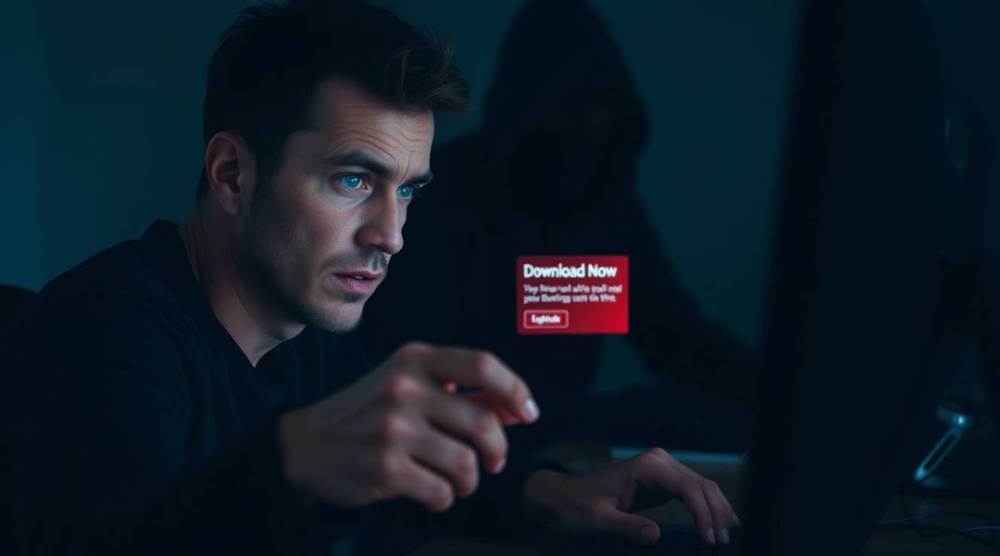
Downloading software has become a routine part of our digital lives. Whether it's a new tool, game, or productivity app, users often look for quick and free downloads online. However, cybercriminals exploit this habit by distributing fake software downloads that contain malware, spyware, or ransomware, putting users at risk of financial loss, identity theft, and system compromise.
How Fake Software Downloads Work
Hackers use multiple tactics to spread fake software, tricking users into installing harmful files on their devices. These methods include:
1. Malicious Websites and Ads
Cybercriminals create fake websites that mimic real software providers or distribute malware through pop-up ads promising free downloads of premium software.
Example: You search for "free Photoshop download" and click on a website that looks legitimate, but instead, it installs malware on your system.
2. Torrent and Pirated Software
Illegal downloads from torrent sites often come bundled with hidden malware that can track your activities, steal your data, or even give hackers remote access to your device.
Example: A pirated version of a popular software tool includes a hidden Trojan virus that steals your login credentials.
3. Fake Updates and Patches
Attackers disguise malware as "urgent updates" for common software like browsers, video players, or operating systems, tricking users into downloading infected files.
Example: A pop-up appears saying, "Your browser is out of date! Download the latest version now!" The link, however, installs a virus.
4. Phishing Emails with Fake Software Links
Scammers send emails pretending to be from trusted companies, urging users to download an attachment or click a link that leads to malware.
Example: You receive an email claiming, "Download this security patch to protect your system," but the link installs ransomware instead.
Dangers of Fake Software Downloads
- Data Theft: Malware can steal personal, financial, and login information.
- System Damage: Viruses can corrupt files, slow down your device, or crash your system.
- Financial Loss: Ransomware can encrypt your data and demand payment for its release.
- Spyware & Keyloggers: Hackers can monitor your activity and steal passwords.
How to Spot and Avoid Fake Software Downloads
- Download Only from Official Sources – Always get software from the official website or trusted app stores.
- Avoid “Too Good to Be True” Offers – Free versions of expensive software are often infected with malware.
- Check the URL – Fake sites often have slightly altered domain names (e.g., "softw@re-download.com" instead of "software.com").
- Verify Digital Signatures – Legitimate software from reputable companies is digitally signed.
- Use an Antivirus & Firewall – Enable real-time protection to detect and block malware downloads.
- Be Wary of Pop-Ups & Unsolicited Emails – Do not click on suspicious links or attachments claiming to offer software updates.
- Read User Reviews – If many users report malware issues, avoid downloading the software.
Fake software downloads remain a major cybersecurity threat, with cybercriminals constantly finding new ways to deceive users. Being cautious, verifying sources, and using strong security measures can help you avoid falling victim to malware-ridden downloads. When in doubt, always download software from the official source—it’s better to be safe than sorry.