One-time passwords (OTPs) add an extra layer of security to your accounts, but scammers have turned them into a prime target. In 2026, OTP theft remains one of the fastest ways criminals bypass multi-factor authentication and drain accounts.
If you suddenly receive an unexpected OTP or a call asking for a code, your OTP might already be under attack. Recognizing the warning signs early can stop thieves in their tracks.
Here are the 7 red flags that your OTP is being stolen right now, plus exactly what to do when you spot them.
Red Flag 1: You Receive an Unsolicited OTP
The most common warning sign is getting a one-time password code out of the blue, with no recent login attempt or transaction from your side.
Legitimate services only send OTPs when you actively request them. An unexpected code often means someone else just tried to log into your account using stolen credentials. The attacker is waiting for you to either ignore it or, worse, share it when they call next.
Red Flag 2: A Call or Message Immediately Follows the OTP
Scammers frequently follow an unsolicited OTP with a phone call or text pretending to be from your bank, Amazon, Microsoft, or tech support.
They claim there’s “suspicious activity” and say they need the code “to secure your account” or “cancel a fraudulent transaction.” Never share the OTP. Real companies will never ask you to read out a verification code over the phone.
Red Flag 3: Urgency due to a Dangerous situation or Immediate Danger
For example, “Action is due immediately or your account will be permanently frozen” “Fund will be withdrawn right now” and “You have to give me the verification code before I end the call in 60 seconds.” All of these create an urgency in which to panic.
This is an attempt to influence you and circumvent your ability to think rationally. Legitimate entities will allow ample time for a response and will not threaten to take immediate adverse action on you if you don’t provide the code instantly.
Red Flag 4: The Caller Has Information about You
Fraudsters often have fake information about you that they are using as their proof to legitimize their claim. These types of information may include information about a previous transaction that you made, your name, or part of your account number.
Typically, they get this information from a data breach or past phishing attempts. Even if you believe you have proof, hang up and verify through normal channels.
Red Flag 5: They’re Trying to Get You to Provide Your OTP to Verify
Legitimate banks, service providers, or companies will never ask you to provide your OTP. OTPs are unique to each individual and thus for your eyes only. If someone claims they sent the code by mistake or need it to “confirm it’s really you,” it’s almost certainly a scam. Treat any request for your OTP as a major red flag that your OTP is being stolen.
Red Flag 6: Unusual Account Activity After You Received Suspicious OTP's
Following receipt of a suspicious OTP, be on the lookout for:
1. An alert that you are logging in from a new or unknown device/location.
2. Account lockouts preventing you from signing into your account.
3. You are receiving e-mail confirmations for password resets you did not request.
4. Your payment method is being tested by receiving small dollar transactions.
If you have received any of these notifications, it is a good indicator that you are a target of a replayed OTP attack; therefore, you have lost access to your account.
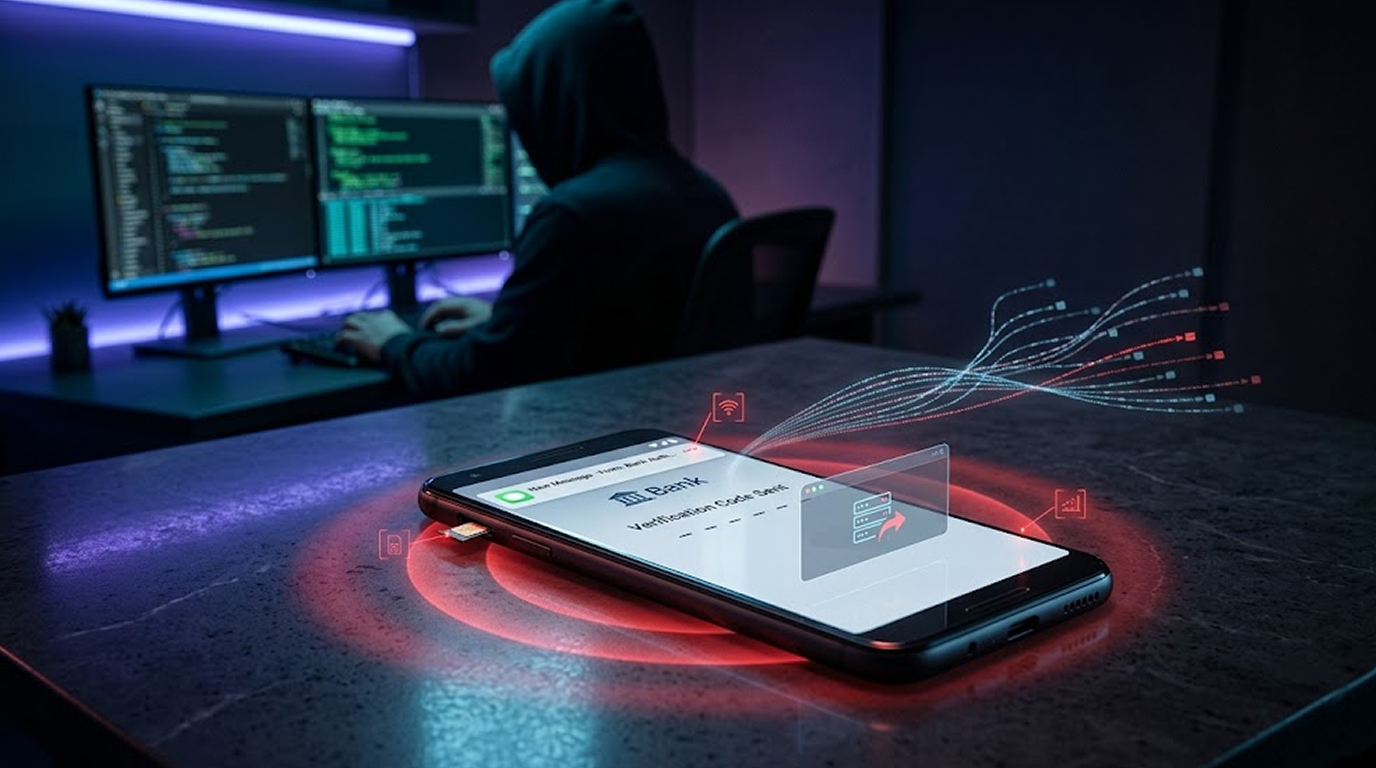
Red Flag 7: You Are Noticed Problems with Your SIM Card and Mobile Phone
If you suddenly lose cell signal service on your mobile phone, are unable to receive calls, or receive unexpected texts from your carrier, this could indicate that your phone has been involved in a SIM Swap attack.
Scammers will swap out your SIM card so that they can receive any OTPs sent to your phone directly on their device and use it to gain access to your financial accounts. If you are a victim of a SIM swap attack and suddenly find yourself unable to use your phone, you should respond immediately if you are getting calls regarding your financial accounts.
How Scammers Actually Steal Your OTP in 2026
The most common methods:
1. Real-time phishing is when scammers create fake log-in pages and interfaces to capture both your log-in credentials and your OTP as you submit them.
2. Vishing (voice phishing): Calls from fake support people pretending to provide customer service.
3. OTP bots: Automated telephone systems that receive your OTP and then relay it back to the hacker immediately.
4. SIM swapping: Taking control of your phone number
5. Malware: Apps that read incoming SMS messages
Many attacks combine stolen passwords from breaches with social engineering to grab the OTP.
Immediate Steps If You Spot These Red Flags
1. Absolutely DO NOT share your One Time Password (OTP) with anyone.
2. Hang up the phone or ignore the request for you to return their call, do NOT call the number they provide.
3. Go to the website of your bank or financial service and log into your account using the official URL, NOT by clicking on a link they provided, and check for any suspicious activity.
4. Change your password IMMEDIATELY and enable/ review App-Based Authenticator MFA if you can.
5. Call your bank/financial services provider using a verified official phone number (Do NOT use the number given to you by a suspicious caller).
6. You can do this by reviewing your account statements regularly and by enabling alerts for any activity on your account.
7. If you suspect that you lost money as a result of this incident, please notify both your provider and the authorities.
Switching from a Text (SMS) OTP to an authenticator application or a hardware key will greatly decrease the risk of you suffering from that event in the future.
How to Protect Your OTPs Going Forward
1. Do not provide anyone with your OTP; treat it like a password.
2. When possible, use an authenticator app (such as Google Authenticator or Authy) instead of a Text (SMS) OTP. Using an authenticator is a SAFER SOLUTION.
3. Always have login notifications set on your account and check which devices are connected to it for anything unusual regularly.
4. Never click links from unsolicited messages; always go directly to the website instead.
5. Create strong passwords, and a unique password per account, using a password manager to help you manage them.
6. Be very cautious if someone requests anything URGENTLY that involves a CODE or verification.
Conclusion
Recognizing these 7 red flags regarding stolen OTPs will preserve your assets and your funds. Scammers use urgency and terror, but your best weapon against them is remaining cool and not giving up your code or verifying anything you receive without confirming it through some other means.
In the year 2026, methods of obtaining OTPs will continue to change, but one guiding principle will remain: One-time passwords are only for you.
Be aware; verify before acting; always ensure your financial assets have not been compromised!
FAQ Section
Q1: If I am having an issue with my OTP, what could that mean?
Generally, it means that the person who has access to your username and password will use it against you to circumvent any multi-factor authentication that you may have turned on, by asking for your temporary code due to your stupidity, or by intercepting your OTP through phishing or by committing a SIM swap.
Q2: Can banks ask me for my OTP by phone?
No. Legitimate banks or companies will never ask you to provide them with your OTP. If any company is requesting your OTP, they are potentially trying to fraudulently access your account.
Q3: If I accidently provide my OTP to someone, what do I do?
First, you should immediately change your password using the company’s official website. Second, call and inform the bank of your concerns with the verified number of the bank. Third, increase the level of MFA on your account, if necessary and attainable. Fourth, keep examining all your accounts for possible fraud.
Q4: Are SMS OTP's still safe in 2026?
Yes SMS OTP's remain at risk from both SIM swap and phishing attacks. When possible use authenticators and physical security keys for more secure account protection.
Q5: What are some ways to prevent the theft of OTP's?
Don't give out your codes, use app-based multi-factor authentication, turn on login notifications, Don't click on unknown links and confirm that an urgent request has come from the company by contacting them through their official channels.